Simulation · New game
Barely Rocket Science
A free browser crafting simulation about turning meteorite metal into rocket parts, timing each pour and temper, and launching test probes toward distant destinations.
Play on itch.io
Play Barely Rocket Science
Barely Rocket Science is a free HTML5 crafting simulation starring Wally Kepler, an inventor who wants to turn an Earthbound workshop into a space program. Mine meteorites, cast nose, tank, and engine parts from three metals, temper them…
Play on itch.io ↗itch.io blocks third-party embeds, so the game opens on the developer's page. No install, no account.
The short answer
Barely Rocket Science is a free HTML5 crafting simulation starring Wally Kepler, an inventor who wants to turn an Earthbound workshop into a space program. Mine meteorites, cast nose, tank, and engine parts from three metals, temper them with a torch, then hold and release Launch in the blue band. Every flight tests the build and returns Research for upgrades.
What is Barely Rocket Science?
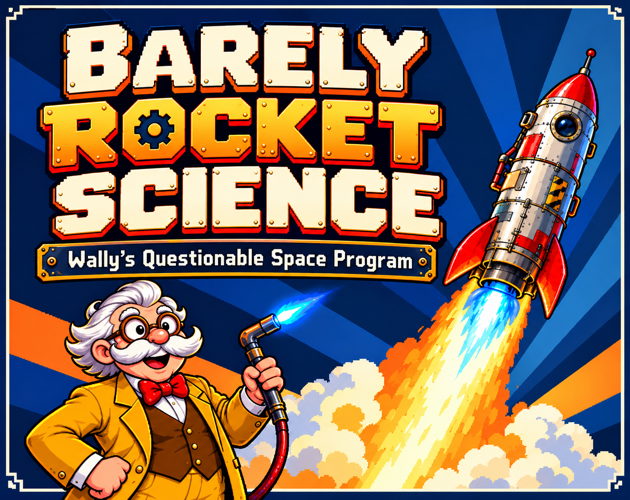
Barely Rocket Science is a casual simulation about Wally Kepler, an optimistic inventor who buys a plot on Kepler-22b after seeing a suspicious advertisement. The joke is that he checks the distance only afterward, leaving him with an old Earthbound workshop and a very long route. The goal is to turn that workshop into a questionable space program, with travel ordered from Orbit to the Moon, then Mars, and finally Kepler-22b.
The core progression is a crafting chain. Meteorites supply metals, metals become alloys, and alloys become rocket parts. Nose, tank, and engine moulds each take three metals before pouring. Flights earn Research for mining tools, alloy formulas, and rocket upgrades, so failures feed the next attempt. The game is short, funny, and presented in pixel art with a one-finger control scheme.
How to play
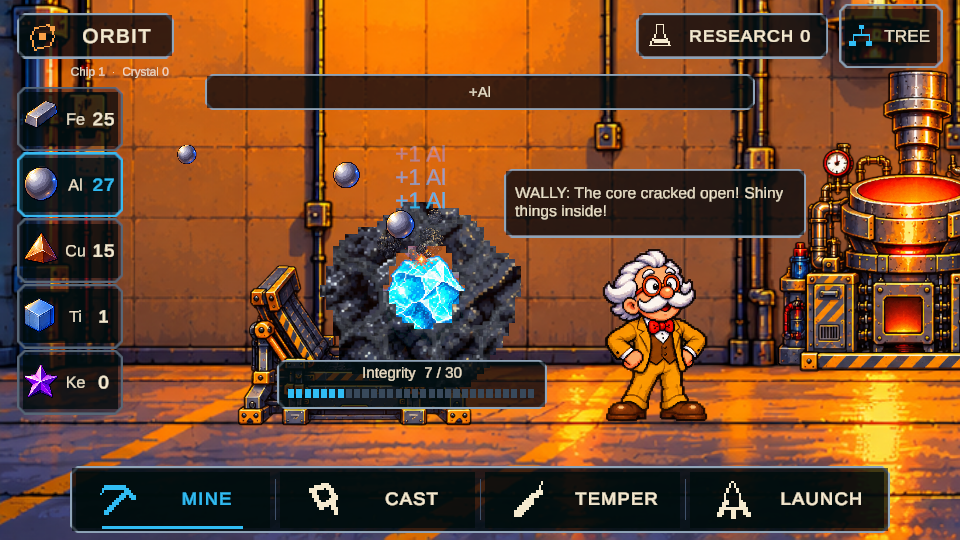
Begin at Mine. Tap or hold a meteorite to pull metals from it, and hit glowing cracks for critical hits. Breaking through to the core gives a burst of resources plus a guaranteed rare metal, so the core is worth pursuing when it appears.
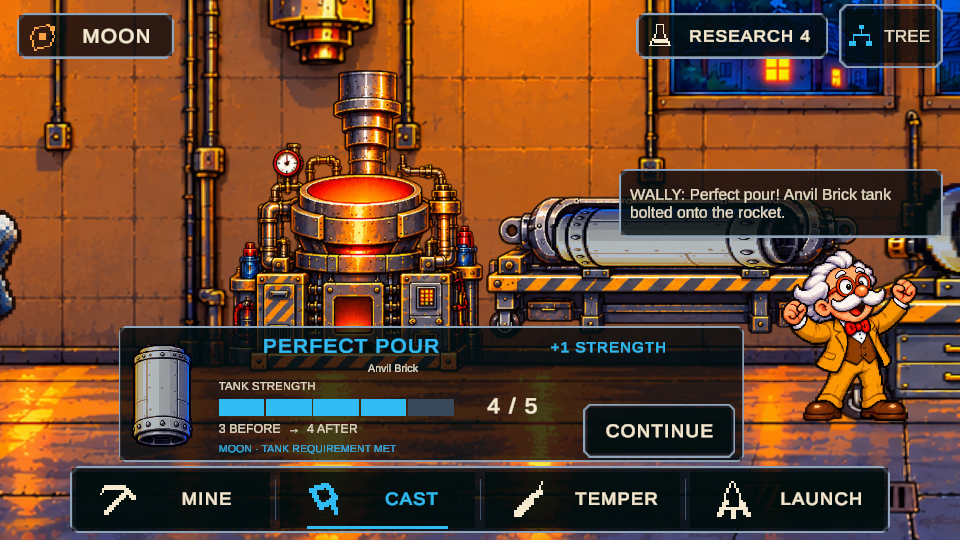
At Cast, choose a nose, tank, or engine mould, then add three metals. Tap Pour when the needle enters the blue band. Unknown mixtures can be tested to reveal their properties and uncover hidden formulas.
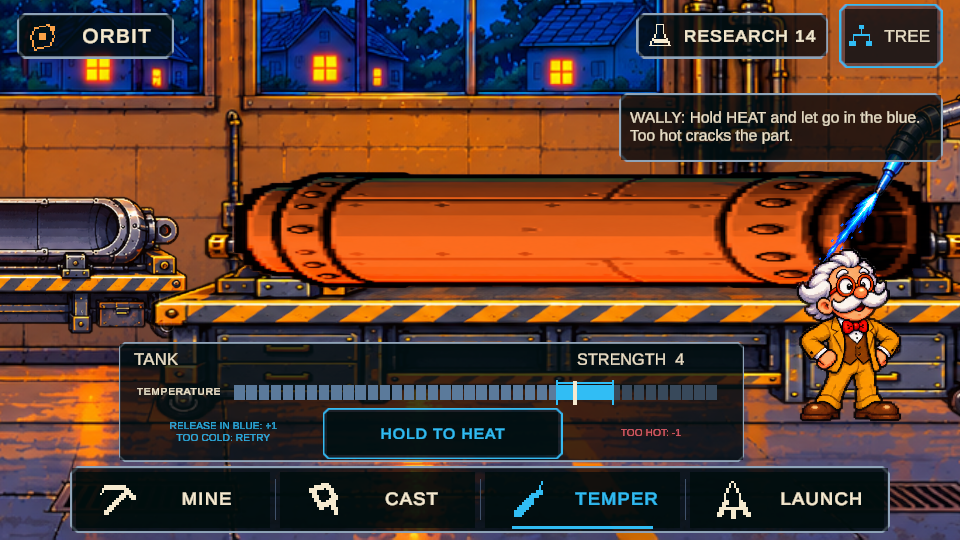
At Temper, select a part, keep the torch held, and release inside the blue band to improve its key property. Too much heat cracks the part. A part receives one completed tempering attempt, so a mistake carries into the build.
At Launch, fit all three parts, then hold Launch and release in the blue band. The liftoff and the workshop's live transmission follow the rocket through Ignition, Max-Q, Escape, and Cruise. Every launch consumes the rocket. Research Parachutes to recover surviving parts after a failure, then put Research into better mining tools, alloy formulas, and rocket upgrades before another attempt.
Controls
Controls work with touch or a mouse. On a touchscreen, tap to select and pour; keep a finger down and let go to mine, heat, and launch. With a mouse, the left button covers the same actions. No keyboard is required.
The four station buttons sit along the bottom: Mine, Cast, Temper, and Launch. Tree opens Research. On phones and tablets, play in landscape. Start the game to enable sound. The one-finger pattern is consistent across stations, so mining, pouring, tempering, and launching all depend on timing taps and releases rather than separate key commands. A desktop browser uses the same left-button actions, which keeps the interface simple for players switching between touch and mouse. Because the action set is limited to tap, hold, and release, there are no keyboard shortcuts to learn.
| Input | Action |
|---|---|
| Touchscreen | Tap a choice or start a pour; press and hold, then let go, for mining, heating, and launching. |
| Mouse | Left button supports selecting, pouring, mining, heating, and launching through the same press-and-release actions; no keyboard is required. |
Tips for your first run
Treat the first rocket as a test article. Failures are expected, and each flight returns Research plus a signal about what to fix.
- Target glowing cracks while mining, then push for the core when possible; the core burst adds resources and a guaranteed rare metal.
- Use the blue band for Pour, Temper, and Launch. Orange marks heat and red marks trouble, so release before the meter turns dangerous.
- Do not overheat a part. A part has one completed tempering attempt, and excess heat cracks it.
- Experiment with unknown metal mixes at Cast. Unknown combinations can reveal properties and hidden formulas for later builds.
- Research Parachutes before relying on a full build. A failed flight can leave surviving parts to recover, while every launch still consumes the rocket.
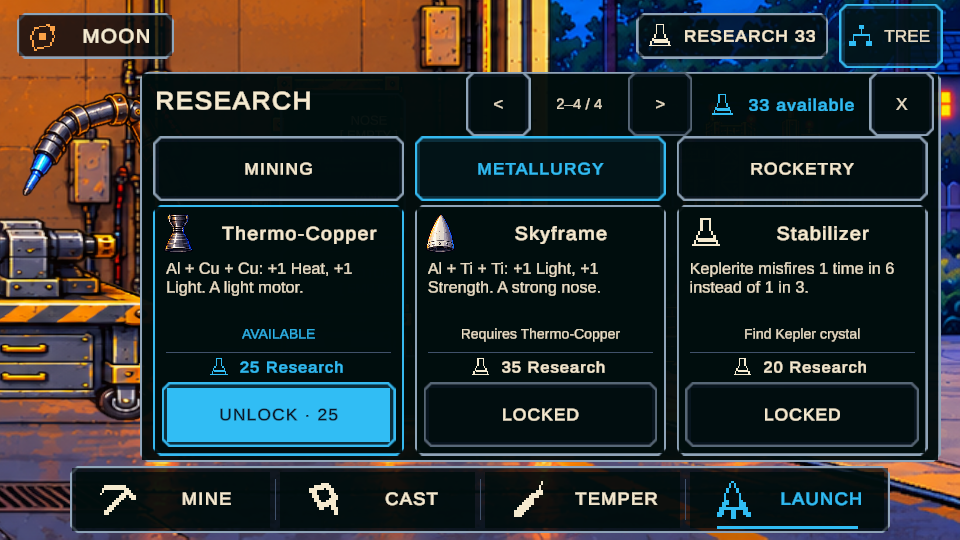
- Spend early Research on mining tools, alloy formulas, and rocket upgrades, then use the flight result to choose the next fix.
Content and replayability
The core loop covers four stations and a Research tree. Mine extracts metals from meteorites, Cast shapes three-metal mixes into nose, tank, and engine parts, Temper improves a chosen property, and Launch tests the assembled rocket. The route runs from Orbit to the Moon, Mars, and Kepler-22b.
Replay value comes from experiments and recovery. Unknown mixes can reveal properties and hidden formulas. A part has one completed tempering attempt, so a cracked part changes the next build. Every launch consumes the rocket, but Parachutes can recover surviving parts after a failure. Flights also earn Research and point to what needs fixing, which keeps the next attempt informed.
Upgrades address better mining tools, alloy formulas, and rocket upgrades. The launch sequence has four stages: Ignition, Max-Q, Escape, and Cruise. The scope is short and single-player, with the crafting chain carrying the repeat attempts.
Presentation and performance
Visually, the game uses pixel art and a comic space-program premise. The workshop's live transmission frames each liftoff, and the timing language stays consistent: blue for a good window, orange for heat, red for trouble. Rocket explosions are cartoonish, with brief bright flashes and screen shake.
Audio starts when the game begins, so sound needs to be enabled from the start. The HTML5 build runs in a browser, and phone and tablet play is meant for landscape. The control model is one finger per station, with no keyboard needed. A short, single-player structure suits quick sessions, while the color code keeps the timing readout legible during the four launch stages. The crafting chain is presented through the four station labels, so the next action is easy to locate.
Who should play it
Barely Rocket Science suits players who enjoy a crafting chain with timing checks. Mining, pouring, tempering, and launching all use tap, hold, and release, so it fits one-handed phone play in landscape and mouse play in a browser without keyboard commands.
It also appeals to players who like failure-driven upgrades: flights return Research, Parachutes can recover surviving parts, and upgrades target mining tools, alloy formulas, and rocket hardware. The humorous premise, pixel art, and short single-player structure suit casual sessions. Players who want a clear route from Orbit to Moon, Mars, and Kepler-22b have defined goals, while experimenters can chase hidden formulas through unknown metal mixes. Wally's overly optimistic plan gives the crafting a light comic frame.
Screenshots
From the developer
Torch. Forge. Liftoff! Wally Kepler bought a plot of land on Kepler-22b from a very suspicious ad. Then he checked how far away it was. Help an overly optimistic inventor turn his old Earthbound workshop into a questionable space program. Crack meteorites, cast rocket parts, improve them with a torch and launch test probes. How far will this one get? Your route: Orbit → Moon → Mars → Kepler-22b. Every failed flight earns Research and tells you what to fix. Wally is counting on you. How to play MINE. Tap or hold the meteorite for metals. Hit glowing cracks for critical hits. Break through to the core for a burst of resources and a guaranteed rare metal.CAST. Choose a nose, tank or engine mould and add three metals. Tap POUR when the needle reaches the blue band. Experiment with unknown mixes to reveal their properties and discover hidden formulas.TEMPER. Select a part, hold the torch and release in the blue band to improve its key…
Read the full description on itch.io →Frequently asked questions
Is Barely Rocket Science free?
Yes. It is free to play as an HTML5 browser game.
Can it be played on a phone?
Yes. Phone and tablet play is in landscape with touch controls. Tap to select and pour, and hold and release to mine, heat, and launch. No keyboard is required.
What do the timing colors mean?
Blue marks a good timing window, orange indicates heat, and red signals trouble. Release Pour, Temper, or Launch in the blue band, and avoid letting heat crack a part.
What happens at the Cast station?
Choose a nose, tank, or engine mould, add three metals, and tap Pour when the needle reaches the blue band. Unknown mixes can reveal properties and hidden formulas.
What happens after a failed launch?
The flight earns Research and shows what to fix. The rocket is consumed, but Research Parachutes can recover surviving parts after a failure.
What destinations are on the route?
The route runs from Orbit to the Moon, then Mars, and finally Kepler-22b.
Something wrong or missing? Tell us.