Simulation · New game
DomeLand Demo
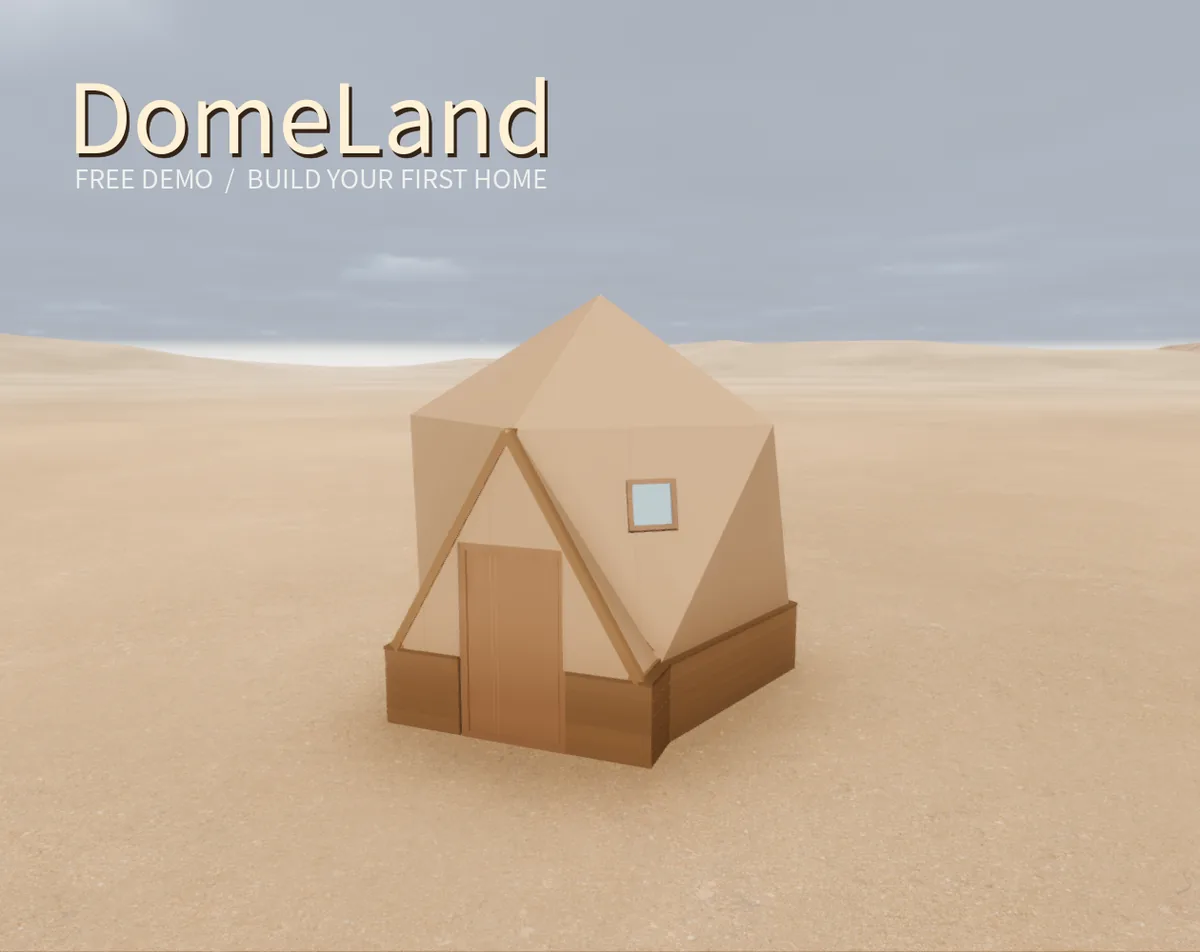
A free first-person desert building demo that walks a new settler through unloading a pickup, raising a timber dome cabin and surviving the first rainy night.
#11 this weekAI-assisted: Code, Text
The game runs in this tab. No install, no account.
The short answer
DomeLand Demo is a free singleplayer simulation about raising a first home in a quiet desert. Arrive with a pickup of tools and materials, unload and sort the supplies, then fit the foundation, connectors and timber frame with the help of an interactive 3D assembly manual before hanging the door, windows and roof panels ahead of the first night's rain. Play it in a desktop browser or download the Windows build.
What is DomeLand Demo?
The premise is simple and hands-on. A settler leaves city life behind and drives out to a quiet desert with a pickup loaded with tools and materials, then turns that cargo into a place to live. Nothing arrives pre-built: the cabin goes up piece by piece, starting with the foundation and finishing with roof panels as the weather turns.
DomeLand Demo covers the opening stretch of that story rather than the whole game. The playable slice runs from unloading the supplies to assembling the first dome cabin, and it ends with sheltering from the rain while the first desert night closes in. It is free to play, and it is still in development, so the build is a work in progress rather than a finished release.
It runs in a desktop browser or as a Windows download. A keyboard and mouse are required, and phones and tablets are not supported. English and Simplified Chinese are both included, and the language can be changed from the main menu.
How to play
The demo is a sequence of construction steps rather than an open-ended sandbox. It opens with the pickup's cargo: tools and materials come out of the vehicle and get organised before anything can be raised. Sorting the load first makes the later stages easier to follow, because the foundation, connectors and timber frame all draw on the same stockpile.
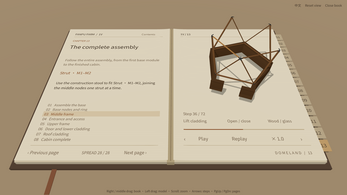
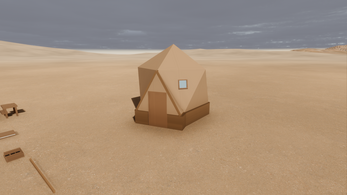
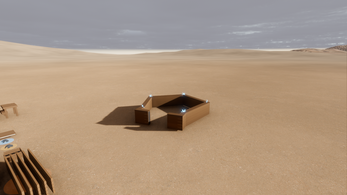
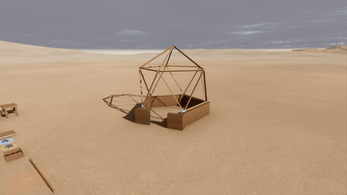
Once the materials are in order, the cabin goes together in a fixed order. The foundation goes down, connectors tie it to the timber frame, and the frame itself is assembled part by part. An interactive 3D assembly manual sits alongside the work and shows how the pieces fit. The final stages are the fittings: a door, windows and roof panels, which turn an open frame into a cabin ready for the first night.
On-screen prompts carry the player through the parts that are not obvious, including driving and construction. When a step stalls, the help screen and the plans view are the first places to look. Left clicks handle interaction with parts and objects, so most of the build is a matter of looking at a component and using it.
Controls
Movement uses the standard first-person set. W, A, S and D move, and the mouse looks around, which is how the player gets from the pickup to the building site and lines parts up on the frame. Left click performs interact actions, covering picking up materials and fitting components.
Esc opens pause and settings, H brings up help, Q opens plans and P opens the phone. Those three keys are the support layer for the build: help for instruction, plans for an overview of what is being assembled, and the phone as a separate interface. On-screen prompts cover the rest, and they are the authority for driving and construction steps where the key list alone is not enough.
A keyboard and mouse are required, so this is a desk setup rather than a handheld one. Phones and tablets are not supported at all.
| Input | Action |
|---|---|
| W, A, S, D | Move |
| Mouse | Look around |
| Left click | Interact with parts and objects |
| Esc | Pause and open settings |
| H | Open help |
| Q | Open plans |
| P | Open the phone |
Tips for your first run
Start by emptying the pickup rather than building straight away. Everything later depends on the foundation, connectors and timber frame, and those parts are far easier to place when the materials are already organised and visible instead of still sitting in the vehicle.
Watch the sky as well as the frame. The demo's aim is a cabin that shelters the player from the rain on the first desert night, so door, windows and roof panels matter as much as the structure underneath them. Leaving the roof until last is fine; leaving it unfinished when the rain starts is not.
- Press H for help whenever a step is unclear.
- Open Q, the plans, to check how the cabin should come together.
- Keep the interactive 3D assembly manual in view when fitting connectors and the timber frame.
- Clear the whole pickup load so every part is within reach.
- Run the fittings in one pass: door, then windows, then roof panels.
- Remember progress is stored on the machine, and browser and Windows saves do not carry across.
- If playing in a browser, avoid clearing site data, which can wipe the local save.
Content and replayability
Scope is deliberately narrow. The demo covers the first cabin and the opening journey around it, and it stops there. Additional buildings, farming and later production systems are outside what can be played, so anyone expecting a full settlement builder should treat this as the first chapter rather than a slice of the mid-game.
Within that limit, the content is the build itself: unloading and organising materials, assembling the foundation, connectors and timber frame, working through the interactive 3D assembly manual, and installing the door, windows and roof panels before the first night. It is singleplayer only.
Replay value is mostly in doing the build again with a tidier process, or in testing how quickly the cabin can be closed up before the rain arrives. Progress is stored locally, and browser and Windows saves are separate, so a run in one does not continue in the other. Clearing browser site data may remove browser progress entirely. Language can be switched in the main menu, which gives players a second pass in either English or Simplified Chinese.
Presentation and performance
Everything is presented in 3D from a first-person view, which puts the player at the centre of the construction rather than above it. The setting is a quiet desert reached by pickup, and the demo's closing beat is rain arriving as night falls. The interactive 3D assembly manual is the other notable element, since it has to make joints and connectors readable while the player is standing at the frame.
The tone is pitched as relaxing, and the only real pressure comes from the weather closing in as the first desert night settles over the site.
Practical details matter more than polish here. The Windows version arrives as a ZIP that has to be fully extracted, with DomeLandDemo.exe and DomeLandDemo.pck kept together; the two files need to stay side by side. The browser version runs directly in a browser with nothing to install. A keyboard and mouse are required in both cases, and phones and tablets are not supported. The demo is a work in progress from flyshuttle, with Hao Chen and Yunze Chen credited as creators and Shian Guo and Mingrui Li as contributors.
Who should play it
Players who like the idea of assembling a structure by hand, part by part, are the obvious audience. The demo rewards patience with foundations and connectors and gives a clear, short goal: a sealed cabin before the first desert night. Anyone who finds first-person building fiddly should note the keyboard and mouse requirement and the absence of phone or tablet support.
It also suits players who want a low-stakes singleplayer session. The tone is relaxing, the map is a quiet desert, and there is nothing to manage beyond the current build. Being free makes it an easy trial for a simulation fan who wants to see whether the assembly loop clicks before committing to a larger building game.
Players looking for farming, extra buildings or production chains should wait; those systems belong to the wider project but sit outside the demo's playable scope. Anyone who wants to shape a work-in-progress should note that feedback is being collected on which building steps worked and where the instructions could be clearer, along with bug reports that include platform, language, what was happening and a screenshot where possible.
Who should play it
Players who like the idea of assembling a structure by hand, part by part, are the obvious audience. The demo rewards patience with foundations and connectors and gives a clear, short goal: a sealed cabin before the first desert night. Anyone who finds first-person building fiddly should note the keyboard and mouse requirement and the absence of phone or tablet support.
It also suits players who want a low-stakes singleplayer session. The tone is relaxing, the map is a quiet desert, and there is nothing to manage beyond the current build. Being free makes it an easy trial for a simulation fan who wants to see whether the assembly loop clicks before committing to a larger building game.
Players looking for farming, extra buildings or production chains should wait; those systems belong to the wider project but sit outside the demo's playable scope. Anyone who wants to shape a work-in-progress should note that feedback is being collected on which building steps worked and where the instructions could be clearer, along with bug reports that include platform, language, what was happening and a screenshot where possible.
Screenshots
How we tested it
The build was loaded from games.debutplay.com in a headless Chromium session on ; the canvas started and no request was blocked. The guide was last checked on .
From the developer
Build your first home in the desert, one timber at a time. Leave the city behind and arrive in a quiet desert with a pickup full of tools and materials. In DomeLand, you build a place to live by putting the pieces together yourself. This free demo follows your opening journey: unload your supplies, assemble your first dome cabin, and shelter from the rain as your first desert night arrives. IN THIS DEMO • Unload and organise your building materials. • Assemble the foundation, connectors and timber frame. • Explore an interactive 3D assembly manual. • Install the door, windows and roof panels. • Prepare your cabin for your first night in the desert. The demo focuses on your first cabin. Additional buildings, farming and later production systems are outside its playable scope. PLAY FREE Play in your desktop browser or download the Windows version. A keyboard and mouse are required. Phones and tablets are not supported. For Windows,…
Frequently asked questions
Is DomeLand Demo free?
Yes. It is free to play in a desktop browser or as a Windows download, and it is a work-in-progress build of a simulation game that is still in development.
Which platforms can run it?
A desktop browser or the Windows download. Both need a keyboard and mouse, and phones and tablets are not supported, so there is no handheld option.
Can progress be saved?
Progress is stored locally. Browser and Windows saves are separate, and clearing browser site data may remove browser progress, so a browser run does not carry over to the Windows build.
What languages are included?
English and Simplified Chinese are both included, and the language is changed from the main menu rather than anywhere else.
What content does the demo include?
The first cabin and the opening journey: unloading a pickup, assembling the foundation, connectors and timber frame, using the interactive 3D assembly manual, then fitting the door, windows and roof panels before the first desert night. Farming and extra buildings are outside scope.
How should the Windows download be set up?
Extract the entire ZIP and keep DomeLandDemo.exe and DomeLandDemo.pck together. The two files need to remain side by side in the extracted folder.
What games are similar to DomeLand Demo?
The closest matches on DebutPlay are Decision Maker, What is PGSX, Pawpaw Hollow: A Pet-Sitting Story. They share the same genre, so the controls and the pace carry over.
Something wrong or missing? Tell us. How we test games.