Educational · New game
Kanji Atlas
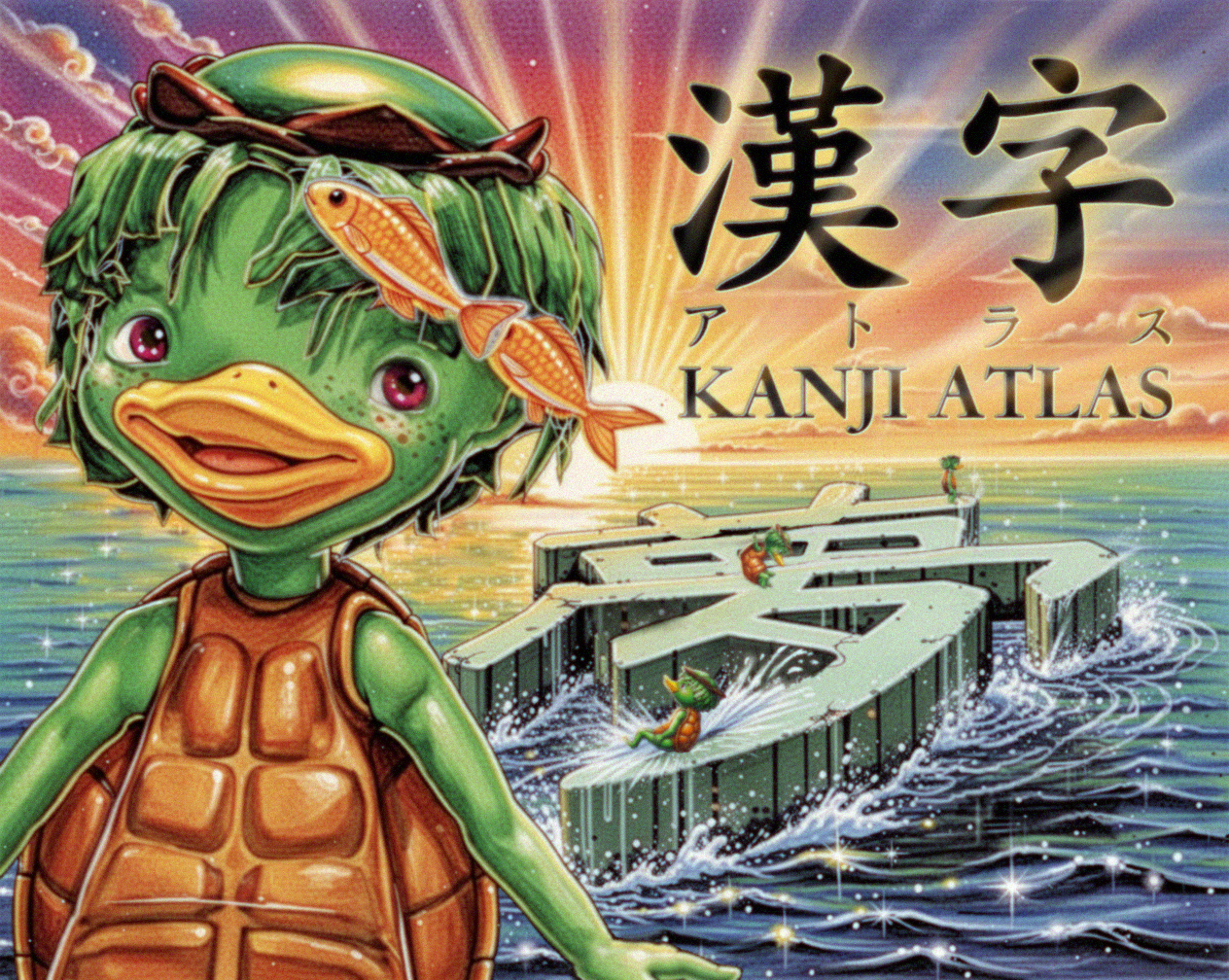
Kanji Atlas is a cozy educational browser game that turns stroke order into a walkable level, with Midorii the kappa following a firefly across each character.
Play on itch.io
Play Kanji Atlas
Kanji Atlas is a browser-based educational game that makes stroke order physical: each kanji becomes a small level, and Midorii the kappa walks every stroke in writing direction. It is free, runs in HTML5, and includes kana, radicals,…
Play on itch.io ↗itch.io blocks third-party embeds, so the game opens on the developer's page. No install, no account.
The short answer
Kanji Atlas is a browser-based educational game that makes stroke order physical: each kanji becomes a small level, and Midorii the kappa walks every stroke in writing direction. It is free, runs in HTML5, and includes kana, radicals, JLPT N5 and N4 kanji, voiced readings, mnemonics, printable postcards, and browser-saved progress.
What is Kanji Atlas?
Kanji Atlas is an educational browser game built around stroke order. Each character becomes a small level, and every stroke is a path laid over water. The path rises one step higher than the last, so the act of writing becomes a short walk across a physical route. Midorii the kappa follows a firefly along each stroke in the direction the character would be written. Stepping off the path drops the kappa into the water.
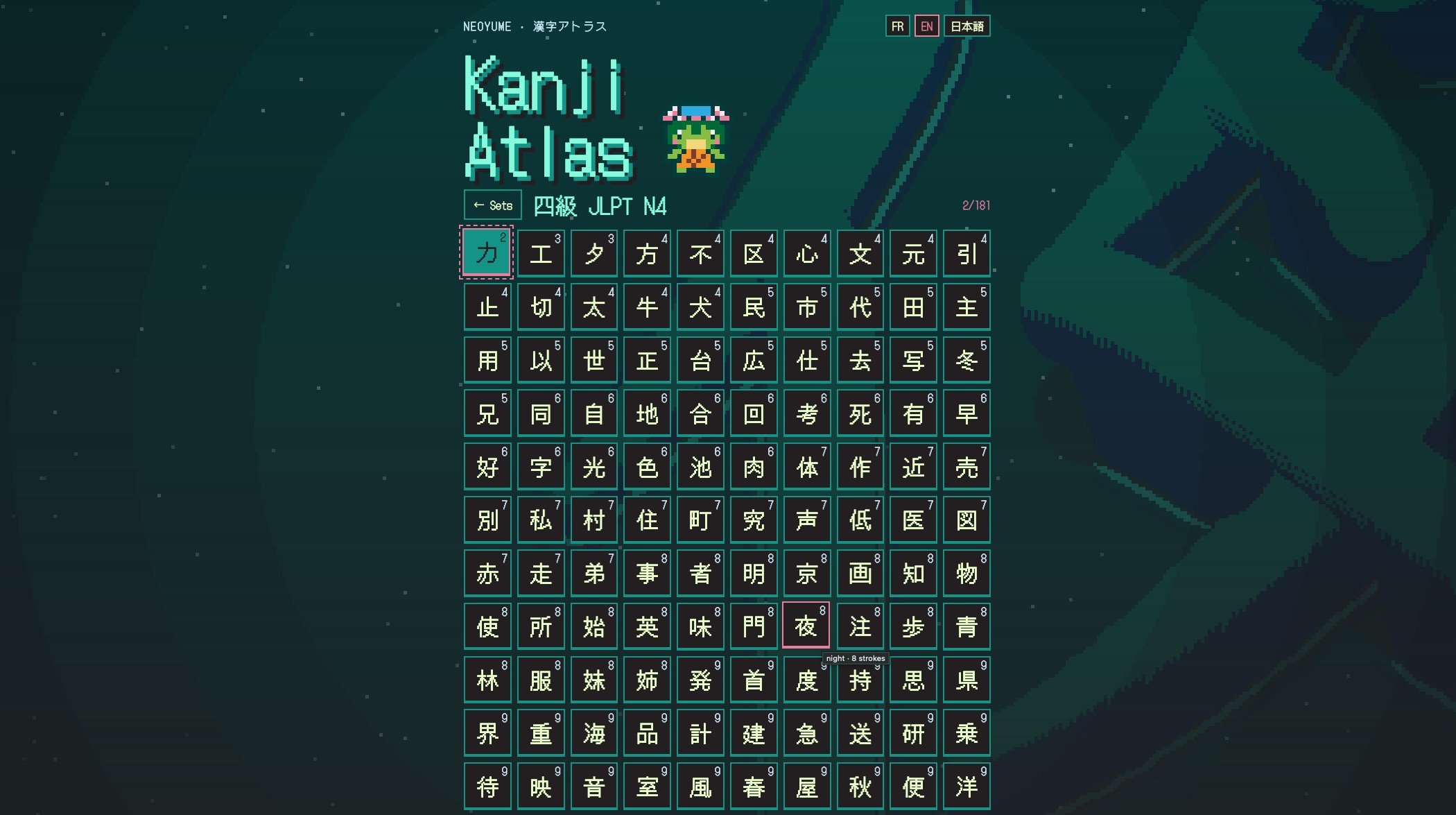
The result is a language-learning game that treats kanji as places to traverse rather than diagrams to copy. The free content covers 92 kana, 212 radicals, and JLPT N5 and N4 kanji, nearly 600 characters with grades 1 to 3. Readings are voiced, and each completed character comes with a mnemonic. A 3D photo mode and printable postcards add a quiet creative layer.
The game runs in HTML5 and saves progress in the browser. It is in development, with premium JLPT N3 to N1 sets on the way. The included material already gives a learner a broad range of kana, radicals, and beginner kanji to walk through.
How to play
Play begins with a single character presented as a level. The firefly marks the route, and the kappa must follow each stroke in the correct writing direction. The path is narrow: stepping off it sends the kappa into the water, so the walk itself teaches care and sequence.
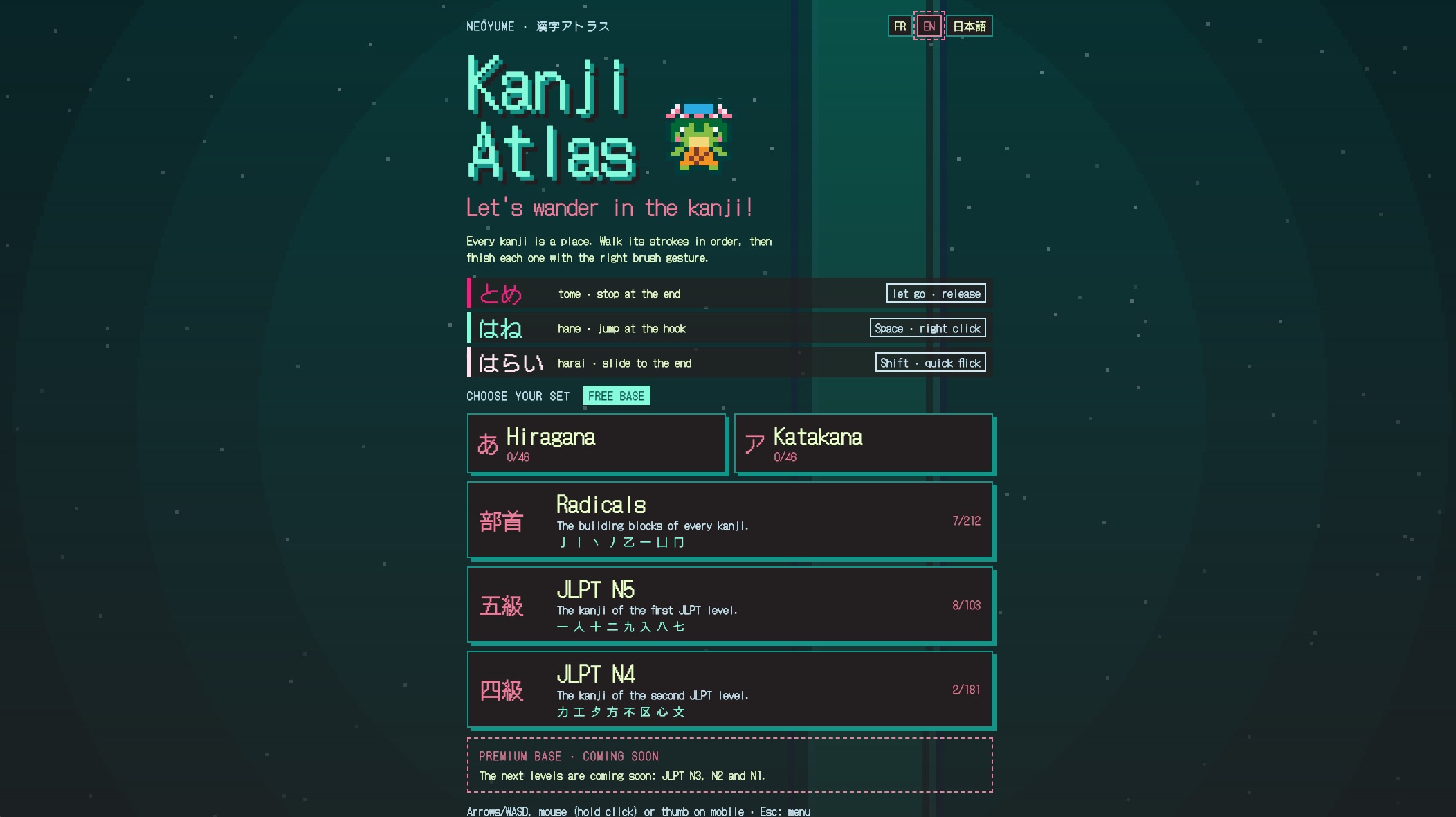
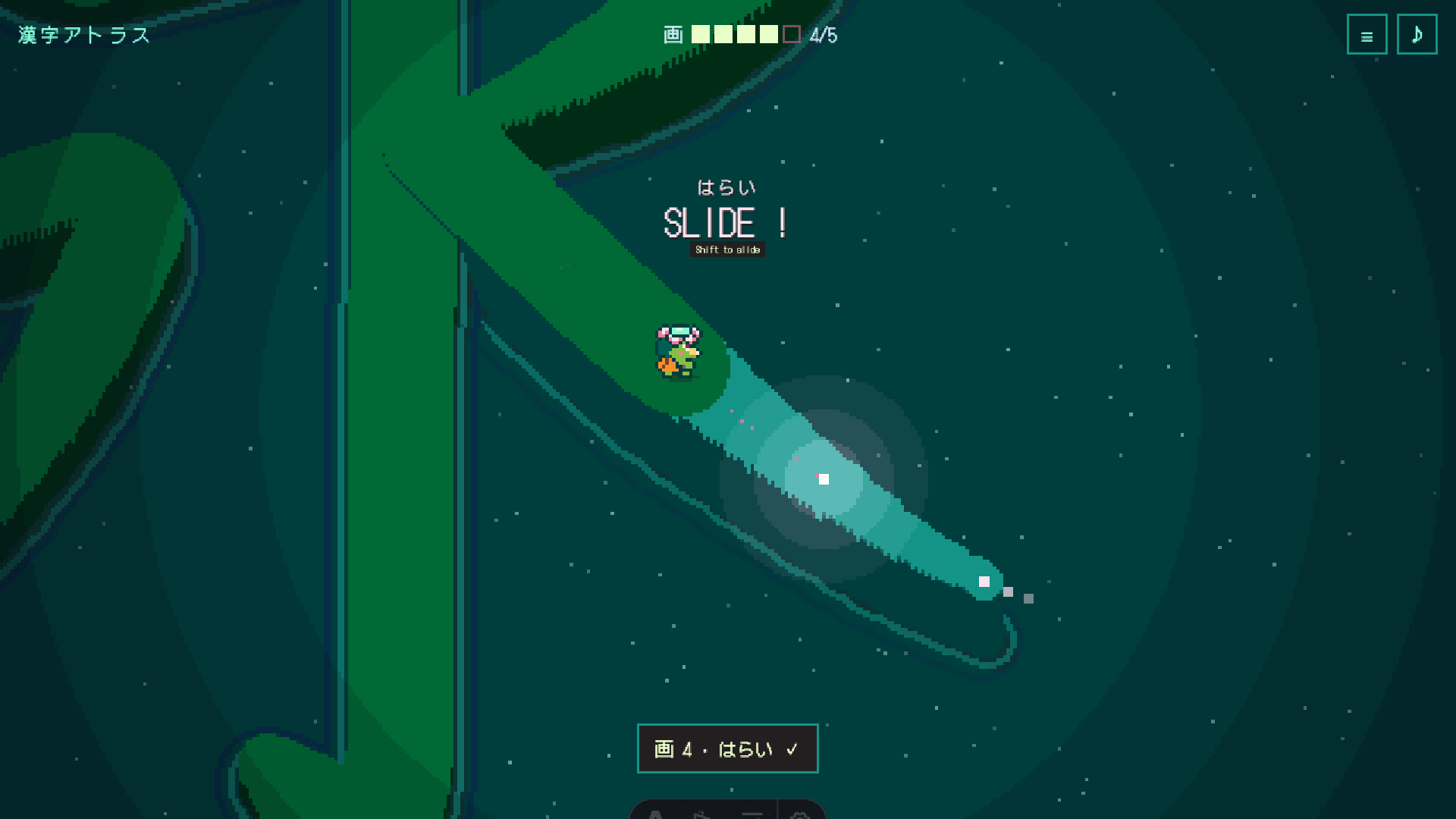
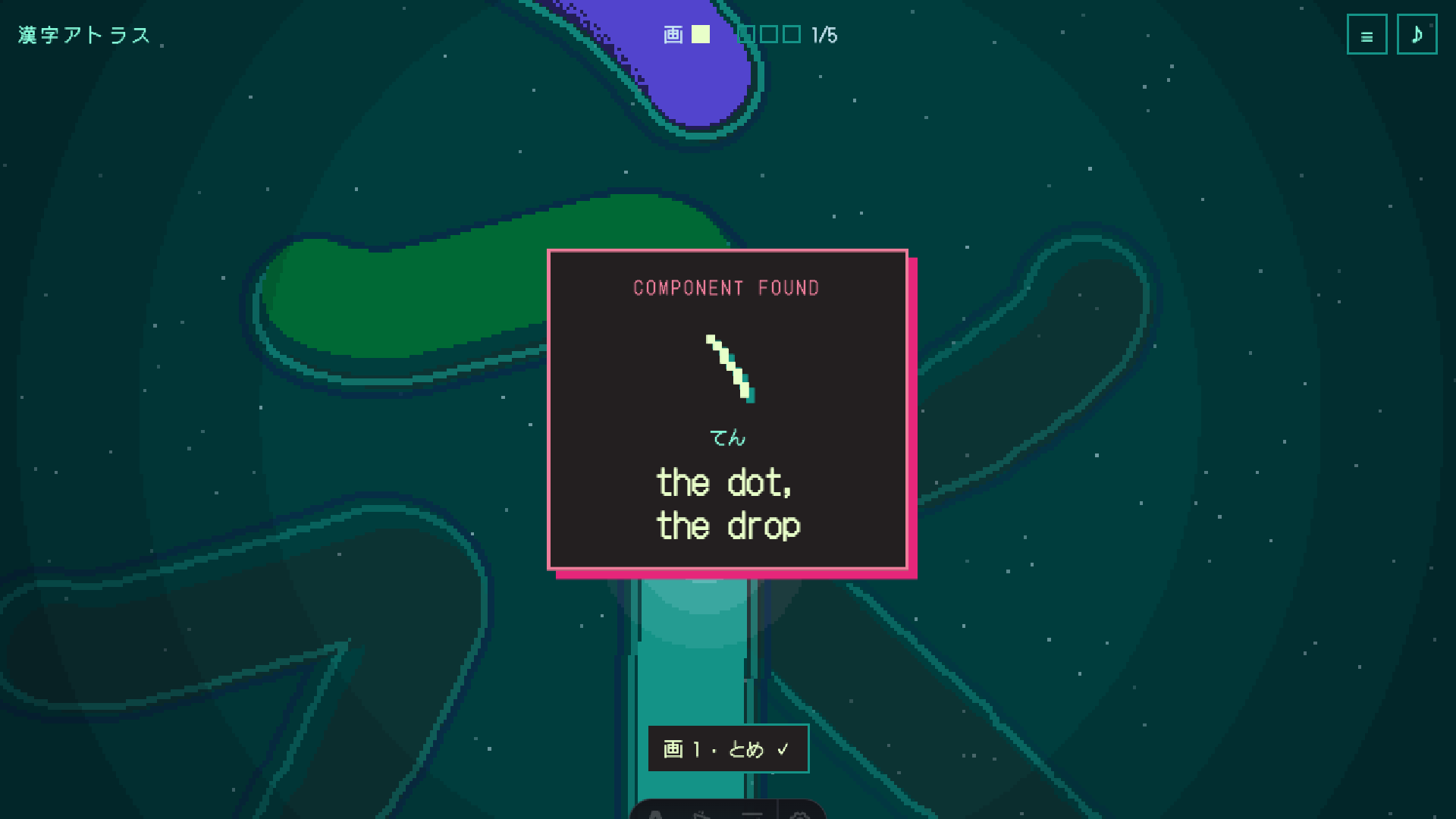
Each stroke finishes with the gesture that matches its ending: tome stops, hane jumps, and harai slides. Those gestures are not separate modes; they are the closing action of the stroke. Finish the strokes and the components appear, followed by the whole kanji. The completed character is shown with its stroke order, voiced readings, and a mnemonic.
Easy mode is available for players who would rather not fall. The Esc menu holds stroke order, a kanji sheet, photo mode, and difficulty, so review and adjustment sit one step away from the level. The rhythm is calm, but the order is strict: walk the stroke, land the ending, and let the character assemble.
Controls
Keyboard controls are direct. Arrow keys walk, Space jumps for hane, Shift slides for harai, and Esc opens the menu. That menu contains stroke order, the kanji sheet, photo mode, and difficulty. On phones and tablets, on-screen buttons provide the control route.
The small set keeps attention on writing order: walking advances along a stroke, jumping handles a hane ending, sliding handles a harai ending, and the menu opens review options. The menu is also where Easy mode can be selected if falling interrupts the lesson.
Because the controls map to the stroke gestures, a player can practice the same stop, jump, and slide actions while learning the shape. The keyboard layout stays simple, with movement on the arrow keys and the two gesture actions on Space and Shift.
| Input | Action |
|---|---|
| Arrow keys | Walk |
| Space | Jump (hane) |
| Shift | Slide (harai) |
| Esc | Open menu for stroke order, kanji sheet, photo mode, and difficulty |
| On-screen buttons on phones and tablets | Provide on-screen controls for phones and tablets |
Tips for your first run
First runs go better when the firefly is treated as the guide rather than a target to chase. Watch the direction of each stroke before moving, then pair the final gesture with the stroke's ending: stop for tome, jump for hane, slide for harai. If the path feels punishing, switch to Easy mode from the Esc menu.
Use the kanji sheet to review shapes, and revisit stroke order when a character refuses to settle. After the strokes are complete, listen to the voiced reading and read the mnemonic; both reinforce the character after the physical sequence. Photo mode and printable postcards are optional rewards, not steps in the lesson. Because progress is saved in the browser, a session can be short and still count.
- Follow the firefly's direction before walking a stroke.
- Match the ending gesture: stop, jump, or slide.
- Open the Esc menu for stroke order, kanji sheet, photo mode, and difficulty.
- Use Easy mode to avoid falling while learning a new shape.
- Finish the character to hear its reading and see its mnemonic.
Content and replayability
The free library is broad for a browser game. It includes 92 kana across hiragana and katakana, 212 radicals, and JLPT N5 and N4 kanji, nearly 600 characters with grades 1 to 3. Readings are voiced, and completed characters carry mnemonics.
A 3D photo mode and printable postcards give finished characters a second use beyond review. The game supports English, French, and Japanese. Easy mode changes the difficulty for players who want to study without the fall consequence. Progress is saved in the browser, so returning to a set does not require starting over.
Premium JLPT N3 to N1 sets are on the way, which points to a larger path after the included N5 and N4 material. A newsletter offers a new kanji every two weeks for players who want a steady drip of characters between sessions.
Presentation and performance
Kanji Atlas uses a cozy pixel-art look with cute, relaxing walking imagery. The core scene is a water path: strokes become raised routes, the kappa follows a firefly, and a missed step ends in the water. That visual rule makes stroke direction legible without a diagram.
Completed characters bring voiced readings, and the menu includes a kanji sheet, stroke order, photo mode, and difficulty. The 3D photo mode and printable postcards extend the presentation beyond the level, while the three language options cover English, French, and Japanese.
The game is HTML5, so it runs in a browser, and progress is saved there. The tone is calm rather than arcade-fast, with sequence and falling providing the challenge. Midorii the kappa and the firefly give the lesson a small character focus, and the pixel-art style fits the quiet, study-friendly mood.
Who should play it
Kanji Atlas suits players who want stroke order taught through movement. Beginners can use the kana and radical sets before moving into JLPT N5 and N4 kanji, and Easy mode removes the fall penalty for cautious study. Players who already know some Japanese can use the kanji sheet, voiced readings, and mnemonics for review.
The cozy pixel-art style and kappa-led walks make it a fit for relaxing study sessions rather than timed drills. Support for English, French, and Japanese helps learners who want instruction in a familiar language. The free content covers a large starting range, while the planned premium N3 to N1 sets signal where advanced study will go.
Anyone who likes language-learning games, walking-based levels, or printable postcards has a clear reason to try the browser version. The game is still in development, so players should expect the included sets and features to be the current scope.
Screenshots
From the developer
Walk every stroke of a kanji, in the right order. Kanji Atlas turns each character into a small level. Every stroke is a path laid over the water, one step higher than the last. Midorii the kappa follows a firefly along each stroke, in the direction you would write it. Step off and you fall in. Each stroke ends with the right gesture:- とめ (tome): stop- はね (hane): jump- はらい (harai): slide Finish the strokes and the components appear, then the whole kanji, with its stroke order, its readings (voiced) and a mnemonic. What's inside, free - 92 kana: hiragana and katakana- 212 radicals- JLPT N5 and N4 kanji, nearly 600 characters with grades 1 to 3- A 3D photo mode and printable postcards- English, French and Japanese- Easy mode, if you'd rather not fall Premium sets (JLPT N3 to N1) are on the way. Your progress is saved in your browser. Controls - Arrow keys: walk- Space: jump (はね)- Shift: slide (はらい)- Esc: menu (stroke order, kanji sheet,…
Read the full description on itch.io →Frequently asked questions
Is Kanji Atlas free?
Yes. The game is free, with premium JLPT N3 to N1 sets on the way.
What can you learn in Kanji Atlas?
The included content covers 92 kana, 212 radicals, and JLPT N5 and N4 kanji, nearly 600 characters with grades 1 to 3. Readings are voiced and mnemonics are provided.
How does stroke order work?
Each character is a level. Midorii the kappa follows a firefly along every stroke in the writing direction. Step off the path and the kappa falls into the water. Each stroke ends with a stop, jump, or slide.
What are the controls?
Arrow keys walk, Space jumps for hane, Shift slides for harai, and Esc opens the menu. On phones and tablets, on-screen buttons are provided.
Does progress save?
Progress is saved in the browser.
Is there an Easy mode?
Yes. Easy mode is available for players who would rather not fall, and difficulty is also in the Esc menu.
Something wrong or missing? Tell us.