Puzzle · New game
Lost Property
A five-night, mouse-only horror puzzle about matching lost belongings to claimants beneath the city, built for one sitting of about 35 minutes.
#7 this weekAI-assisted: Graphics
The game runs in this tab. No install, no account.
The short answer
Lost Property is a free, short first-person horror puzzle game. Players sit at a night counter in a mid-1990s transit office, listen to customer claims, search shelves, read tags and the ledger, then return an item or refuse the claim across five nights. A full run takes about 35 minutes, with changing rules, different customers on repeat runs and multiple endings.
What is Lost Property?
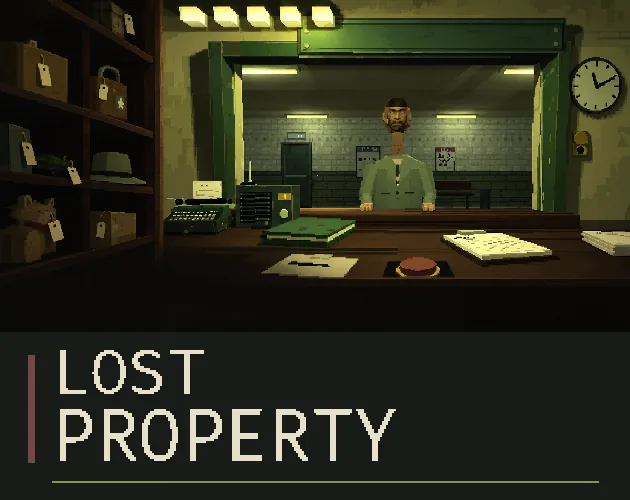
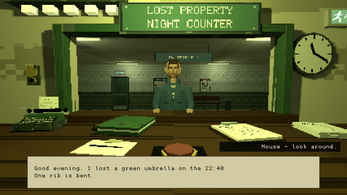
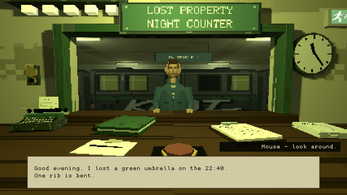
Lost Property is a short first-person horror puzzle game set in a transit office beneath the city during the mid-1990s. The player takes the night counter, with a shelf of forgotten belongings, a ledger and five nights on the rota. A fluorescent hum and someone waiting beyond the glass establish the premise before the paperwork begins. The job is not simply to hand back whatever a customer asks for. Each claim needs listening, searching and checking, because small details decide whether an item belongs to the person at the hatch.
That routine is the horror: observation, repetition and the unease of deciding what belongs to whom. A complete run is built as a five-night story for one sitting, lasting about 35 minutes. The game is free and runs in a browser, with Windows and Linux downloads also available. It is mouse-only and designed for desktop play. The setting, the low-resolution 3D and the short story are the main draw, not a long campaign.
How to play
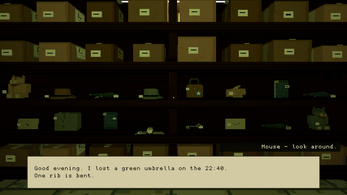
Every night follows a claim routine. A customer makes a claim at the counter. The player listens, then searches the shelves for a candidate item. Read the tag, compare it with the ledger and check tonight's rules before deciding. The rules can change, so a match that worked on an earlier shift is not automatically correct. Once the item is in hand, the choice is to return it or refuse the claim; the next person is already waiting.
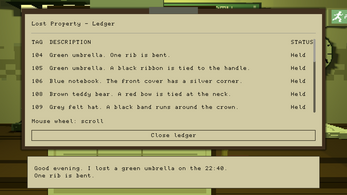
Items can be inspected and held documents can be read, which matters because item conditions are written on tags and reading is central to play. The desk has a refusal button for rejected claims and an open drawer for placing an item inside. Mouse controls handle looking, turning between shelf and counter, talking to customers and handing over property. The game includes multiple endings, so decisions and rule-following shape more than a single shift. The full story spans five nights and about 35 minutes.
Controls
Lost Property is mouse-only. Move the mouse to look around the desk and office. An edge arrow click turns the view between the shelf and the counter. A left-click lifts an item or sets it back down. Clicking a customer starts a conversation, and a left-click offers the lost property currently in hand. A right-click opens an item for inspection or a held document for reading. The mouse wheel or page buttons move through documents.
At the desk, the refusal button rejects a claim, and the open drawer accepts an item for placement inside. The exit sign, which is lit, opens the menu. Options let players enlarge text, soften flicker and turn on subtitles for significant sounds. Reading is central, so tags, the ledger and tonight's rules deserve close attention. Browser play needs a current desktop or laptop browser plus a mouse, and fullscreen is available. The Windows build requires Windows 10 or later with OpenGL 3.3 graphics support. The Linux build requires x86_64 Linux with OpenGL 3.3 graphics support. This release is designed for desktop play.
| Input | Action |
|---|---|
| Mouse movement | Look around the desk and office. |
| Edge arrow click | Turn between the shelf and the counter. |
| Left-click | Lift or set down an item, talk to a customer, or offer held lost property. |
| Right-click | Open an item for inspection or read a held document. |
| Mouse wheel or page buttons | Move through documents. |
| Refusal button | Reject a claim. |
| Open drawer | Put an item inside. |
| Lit exit sign | Open the menu. |
Tips for your first run
Start by reading the tag before touching the item. The tag carries the item condition, and that detail can separate a clean match from a rejected claim. Use right-click to inspect the item and read the held document, then compare the tag with the ledger and tonight's rules. The rules can change, so treat each shift as a fresh procedure rather than relying on the last one.
If a claim looks wrong, use the refusal button; if an item needs to stay at the desk, place it in the open drawer. Turn between the shelf and counter with the edge arrow, and use the customer click to talk before handing anything over. Reading is central to play, so enlarge text in Options if needed. The subtitle and flicker settings are worth checking before the first night, especially for a short horror session.
- Read the item tag before comparing it with the ledger.
- Check tonight's rules on every shift, because the procedure can change.
- Inspect held items and documents with right-click before deciding.
- Use the refusal button for a claim that fails the check.
- Place desk items in the open drawer when they should not be returned.
- Use Options to enlarge text, soften flicker and enable subtitles for significant sounds.
Content and replayability
The main story is a complete five-night arc designed for one sitting, with a runtime of about 35 minutes. That makes it a short horror game rather than a multi-hour campaign, and the desk routine carries the tension from shift to shift. Rules change, repeat runs bring a different set of customers, and multiple endings are available to discover. The five-night structure gives each session a clear endpoint while leaving room for another pass to test different decisions.
Because item conditions are written on tags and tonight's rules matter, a second run can be about verifying details rather than rushing the counter. The game is free to play in a browser, and Windows and Linux builds are available for download. It is mouse-only and designed for desktop play. The content is built around observation, routine and the uneasy business of deciding what belongs to whom. The focus stays on the counter, the shelf and the paperwork.
Presentation and performance
The look is low-resolution 3D with unsteady PlayStation-era geometry, matching the mid-1990s transit office setting. The office is cluttered with the quiet details of a night desk: paper rustles, a clock ticks, and a fluorescent hum sits under the scene. Those sounds and the first-person view do more work than any large set piece, because the game is about close observation at a counter and shelf.
The options allow larger text, gentler flicker and subtitles for important sounds, which is useful for a horror game built on reading tags and documents. Browser play needs a current desktop or laptop browser plus a mouse, with fullscreen available. Windows players need Windows 10 or later and OpenGL 3.3 graphics support. Linux players need x86_64 Linux and OpenGL 3.3 graphics support. The release is designed for desktop play. The platform requirements are the concrete baseline for checking a machine before starting a five-night run.
Who should play it
This is for players who want a short horror game with a desk-bound routine. The appeal is in listening to a claim, searching the shelf, reading a tag, comparing the ledger and applying tonight's rules. Players who enjoy observation puzzles, low-resolution PlayStation-style visuals and a complete story in one sitting are the right audience. The five-night structure and roughly 35-minute runtime suit a single evening, while rules that shift, a different customer mix on repeat visits and several endings give reasons to return.
Reading is central, so anyone who prefers action over documents and tags will find the counter slow by design. The mouse-only, desktop-focused setup also matters: a current desktop or laptop browser with a mouse, Windows 10 or later, or x86_64 Linux is the baseline for play. The game is free, so trying the first shift costs nothing. Horror fans should expect unease, routine and paperwork rather than a long campaign.
Screenshots
How we tested it
The build was loaded from games.debutplay.com in a headless Chromium session on ; the canvas started and no request was blocked. The guide was last checked on .
From the developer
CITY TRANSIT / LOST PROPERTY NOTICE TO THE NIGHT CLERK The night counteris yours. A fluorescent hum. A shelf of forgotten belongings. Someone waiting on the other side of the glass. It is the mid-1990s, somewhere beneath the city. You have a desk, a ledger and five nights on the rota. Listen to each claim. Find the right item. Keep the paperwork in order. The instructions will be updated.Please read them carefully. 5 NIGHTS / ABOUT 35 MINUTES / MOUSE ONLY 01 / Your duties Lost Property is a short first-person horror game about observation, routine and the uneasy business of deciding what belongs to whom. LISTENA customer makes a claim. The small details matter. CHECKSearch the shelves. Read the tag. Compare it with the ledger and tonight's rules. DECIDEReturn the item or refuse the claim. The next person is waiting. 02 / After hours Low-resolution 3D, unsteady PS1-style geometry and the quiet clutter of a transit office. Paper…
Frequently asked questions
What is Lost Property?
It is a short first-person horror puzzle game set in a mid-1990s transit office beneath the city. The player works five nights at a lost property counter, checking claims and deciding what to return.
How long does a run take?
A complete five-night story is designed for one sitting and lasts about 35 minutes.
Is Lost Property free?
Yes. The full game is free to play in a browser, and Windows and Linux builds are available as downloads.
What platforms are supported?
A current desktop or laptop browser with a mouse, Windows 10 or later, and x86_64 Linux. The release is designed for desktop play and supports fullscreen in the browser.
What controls are used?
Mouse only. Move the mouse to look, click edge arrows to turn, left-click to lift or set down items, talk or hand over property, and right-click to inspect items or read held documents. Documents scroll with the mouse wheel or page buttons.
Are there multiple endings?
Yes. The five-night story includes multiple endings, changing rules and different customers on repeat runs.
What games are similar to Lost Property?
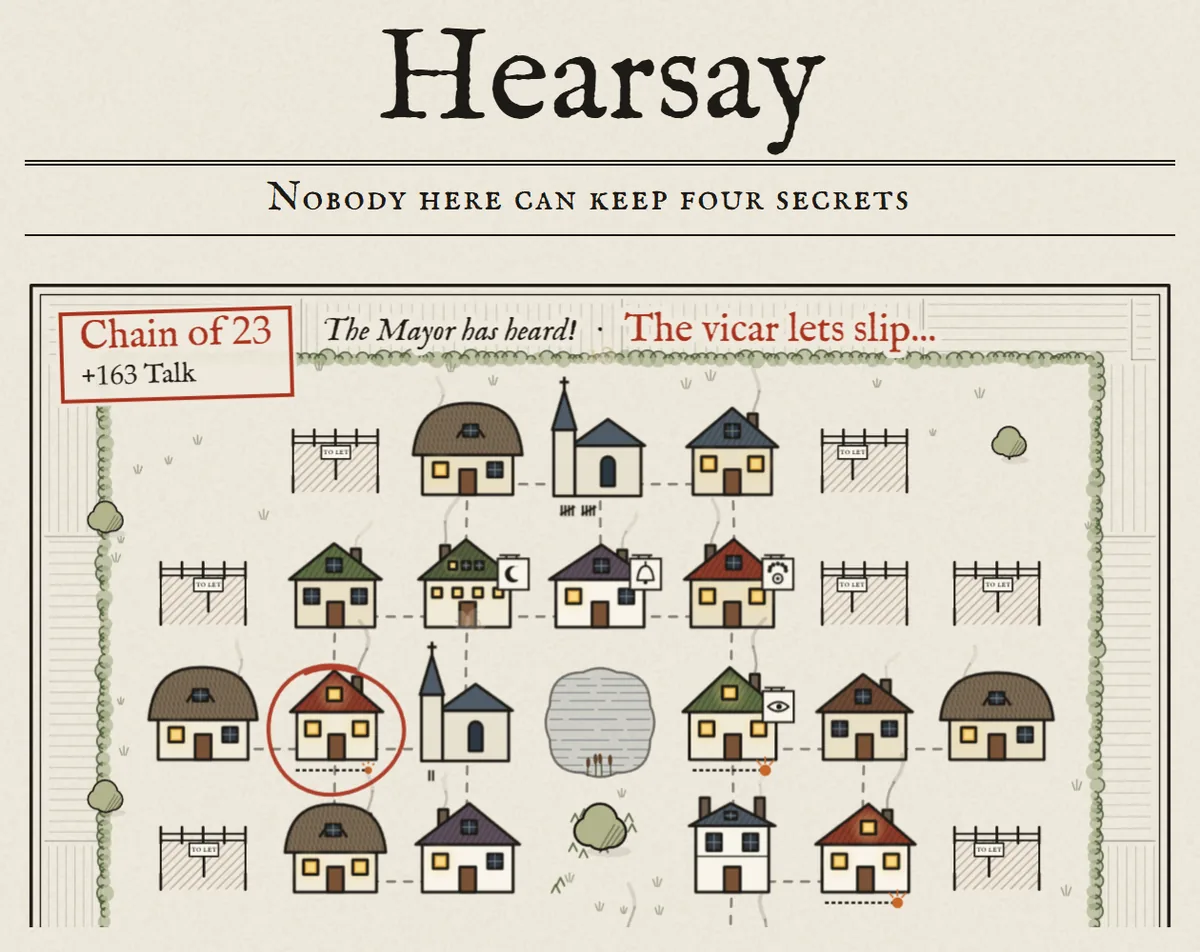
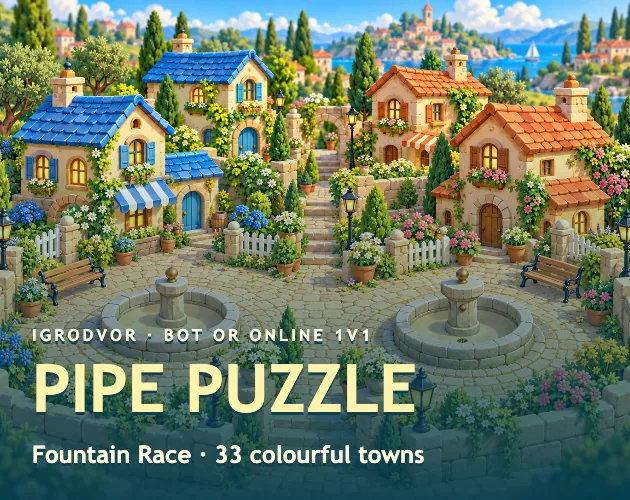
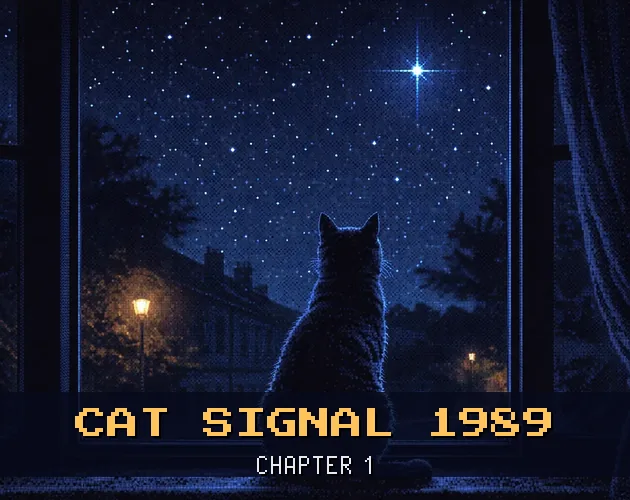
The closest matches on DebutPlay are Hearsay, Pipe Puzzle: Fountain Race, Cat Signal 1989. They share the same genre, so the controls and the pace carry over.
Something wrong or missing? Tell us. How we test games.