Survival · New game
Don’t Stop
A short top-down horror game about choosing between slow scavenging and loud purchases while a sound-hunting creature stalks six chapters of one night.
#15 this week
The game runs in this tab. No install, no account.
The short answer
Don’t Stop is a free browser-based survival horror game set across one night in an abandoned building complex. Players start generators, repair fuse boxes, find codes, or spend credits at terminals for shortcuts and supplies. The creature hunts by sound, so every loud purchase raises tension. Six chapters, four endings, and roughly an hour of play make it an easy launch-day try.
What is Don’t Stop?
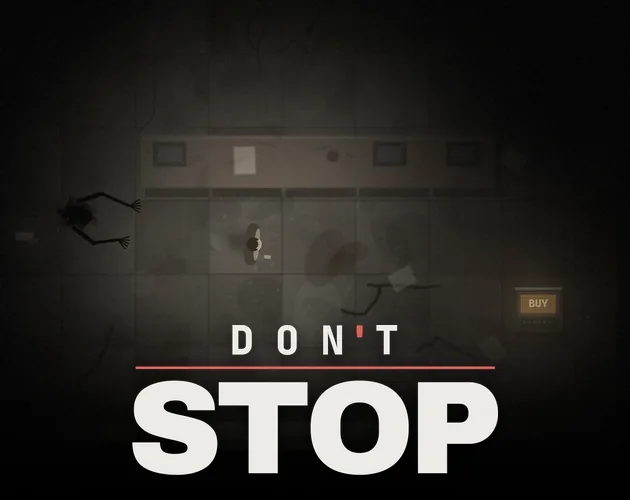
Don’t Stop is a short top-down psychological horror game set during a single night inside an abandoned building complex. The exit route runs through locked areas, and the central choice is whether to earn access slowly or pay for it. A weak light, a small supply of credits, and a terminal that sells shortcuts define the opening pressure.
The campaign moves through six chapters: an office building, a car park, a factory, a hotel, a hospital, and a department store. Four endings depend on how the player gets through those spaces. Voiced cassette tapes fill in what happened there, while the full run is built to last about an hour.
It is a browser-based HTML5 release, free to play, with a single-player focus and an atmospheric dark presentation. The game is designed around tension and route choices: progress comes from generators, fuse boxes, notes, scrap, and terminal purchases. The title released on 03 November 2026.
How to play
Each chapter asks the player to get past locked areas. The slow route is to start generators, repair fuse boxes, read codes from notes, and gather scrap in the dark. That work is deliberately time-consuming, but it does not cost credits.
Terminals offer the faster route. They can unlock doors immediately and sell flares, light, hints, and shortcuts. Every purchase is loud, and each one makes later purchases more expensive. The creature hunts by sound, so running creates risk; lockers can hide the player only when the creature did not see the player enter.
A catch leads to a checkpoint decision: return to the last checkpoint at no cost, or pay to resume at the spot where the player fell. Progress is saved in the browser at the end of every chapter. Difficulty comes in easy, normal, and hard.
Controls
Don’t Stop uses keyboard input with rebindable keys and includes controller support. The game also offers subtitles in three sizes and an optional mini map, both useful for keeping orientation during dark sections. Flashing and glitch effects can be reduced, and blood can be hidden, with dark stains used instead from chapter 2 onward.
For the intended setup, play in fullscreen in a desktop browser such as Chrome, Edge, or Firefox. Headphones are recommended, which fits a game where sound matters to the creature and to the player's decisions. Controller support makes the game flexible for players who prefer a pad, while rebindable keys help players who use a keyboard. The mini map is optional, so the main view can stay clean.
Accessibility options sit alongside the control settings: reduce flashing and glitch effects, hide blood, and choose subtitle size. These options matter because the horror presentation includes sudden sounds and visual effects. The game is single-player, so the setup is focused on one person at one screen.
The game page does not list its controls. Check the in-game tutorial or pause menu for the current scheme.
Tips for your first run
The first run is easier when sound is treated as a resource. Headphones are recommended, and running should be reserved for moments when speed matters more than silence. If the creature sees the player enter a locker, hiding there is not a safe reset; break line of sight before taking cover.
- Use notes for codes before spending credits on a terminal shortcut.
- Start generators and repair fuse boxes when the slow route is affordable; those jobs keep credits intact.
- Buy flares, light, hints, or shortcuts only when the purchase solves a problem that scavenging cannot.
- Remember that each terminal purchase is loud and raises later prices.
- Choose easy, normal, or hard before starting, and use the mini map if the dark spaces become hard to read.
- Play fullscreen in Chrome, Edge, or Firefox for the intended desktop browser setup.
Content and replayability
The story covers one night across six chapters and ends in four possible outcomes shaped by how the player gets through. Voiced cassette tapes add context about what happened in the building complex. A full run is designed to take around an hour, with easy, normal, and hard settings available for different comfort levels.
Saving happens at the end of each chapter and stays in the browser. Clearing browser data or using a private window removes that progress. The game has no ads, no tracking, and no in-game purchases; all credits inside the game are fictional.
Content warnings cover psychological horror, darkness, flickering light, sudden loud sounds, jump scares, and a creature that hunts the player. Blood appears from chapter 2 and can be replaced with dark stains in the options. Flashing and glitch effects can be reduced. The material is aimed at players about 12 and older, comparable to PEGI 12, though no official rating is given.
Presentation and performance
Don’t Stop is built as an HTML5 game for desktop browsers, with Chrome, Edge, and Firefox named as the intended options. Fullscreen play is recommended, and headphones are suggested for the sound-led horror. The top-down perspective supports navigation through the complex while the weak light keeps visibility limited.
The presentation leans on atmosphere, darkness, and a creature that reacts to noise. Subtitles come in three sizes, and an optional mini map helps with orientation. Visual comfort settings can reduce flashing and glitch effects, while blood can be hidden.
Progress is stored in the browser, so browser data needs to stay intact between chapters. Fullscreen play in Chrome, Edge, or Firefox is the recommended setup, and headphones are advised for the sound-led design. The game is a single-player HTML5 release, so the experience is built around one player at one desktop browser.
Who should play it
This is a good fit for players who want a compact psychological horror game with a clear loop: explore a dark building, solve access problems, and decide when to spend credits. The six-chapter structure and roughly one-hour length suit a single evening. Fans of four-ending choice games have a reason to replay.
Players who dislike jump scares, flickering light, or creature pursuit should take the warnings seriously. The options for reduced flashing and glitch effects, hidden blood, three subtitle sizes, and an optional mini map make the experience more adjustable, but the core horror remains.
The easy, normal, and hard modes let players choose pressure. Those who prefer browser games can play in Chrome, Edge, or Firefox, and controller support or rebindable keys cover different input preferences. The 12-and-older guidance is a useful starting point for households.
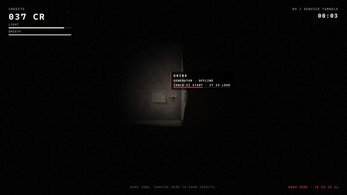
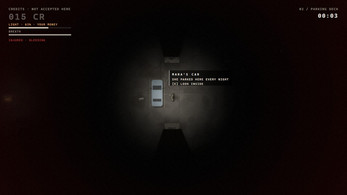
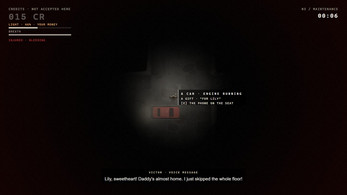
Screenshots
How we tested it
The build was loaded from games.debutplay.com in a headless Chromium session on ; the canvas started and no request was blocked. The guide was last checked on .
From the developer
It is night. You are inside an abandoned building complex, and the only way out is through locked areas. Earn your way through, or pay your way through. Something in the dark is listening either way. Don't Stop is a short top-down psychological horror game. You have a weak light, a few credits and a terminal that is always happy to sell you a shortcut. Grind or buy? Grind: start generators, repair fuse boxes, find the codes written on notes, collect scrap in the dark. It is slow, and it is free.Buy: terminals open doors at once and sell flares, light, hints and shortcuts. But every purchase is loud, and every purchase makes everything dearer. The creature hunts by sound. Running is loud. Lockers hide you, but only if it did not see you go in. If it catches you, return to your last checkpoint for free, or pay to go on right where you fell. What is inside Six chapters through one night: an office building, a car park, a factory, a…
Frequently asked questions
Is Don’t Stop free?
Yes. Don’t Stop is free to play, with no in-game purchases. The credits used at terminals and for continuing after a catch are fictional.
What platforms does it run on?
It is an HTML5 browser game. The recommended setup is fullscreen on a desktop browser, specifically Chrome, Edge, or Firefox. Headphones are recommended.
How long is the game?
A full playthrough is designed to take about an hour. The story is divided into six chapters across one night.
How many endings are there?
There are four endings. They are decided by how the player gets through the chapters, so route and spending choices matter.
Does it save progress?
Progress is saved in the browser at the end of each chapter. Clearing browser data or playing in a private window removes that saved progress.
What accessibility options are included?
Subtitles come in three sizes, and there is an optional mini map. Flashing and glitch effects can be reduced, and blood can be replaced with dark stains. Keys are rebindable, and controller support is included.
What games are similar to Don’t Stop?
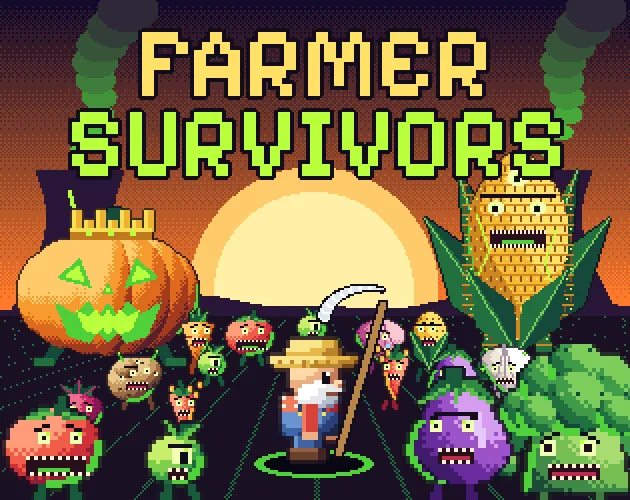
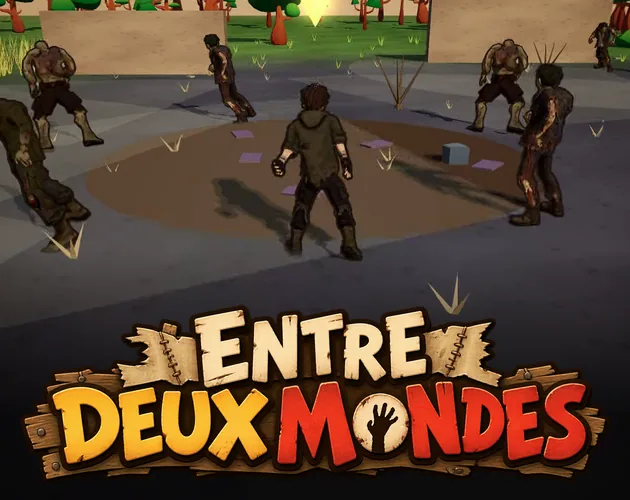
The closest matches on DebutPlay are Three Men, Probably Norwegians, Farmer Survivors, Entre deux mondes. They share the same genre, so the controls and the pace carry over.
Something wrong or missing? Tell us. How we test games.