Strategy · New game
Kingside Chess
A free chess app that pairs ten Stockfish difficulty levels with a move-by-move game review, thousands of rated puzzles and online friend matches in the browser or on Android.
#1 this weekAI-assisted: Code, Text
The game runs in this tab. No install, no account.
The short answer
Kingside Chess is a free chess app for the browser and Android that puts the Stockfish 19 engine at ten difficulty levels on one board, then grades the finished game with an accuracy score and a label on every move. Two thousand seven hundred sixty-one puzzles, online friend matches and offline computer play round it out.
What is Kingside Chess?
Kingside Chess is a free, turn-based chess game built by developer Sonujeet. It runs in an HTML5 frame in the browser and is also packaged as an Android download, and it was published on 27 October 2026. Under the board sits the Stockfish 19 engine, offered at ten strength levels, so the same app can serve someone who has only just learned how the pieces move and someone who wants the engine at full power.
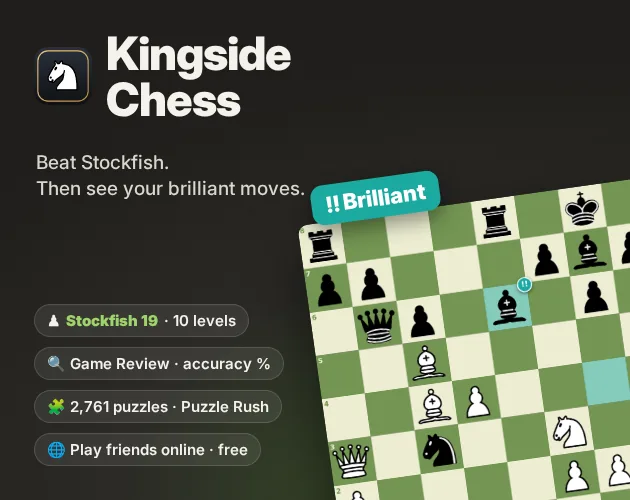
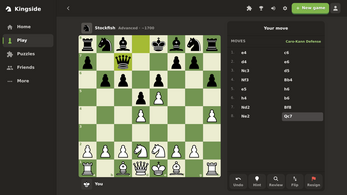
The app is more than a board and an opponent. A Game Review pass grades a finished game, returning an accuracy percentage for both sides and attaching a label to every move, from Brilliant!! and Great! down through Best, Inaccuracy and Mistake to Blunder, with the grading following Lichess's published formulas. Puzzles fill out the rest of the package: 2,761 of them rated from beginner to expert, alongside a Daily Puzzle and a Puzzle Rush mode. Playing the computer, the puzzles and the reviews all keep working offline.
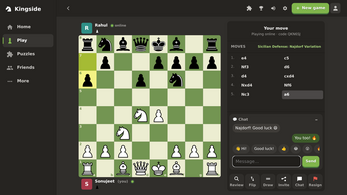
Around that core sit the social pieces, including online games with friends, chat, and round-robin or knockout tournaments, plus accounts that hold a profile, saved games, streaks and 19 achievements. The interface is available in English and Hindi, the code is open source under the GNU GPL v3, and a two-player mode covers local play on a single device.
How to play
Start by choosing an opponent. Against the computer, the ten levels run from a friendly beginner bot that makes the kind of mistakes a person makes up to the full strength of Stockfish 19, so an early game can be gentle and a later one can be punishing. Two people sharing one device can play each other directly, and online a match with a friend begins either by sending a link or by taking a quick match.
Once a game ends, run the Game Review. It returns an accuracy percentage for both players and stamps a label on each move, from Brilliant!! and Great! through Best, Inaccuracy and Mistake to Blunder; the grading follows Lichess's published formulas. A finished loss turns into a short list of specific moments worth examining.
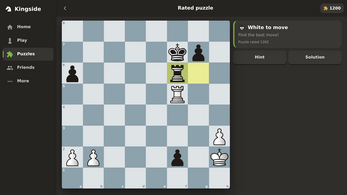
Puzzles are the third track. The library holds 2,761 positions rated from beginner to expert, with a Daily Puzzle for one fresh position and Puzzle Rush for a run of consecutive solves. Groups can also set up round-robin or knockout tournaments with a friends list and chat. Playing the computer, solving puzzles and reviewing games all continue to work without a connection.
Controls
Play is turn-based on a 2D board, so each move is entered on the player's turn rather than against a running clock. A move-hint option points out candidate moves, and premoves let a reply be queued before the opponent has answered. Coordinates can be switched on for players who want the files and ranks spelled out.
An undo control takes back the last move, and clocks form part of the board furniture for timed sessions. Two players can also sit at one device and take turns, so a single screen covers a local match without any online setup.
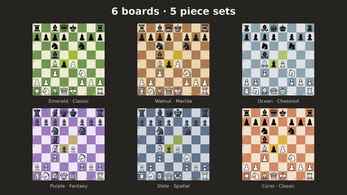
Six board styles and five piece sets change how a position reads on screen, and the assistive pieces — hints, undo, coordinates and clocks — stay available whether the app is connected or not. The whole control set is aimed at players who want to think a position through rather than rush it.
The game page does not list its controls. Check the in-game tutorial or pause menu for the current scheme.
Tips for your first run
The first decision that shapes everything else is the engine level. Ten steps is a wide ladder, and the bottom of it is deliberately built to play like a person rather than a machine, so beginning there costs nothing and gives a clean baseline to measure later games against. The Game Review is where most of the learning happens, so it is worth running after every game rather than only after a defeat.
- Begin at the lowest of the ten engine levels and climb only once a game ends without an obvious blunder.
- Run Game Review after each computer game; the accuracy figure for both sides shows whether a result came from one bad move or a slow drift.
- Take the Daily Puzzle first, then work through the rated set, so the streak stays intact while harder positions are studied.
- Use move hints and coordinates while learning patterns, then lean on them less as the board becomes familiar.
- Set up the board style and piece set that keep the pieces most distinct at a glance before starting a long session.
- Try the two-player mode on one device to test an opening idea against a person before taking it online.
Content and replayability
The mode list is unusually broad for a free chess app. Single-player runs against Stockfish 19 across ten levels; Game Review grades what happened; the puzzle library carries 2,761 rated positions plus the Daily Puzzle and Puzzle Rush; and online play covers friend matches by link or quick match, a friends list, chat, and group tournaments in round-robin or knockout format. A second player on the same device is always an option.
Long-term pull comes from the record keeping. Accounts hold a profile, saved games, streaks and 19 achievements, which gives a reason to return beyond the next game. Six boards and five piece sets let the board be rearranged to taste, and the interface can be read in English or Hindi.
The project is open source under the GNU GPL v3, with the full source published as the KingsideChess-1.5.0-source-code.zip download. Its building blocks are documented: Stockfish 19 Lite and 10 under GPLv3 through stockfish.js WebAssembly builds, chess.js rules by Jeff Hlywa under BSD, the Lichess puzzle database under CC0, opening names from lichess-org/chess-openings under CC0, and the cburnett and merida piece sets under GPLv2+, chessnut under Apache 2.0, and fantasy and spatial by Maurizio Monge under MIT. Board colours, sounds and icons are original work.
Presentation and performance
The board is presented in 2D with a choice of six board styles and five piece sets — cburnett, merida, chessnut, fantasy and spatial — plus optional coordinates for players who want the squares labelled. Colours, sounds and icons were made for this project rather than borrowed, so the look stays consistent across the browser frame and the Android build.
The engine is delivered as WebAssembly builds of Stockfish, produced with stockfish.js, which is how a full-strength opponent fits inside a browser tab. The Android download carries the same feature set, and the source archive is there for anyone who wants to inspect or rebuild it.
Offline behaviour is the quiet strength here: computer games, puzzles and game reviews keep functioning with no connection, so a flight or a dead Wi-Fi signal does not end the session. The interface switches between English and Hindi, and the game launched on 27 October 2026 as a released title rather than an early build.
Who should play it
The ten-level ladder makes this an easy recommendation for a newcomer who wants a real opponent that does not punish every mistake, and the move-hint, undo and coordinates options soften the learning curve further. At the other end, full engine strength and a review that labels each move give a serious player something to work with after the game, not just during it.
Puzzle hunters get a rated library of 2,761 positions, a daily solve and a rush mode. Players with friends get link-based matches, quick match, chat and tournament formats that suit a club night or a group chat that argues about chess. Anyone who plays on the move will value the offline coverage of computer games, puzzles and reviews on Android.
Two narrower audiences are also served well: Hindi-speaking players get a full interface in their language, and anyone curious about how a chess app is assembled can read the GPL v3 source and the credited component list, which names Stockfish, chess.js, the Lichess puzzle database and the piece-set artists. A shared device with two players is enough to start.
Screenshots
How we tested it
The build was loaded from games.debutplay.com in a headless Chromium session on ; the canvas started and no request was blocked. The guide was last checked on .
From the developer
♟ KINGSIDE CHESS Free chess with a real coach. Play the Stockfish 19 engine from total beginner to master. Then run a Game Review that shows your accuracy and marks every move: Brilliant!!, Great!, Best, Inaccuracy, Mistake or Blunder. Then sharpen up with thousands of puzzles. Play it right here in your browser, or download it for Windows or Android. Playing the computer, puzzles and reviews also work offline. Features • Play vs Stockfish 19: 10 levels, from a friendly beginner bot that makes human mistakes up to full engine strength • Game Review: accuracy % for both players and a label on every move, from Brilliant!! and Great! down to Inaccuracy, Mistake and Blunder, using Lichess's published formulas • 2,761 puzzles rated from beginner to expert, plus a Daily Puzzle and Puzzle Rush • Play friends online: send a link, or use quick match • Friends, chat and tournaments: run a round-robin or knockout for your group • Accounts with…
Frequently asked questions
Is Kingside Chess free to play?
Yes. It is free, with no price attached to the browser version or the Android download. Everything named in the feature set, from engine play to puzzles, is part of the game.
Which platforms does it run on?
It plays in an HTML5 frame in the browser and is offered as an Android download, with a Windows download also provided. The browser version needs no install step.
Does it work without an internet connection?
Partly, and the offline part covers the core. Playing the computer, the puzzle library and Game Review all keep working offline. Online friend matches and tournaments naturally require a connection.
How strong is the computer opponent?
It is Stockfish 19 at ten levels. The bottom of the range is a beginner bot that makes human-style mistakes, and the top of the range is the engine at full strength.
How many puzzles are included?
There are 2,761 puzzles rated from beginner to expert, plus a Daily Puzzle for a single fresh position and Puzzle Rush for consecutive solves in one run.
Can two people play on the same device?
Yes. A two-player mode lets two people share one device and take turns, which works as a local match independent of the online friend, quick match and tournament options.
What games are similar to Kingside Chess?
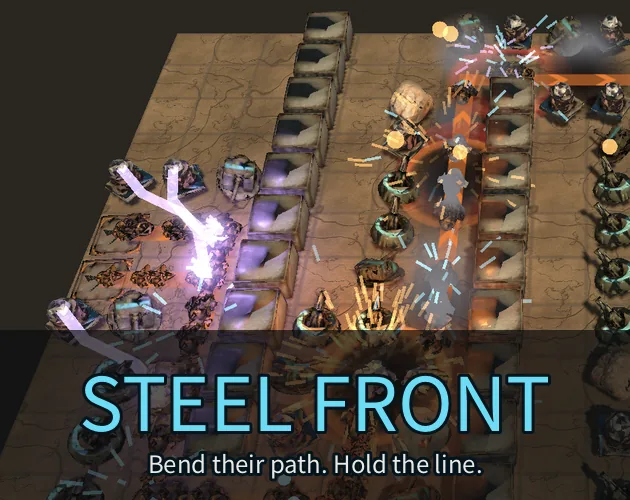
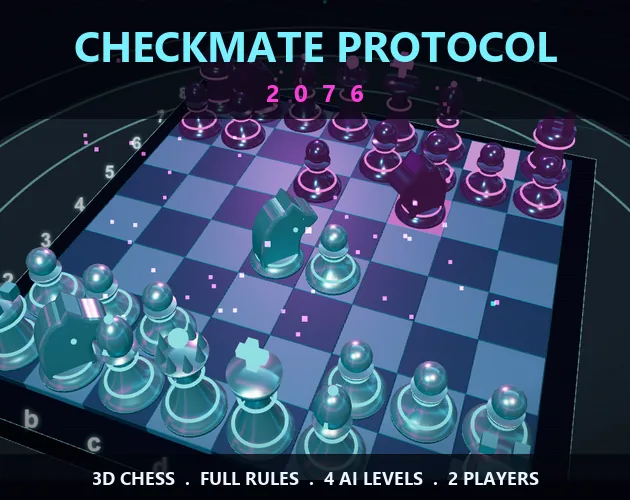
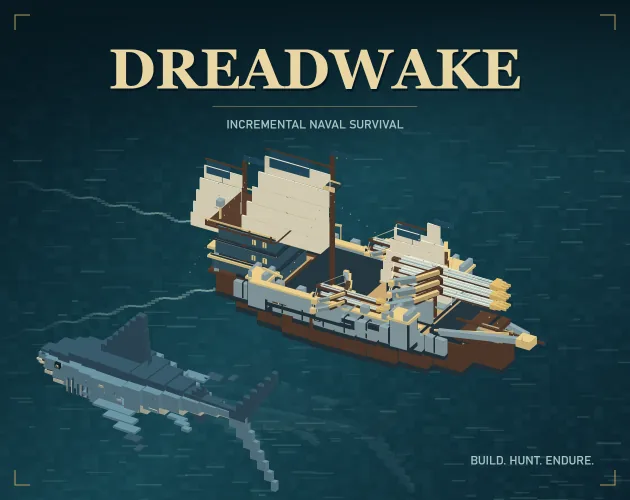
The closest matches on DebutPlay are STEEL FRONT — Beta, Checkmate Protocol 2076, DREADWAKE. They share the same genre, so the controls and the pace carry over.
Something wrong or missing? Tell us. How we test games.