Action · New game
Boots & Bad Luck
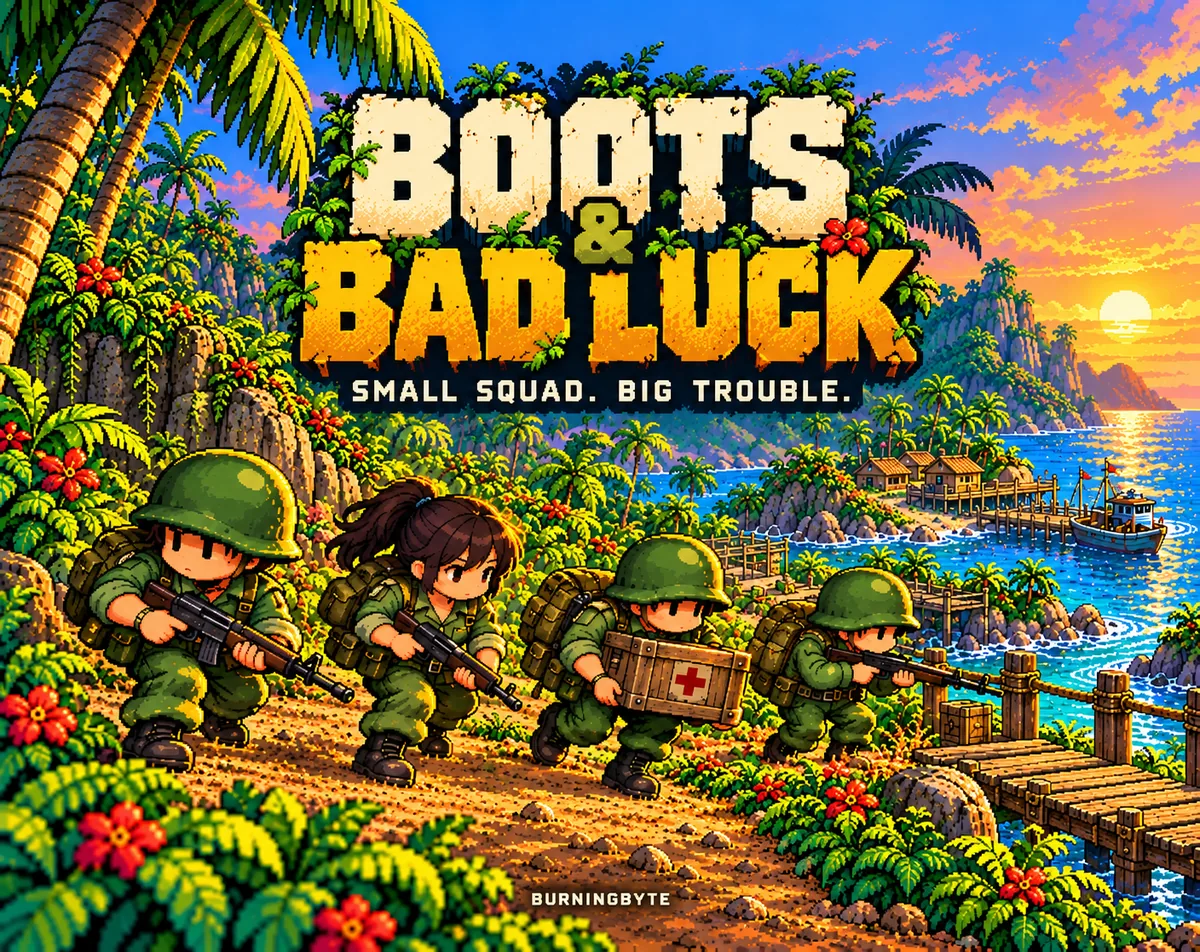
Four recruits, one relief delivery and a route full of roadblocks: a free isometric squad-tactics shooter where careful positioning matters more than a fast trigger.
#12 this weekAI-assisted: Code, Graphics, Sound, Text
The game runs in this tab. No install, no account.
The short answer
Boots & Bad Luck is a free isometric, pixel-art squad tactics shooter played solo through a story-driven campaign. Four named recruits push a food-and-medicine delivery across San Palma while Meridian's guards contest every crossing. Quick firefights sit alongside splitting the team, working around cover and timing grenades. It runs as an HTML5 browser game and on Windows.
What is Boots & Bad Luck?
San Palma's warehouses are packed while its villages still wait on food and medicine, and that mismatch is the whole setup. Four recruits set out with a delivery, a handful of grenades and orders that sound reassuringly simple. Meridian's guards disagree. What starts as a supply run becomes a story-driven campaign of roadblocks, river crossings, crowded streets and remote outposts.
This is an isometric, pixel-art action game that leans on hands-on squad tactics rather than raw reflex. Firefights are quick, but the decisions around them carry the weight: where each soldier stands, when to push forward, when to hold. A grenade that lands where it matters can unlock an approach; a careless rush can mean bringing fewer people home.
It is a single-player game, playable in English and German throughout, and it costs nothing. The HTML5 build launches directly in a browser, and a Windows version is also offered, so the opening missions can be sampled without much ceremony.
How to play
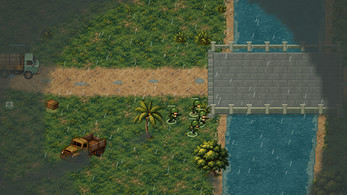
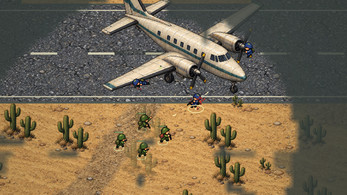
The campaign runs 19 missions, and the ground changes as it goes: tropical countryside, towns, desert airfields, snowy depots and harbours. Objectives shift to match. Clearing a map is rarely the point on its own. Squads knock out radios and buildings, recover documents, escort civilians and push real supply trucks through contested roads. Early tasks involve rescuing the people who keep the relief effort moving and cutting enemy communications; later the squad has to stop a getaway aircraft before it leaves the runway.
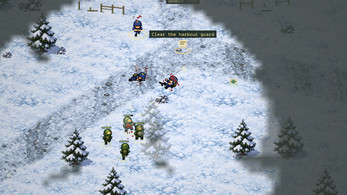
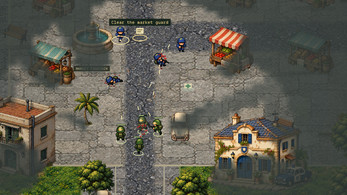
Open terrain is covered by fog of war, which makes scouting ahead part of the job rather than an optional extra. Patrols, machine gunners and sergeants occupy the map, and enemy groups support one another and react once contact begins, which punishes a lone charge. Splitting the team lets you approach from more than one angle and keep an eye on the flanks.
The squad is made of soldiers with names and careers. Survivors gain experience, anyone lost during the campaign leaves a cross on the hill, and replacements turn up as new names with empty service records. The finale is large, and checkpoints mean a costly mistake does not automatically send you back to the very beginning of the operation.
Controls
Mouse and keyboard are the recommended setup, and touch controls are also available for players who want them. The scheme below covers the mouse-and-keyboard layout.
The left mouse button selects, moves or issues a contextual order, while the right button fires. Grenades take two steps: press G to prepare one, then pick the target with the left mouse button. Group commands run along the number row, with 1, 2 or 3 selecting a group and Shift plus the same number assigning the soldiers you have selected to it. B splits the squad and U brings it back together. X halts.
E handles the current task or an escort, which matters in missions built around interaction rather than shooting alone. M shows or hides the map, H opens the field manual, and Esc pauses. New Game begins a fresh campaign, so use it deliberately. Missions already completed can be replayed without changing campaign progress or anyone's career.
| Input | Action |
|---|---|
| Left mouse | Select, move or give a contextual order |
| Right mouse | Fire |
| G then left mouse | Prepare a grenade and choose its target |
| 1 / 2 / 3 | Select a group |
| Shift + 1 / 2 / 3 | Assign selected soldiers to a group |
| B | Split the squad |
| U | Reunite the squad |
| X | Halt |
| E | Interact with the current task or escort |
| M | Show or hide the map |
| H | Open the field manual |
| Esc | Pause |
Tips for your first run
Most early losses come from moving the whole squad as one block into ground nobody has looked at. The systems reward patience, so treat the first missions as a chance to build habits rather than to chase a fast clear.
- Scout first. Fog of war hides approach routes, so send one soldier ahead before the rest commit.
- Bind fireteams early. Assign soldiers to groups 1, 2 and 3 with Shift so a split can be managed without fumbling.
- Split and reunite on purpose. B opens two angles; U pulls the squad back into one fist before a fight grows.
- Halt with X the moment contact starts, so soldiers settle into cover instead of walking into fire.
- Save grenades for problem geometry. A throw that lands well opens a route; a rushed push without one costs people.
- Mind the flanks. Patrols, machine gunners and sergeants back each other up once they know you are there.
- Replay completed missions freely. They can be re-run without disturbing campaign progress or careers, which makes them cheap practice.
Content and replayability
There are 19 campaign missions, followed by two standalone bonus missions that unlock once the campaign is finished. Objectives vary widely across those missions, from destroying radios and buildings to recovering documents, escorting people and getting supply trucks through, so the campaign is not a single repeated task in different scenery.
The roster gives the campaign a longer tail than the mission count suggests. Soldiers carry names and careers, survivors accumulate experience, and the fallen leave a cross on the hill. Replacements arrive with their own names and blank service records, so a bad mission changes the shape of the squad rather than just costing a restart.
Replays are open-ended. Completed missions can be replayed without altering campaign progress or careers, which suits players who want a cleaner run at a mission they botched. Progress is stored in the browser when storage is available, and different browsers, devices and editions do not share saves automatically, so a campaign lives where it was started.
Presentation and performance
The look is detailed pixel scenery viewed isometrically, with animated water, wildlife and rain filling out the environments rather than sitting still behind the action. Sound design stays restrained, leaning on comic effects instead of a wall of noise, which keeps the small-unit feel intact when a firefight starts.
Because the game runs in an HTML5 frame in the browser as well as on Windows, the practical limit on a campaign is the save situation rather than a launcher. Progress is kept in browser storage when storage is available, and it does not follow you between browsers, devices or editions automatically. Anyone planning a long run should pick one setup and stay with it.
Text and voice presentation are handled in English and German throughout, so the full campaign is readable in either language from the first mission to the finale.
Who should play it
This suits players who like small-unit tactics more than twitch shooting: the kind of person who enjoys splitting a squad, working around cover and deciding the exact moment to advance. The isometric pixel-art style and the short, sharp firefights keep individual missions digestible, while fog of war and reactive patrols stop it becoming a straight line of shooting.
It is also a good fit for anyone who wants objectives with some variety. Destroying radios, recovering documents, escorting civilians and getting trucks through contested roads give each mission a reason beyond clearing the map. The named-soldier career system adds stakes for players who get attached to a roster and dislike losing people permanently.
Players who want a free browser game with a full campaign, a Windows option and no multiplayer commitment will find the most here. Those who prefer competitive play, or who need their progress to follow them between devices without thinking about it, should weigh that before starting.
Screenshots
How we tested it
The build was loaded from games.debutplay.com in a headless Chromium session on ; the canvas started and no request was blocked. The guide was last checked on .
From the developer
Boots & Bad Luck Small squad. Big trouble. San Palma's warehouses are full. Its villages are still waiting for food and medicine. Four recruits set out with a delivery, a few grenades and instructions that sound reassuringly simple. Meridian's guards have other ideas. Lead your squad through a story-driven campaign of roadblocks, river crossings, crowded streets and remote outposts. Rescue the people who keep the relief effort moving. Cut the enemy's communications, escort vital supplies and stop a getaway aircraft before it leaves the runway. Somewhere along the supply route, a small delivery turns into a much bigger problem. Boots & Bad Luck combines quick firefights with hands-on squad tactics. Split your team, work around cover and choose when to advance. A well-placed grenade can open a route; a careless rush can leave you bringing fewer people home. Your orders 19 campaign missions across tropical countryside, towns, desert…
Frequently asked questions
Is Boots & Bad Luck free to play?
Yes. It is free, with no purchase needed to start the campaign in the browser or on Windows.
Which platforms can it be played on?
There is an HTML5 build that runs in a browser frame, plus a Windows version. Touch controls are available alongside the recommended mouse and keyboard.
How many missions are there?
19 campaign missions, covering tropical countryside, towns, desert airfields, snowy depots and harbours, plus two standalone bonus missions unlocked after the campaign is completed.
What happens when a soldier dies?
A fallen campaign soldier leaves a cross on the hill. Survivors earn experience, and new recruits arrive with their own names and empty service records.
Can missions be replayed?
Yes. Completed missions can be replayed without changing campaign progress or careers, so a rough mission can be retried cleanly.
Do saves carry between devices?
Not automatically. Progress is stored in browser storage when storage is available, and different browsers, devices and editions do not share saves with each other.
What games are similar to Boots & Bad Luck?
The closest matches on DebutPlay are Wild Dashers (Demo), Balitti, Kurenai Samurai. They share the same genre, so the controls and the pace carry over.
Something wrong or missing? Tell us. How we test games.