Music · New game
Doing Numbers
A calculator toy that turns every keypress into a note, drains your total back toward zero, and hides eight tunes and thirty-one discoveries behind a melting display.
#1 this weekAI-assisted: Code, Text
The game runs in this tab. No install, no account.
The short answer
Doing Numbers is a free browser toy from Splat Zone Entertainment that behaves like an old desk calculator: keys sound notes, digits stack into a running total, and that total melts back toward zero. There is no score and no timer, only a best number to push higher, thirty-one finds to uncover, and ten scrolling landscapes to watch.
What is Doing Numbers?
Doing Numbers is a small, free browser toy from Splat Zone Entertainment, released on 22 October 2026. It runs in an HTML5 frame in the browser and also arrives as a desktop build for Windows, macOS and Linux. All it asks for is a keyboard, a mouse, a touchscreen or a controller, and a couple of spare minutes.
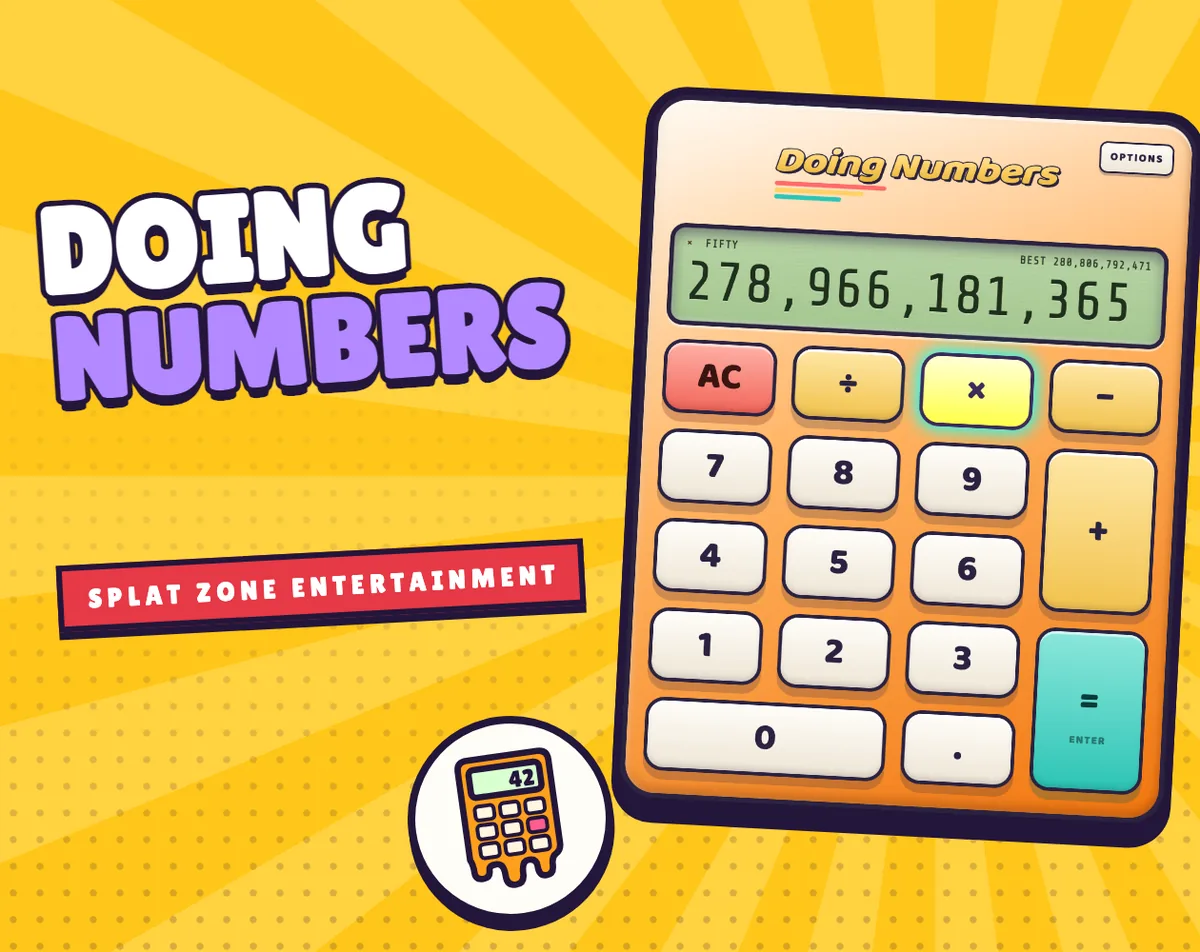
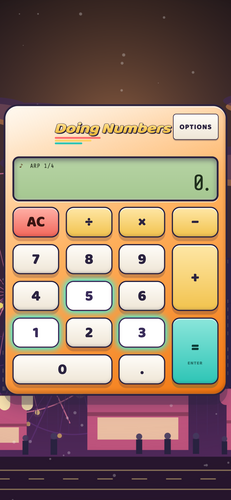
The premise comes from a habit most people recognise: hammering a calculator's keys just to watch a number grow. Here every key plays a note, digits stack into a running total, and that total is always sliding back toward zero. Push harder and it drains faster, so a huge number is something you hold rather than something you keep. The whole thing is dressed as an 80s desk calculator with a laid-back lounge loop running underneath.
There is no score, no timer and no way to lose. The target printed across the top of the display is a row of fifteen nines, and it sits deliberately out of reach, with getting close being the point. Whatever you manage, a BEST figure stays parked in the corner as a marker of your high-water mark.
How to play
Typing digits builds the total. The operator keys do not act straight away: choose times, divide or minus and the game holds that operation until you type the next number, then applies it. That delay is the trick of the whole thing, because it lets you line up a multiplier and drop a nine into it.
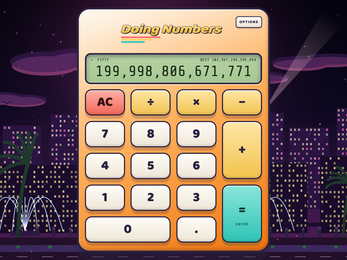
The drain never stops. Your total is a leaky bucket, and the leak grows with how frantically you are hitting the keys, so a fast burst of multiplication can look spectacular and still evaporate. Alternating times with nines is the quickest route upward: done well it drives the number into the trillions before the slide back begins.
The dot key adds a second layer. Pressing it pins notes into a short loop that keeps playing along with the music, so an arpeggio can be parked and typed over. Beyond that, play is open. There is no fail state and no puzzle to solve, just a running total, a landscape rolling past behind the calculator, and a set of discoveries that announce their names the first time you stumble onto them.
Controls
Mouse and touch users have the simplest job: the keys on the fake calculator are the keys you press, and on a phone the game sits upright rather than sideways. A tap and a click are treated the same as a keypress, so mashing is a perfectly legitimate input style — the drain reacts to how hard you go.
Keyboard play uses the number row or the numpad for digits. X is times, Enter is equals and Esc clears. The arrow keys move a selection around the key layout, which matters if you would rather keep your hands off the mouse.
Controller play mirrors that arrangement: the D-pad walks the selection across the keys, A presses whatever is highlighted, B clears, and Y or Start opens Options.
Options is where the key sounds get chosen from Random, Key Clicks, C Major or C Minor, and where reduced motion and screen reader support can be switched on. No purchase and no account stand between you and any of it.
| Input | Action |
|---|---|
| Mouse or touch | Press the on-screen calculator keys |
| Number row or numpad | Type digits |
| X | Times operator |
| Enter | Equals |
| Esc | Clear |
| Arrow keys | Move around the keys |
| Shift | Reveals a hidden extra on the keyboard |
| Controller D-pad | Move around the keys |
| Controller A | Press the selected key |
| Controller B | Clear |
| Controller Y or Start | Open Options |
Tips for your first run
The first skill worth learning is the rhythm of the drain. Watch how fast the total falls after a slow press, then after a frantic one, and you will start timing bursts rather than holding keys down. The second skill is patience with operators: because times waits for the next digit, the order you type things in matters more than raw speed. Get these into your fingers early and the number climbs much faster.
- Bounce between times and 9 instead of stacking digits slowly; the multiplier is what turns a modest total into a huge one.
- Treat the row of fifteen nines as a compass rather than a finish line, since the display is built to stay out of reach.
- Tap the dot key early to pin a loop, then keep typing over the pattern while the music carries it.
- Hold Shift on the keyboard and see what the hidden extra does.
- Switch key sounds in Options if the defaults wear thin; Random, Key Clicks and the two scale sets feel quite different under the fingers.
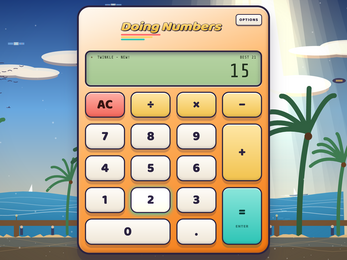
- Try the opening line of a familiar melody — the digits follow a C major scale, so Twinkle Twinkle Little Star or Ode to Joy earns an answering phrase.
Content and replayability
There are thirty-one things to find scattered through the game, and each one gets its name shown on screen the first time it turns up. They come in three kinds: big numbers, running from TEN all the way up to HUNDRED TRILLION; eight tunes concealed in the keys; and a postcard for each of the ten places, awarded to anyone who keeps playing while that place is on screen.
Behind the calculator an endless landscape keeps rolling through those ten different places, so the scenery changes without ever ending. The bigger finds are not handed over quickly — reaching the huge named numbers takes the same times-and-nines rhythm that pushes the total into the trillions — but the tunes and postcards arrive through ordinary messing about.
Progress sticks. Your best number, the things you have found and your settings are stored in the browser, so a return visit picks up roughly where the last one stopped. That combination of a persistent record and a target you cannot quite hit gives the toy a reason to come back to beyond the first curious minute.
Presentation and performance
All the art and sound are generated by the game itself while you play rather than loaded as finished assets, which suits the endless, unhurried scenery behind the keypad. The landscape drifts through ten distinct places, and the harder you press, the more the windows in that backdrop light up and sparkle — a visual echo of the noise you are making.
Around the calculator, the presentation is deliberately quiet: a lounge tune underneath, an old desk calculator casing on top, and typography drawn from Baloo 2, Share Tech Mono and Lilita One, all under an open font licence. It runs offline, with no ads, no accounts and nothing tracking you, and it supports reduced motion and screen readers for anyone who needs a calmer or more audible version of the same toy.
The footprint is modest by design. An HTML5 frame means it starts in a browser tab, and the desktop builds cover Windows, macOS and Linux for anyone who would rather keep it on the machine. On a phone the layout stands upright, with the on-screen keys sized for fingertips rather than a pointer.
Who should play it
This is a fidget toy first and a game second, so it suits anyone who likes something to do with their hands while a podcast runs. The absence of a timer, a score or a fail state makes it unusually easy to put down mid-mash and pick up again, and the melting total means there is never a run to protect.
Musically curious players get a second hobby out of it: the digits form a C major scale, so the calculator can answer a melody you play at it, and eight tunes are tucked away in the keys waiting to be found. Number-chasers get a different hook in the climb toward the trillions and the named milestones from TEN up to HUNDRED TRILLION.
Families should find it comfortable, given the friendly presentation, the lack of advertising and the fact that nothing needs an account. Players who need reduced motion or a screen reader are accounted for, and controller users are not an afterthought. What it does not offer is competition, progression systems or a difficulty curve — the appeal is the texture of pressing keys, not the pressure.
Screenshots
How we tested it
The build was loaded from games.debutplay.com in a headless Chromium session on ; the canvas started and no request was blocked. The guide was last checked on .
From the developer
Ever mash the keys on a calculator just to see how big a number you can make? This one plays a note on every key, and the number is always melting back down to zero - the harder you go, the faster it melts. It looks like an old 80s desk calculator with a laid-back lounge tune playing underneath. Type digits and they add up, pick times, divide or minus and it works on the next number you type. There's no score and no timer. The only goal is the fifteen nines at the top of the screen, and you can't actually get there - you can get close, though. Try alternating times and 9 and watch it shoot up into the trillions before it slides back down. Your BEST stays up in the corner either way. Behind the calculator an endless landscape rolls by through ten different places, and the harder you press the more the windows light up and sparkle. There are 31 things to find along the way, and each one gets its name on the screen the first time you…
Frequently asked questions
Is Doing Numbers free to play?
Yes. It costs nothing, and there are no ads, no accounts and no tracking attached to it.
Can you actually reach the fifteen nines at the top of the screen?
No. The display is designed to stay out of reach, so the aim is to get as close as you can before the total melts back down.
Does it work on a phone?
It is touch-friendly and plays upright on a phone, and the same HTML5 version runs in a browser. Desktop builds exist for Windows, macOS and Linux.
What does the dot key do?
It pins notes into a short loop that plays along with the music, so you can build an arpeggio and keep typing on top of it.
Do you need to read music to enjoy it?
No. The digits are a C major scale, which means melodies are optional — a familiar tune like Ode to Joy simply gets an answer phrase back.
Does progress carry over between sessions?
Your best number, the things you have found and your settings are saved in the browser, so they should be waiting on your next visit.
Something wrong or missing? Tell us. How we test games.