Puzzle · New game
Mini Factory Floor
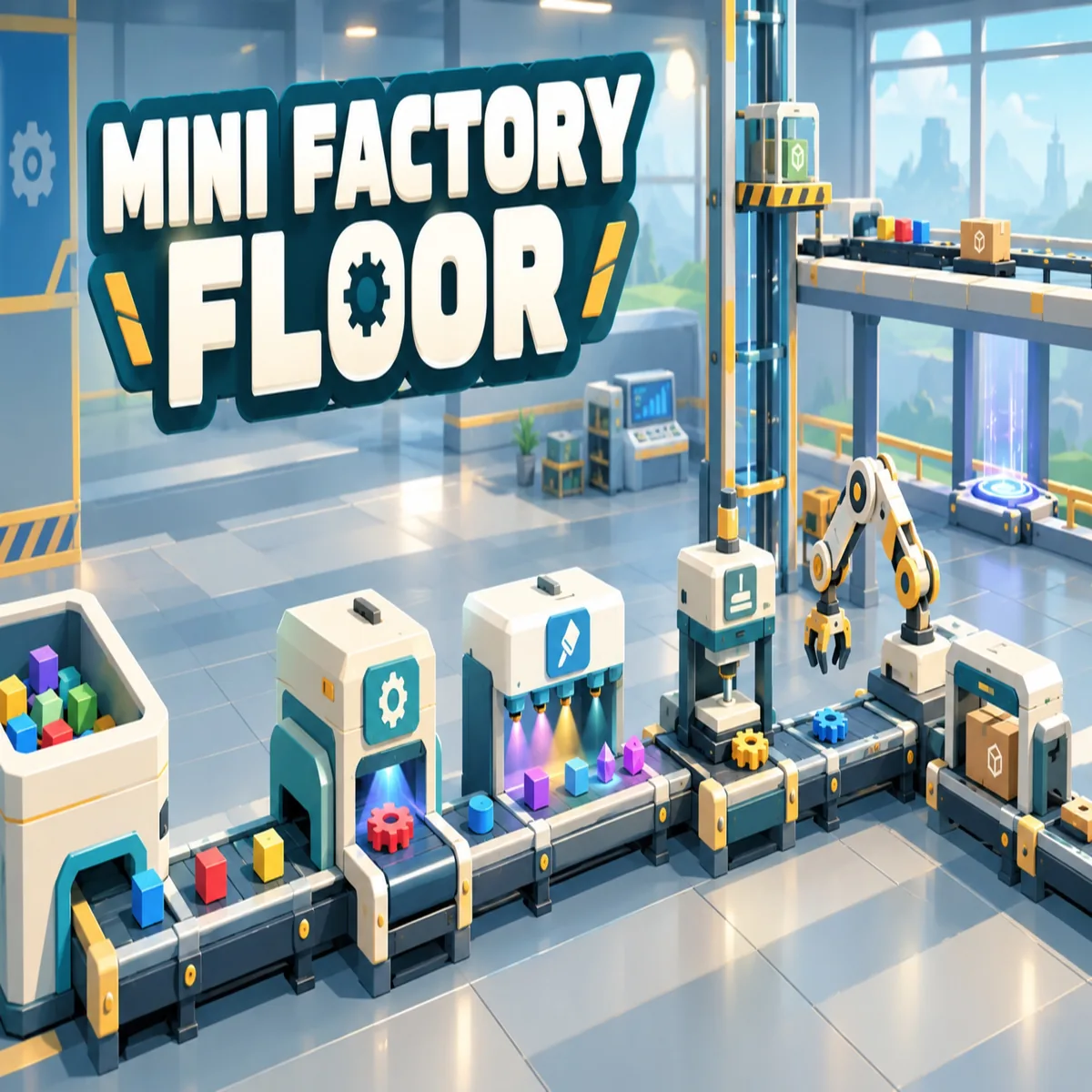
A browser-based automation puzzle about turning conveyor belts, robotic arms, and processing machines into a tidy, self-running production line across two factory decks.
#6 this weekAI-assisted: Code
The game runs in this tab. No install, no account.
The short answer
Mini Factory Floor is a browser puzzle game about building an automated production line from conveyor belts, robotic arms, and processing machines. Cut blocks into gears, wheels, and crystals, paint objects, and split or merge lines to satisfy 50 production goals. No account and no network connection are needed, so a session starts with a single click.
What is Mini Factory Floor?
Mini Factory Floor is a browser puzzle game built around automated production lines. Blocks enter the system as raw shapes and leave as finished parts: cutting machines turn them into gears, wheels, and crystals, paint stations change their colour, and robotic arms carry products from one stage to the next. The aim is a floor that runs cleanly, replacing a chaotic press of machinery with a line that behaves predictably.
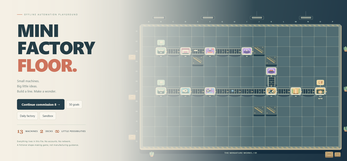
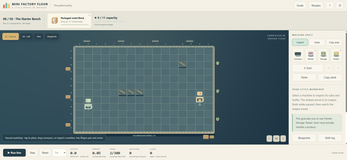
The build space spans two decks. Conveyor belts link stations, teleporters jump items across the floor, and lifts connect one deck to the other, so a layout can grow upward as well as outward. Thirteen machine types give the player a working vocabulary of cutters, painters, routers, and movers, and fifty production goals set the targets that each layout has to meet. It is a logistics puzzle dressed as a factory: individual machines are easy to understand, and the difficulty comes from routing them without collisions, detours, or dead ends.
How to play
Play begins with a goal and open floor space. Conveyor belts are laid between stations, processing machines are connected into the run, and the output is routed onward to wherever the goal needs it. A cutting machine breaks blocks down into gears, wheels, or crystals; a paint station alters an object's colour; processing machines then handle the recoloured items; and robotic arms lift products from one point and set them down at another.
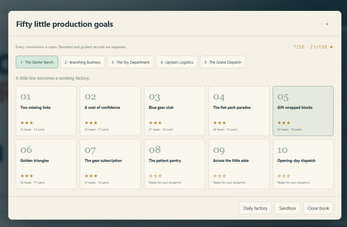
As a line grows, it tangles. Splitters, mergers, and sorters keep different products apart and recombine them only where that makes sense, while teleporters and lifts move items across gaps and between the two decks. The fifty production goals act as checkpoints: each one names an output the factory has to deliver, and each solved goal tends to reveal the next bottleneck. Because the machines are fixed in type but not in position, most of the play is in rearranging what already exists on the floor.
Controls
Mini Factory Floor runs directly in a browser, with no account to create and no network connection required, so the interface opens and the floor is immediately available. Everything the player manipulates is factory hardware: conveyor belts, robotic arms, processing machines, teleporters, and the lifts that link the two decks.
The interaction is structural rather than twitchy. There is a catalogue of thirteen machine types to draw from, and each is placed, connected, and reconnected as a layout evolves. Splitting, merging, and sorting are handled by dedicated parts of the line rather than by hand, which keeps attention on the shape of the layout instead of on individual objects. Products change state as they travel: a block becomes a gear, a wheel, or a crystal at a cutting station, and colour is applied at a paint station on the way through.
Both decks are part of the same build, so lifts and teleporters are the tools that extend a line beyond a single flat plane.
The game page does not list its controls. Check the in-game tutorial or pause menu for the current scheme.
Tips for your first run
The first build is rarely the last. Mini Factory Floor is designed around iteration: a chain that satisfies one goal will usually show its weak point the moment a second product type joins the belt. Treat every layout as a draft, and rebuild sections rather than patching around them.
- Prove one product chain end to end before adding a second type of block to the floor.
- Place paint stations ahead of processing machines, so colour is applied while an object is still travelling through the chain.
- Give each product its own path with splitters, and rejoin only where a merger genuinely saves space.
- Use sorters where two products would otherwise share a belt, so the wrong item never reaches the wrong machine.
- Reach for teleporters on long runs, and use lifts when the second deck is closer than the far end of the current floor.
- Revisit old goals after building new machinery; a shorter version of a working line is easier to extend than a long one.
Content and replayability
Mini Factory Floor ships with thirteen machine types, two buildable decks, and fifty production goals. Those three numbers define the scope: the machine set is small enough to learn in a single session, the two decks multiply the routing options, and the goal list supplies a long sequence of targets to work through one at a time.
The replay value sits in layout rather than in content unlocks. A goal can be met with a sprawling line that winds across both decks, or with a compact one that uses a teleporter and a lift to skip half the distance, and either approach satisfies the target. Once a goal is solved, the machinery stays useful: sections can be reused, rerouted, or torn out entirely. Players who enjoy optimisation tend to rebuild rather than move on, trimming belt length and replacing mergers with direct connections until the flow looks clean.
Presentation and performance
Everything happens in the browser. There is no account to set up and no network connection required once the game is running, so a session can start from a single click and continue offline. That low-friction setup suits a game built around short bursts of tinkering followed by longer optimisation passes.
The visual appeal is mechanical. Colour is functional as well as decorative, since painted objects are distinguishable at a glance when several product types share a floor. Blocks visibly change into gears, wheels, and crystals at cutting stations, arms lift and place them, and the two decks stack the action vertically. Much of the satisfaction comes from watching a layout that once looked like a mess settle into something orderly, with belts moving in parallel and nothing waiting in a queue.
Thirteen machine types across two decks give the screen plenty to show at once, and the goal structure keeps attention on specific corners of the floor rather than on the whole map at the same time.
Who should play it
Mini Factory Floor is for players who like the logistics side of automation more than the factory-building fantasy. The appeal is a system that can be inspected, measured, and improved: belts that can be shortened, mergers that can be removed, a lift that solves a routing problem the moment it is placed. Anyone who has spent an evening tidying a production line that already worked will recognise the pull.
It also suits casual players who want something to poke at in a browser tab. There is no account and no connection requirement, and the goals are self-contained enough to be picked up and put down. Puzzle players who prefer a single fixed solution may find the open floor less directed than a hand-built level, while simulation fans who want to experiment with layouts across two decks and thirteen machine types will get the most out of it.
Screenshots
How we tested it
The build was loaded from games.debutplay.com in a headless Chromium session on ; the canvas started and no request was blocked. The guide was last checked on .
From the developer
Ever wanted to build a factory where EVERYTHING just works perfectly? 👀 Mini Factory Floor lets you create your own automated production lines, connect conveyor belts, process colorful shapes, and watch your tiny industrial empire come to life! ⚙️ Cut blocks into gears, wheels, and crystals.🎨 Paint objects and send them through processing machines.🤖 Use robotic arms to move products around.🔀 Split, merge, and sort your production lines.🌀 Connect teleporters and build lifts between two factory decks.🧩 Complete 50 production goals and experiment with different factory layouts. The goal? Turn a chaotic mess of machines into a perfectly optimized production line. And trust me… watching everything click into place hits DIFFERENT. 😮💨 Whether you're into automation games, satisfying simulations, or solving logistics puzzles, this little factory might become your next obsession. 💻 Runs directly in your browser!🚫 No account…
Frequently asked questions
What is the goal of Mini Factory Floor?
Turn a messy collection of equipment into an optimized production line. Fifty production goals define what each layout has to deliver, and reaching one usually exposes the next bottleneck in the chain.
How many machine types are there?
Thirteen machine types, spread across two buildable decks. The set covers cutting blocks into gears, wheels, and crystals, applying paint, processing painted objects, and moving products with robotic arms.
Do you need an account or an internet connection?
No account is required, and the game does not need a network connection to run. It plays directly in a browser, so a session can begin without signing in or waiting for anything to install.
What happens to the blocks on the belts?
Blocks are cut into gears, wheels, or crystals, painted at a paint station, and sent through processing machines before robotic arms move them elsewhere. Splitters, mergers, and sorters decide which product goes where.
How do items travel between the two decks?
Lifts connect one factory deck to the other, and teleporters bridge longer gaps on the floor. Both are routing tools rather than decorations, so they shape how compact or sprawling a layout ends up.
What kind of game is it, exactly?
A logistics puzzle with simulation touches. The individual machines are simple, and the challenge comes from arranging belts, arms, and routing parts so that products reach the right station without piling up on the way.
What games are similar to Mini Factory Floor?
The closest matches on DebutPlay are Thaw, Impossible Factory, Ding Ding! Boxing Match-3. They share the same genre, so the controls and the pace carry over.
Something wrong or missing? Tell us. How we test games.