Survival · New game
TDR — Tower Defense or Roguelite
A free browser demo about holding one woodland tower against misty waves, choosing upgrades between assaults, and carrying collected resources into future attempts.
#68 this weekAI-assisted: Code, Graphics, Text
The game runs in this tab. No install, no account.
The short answer
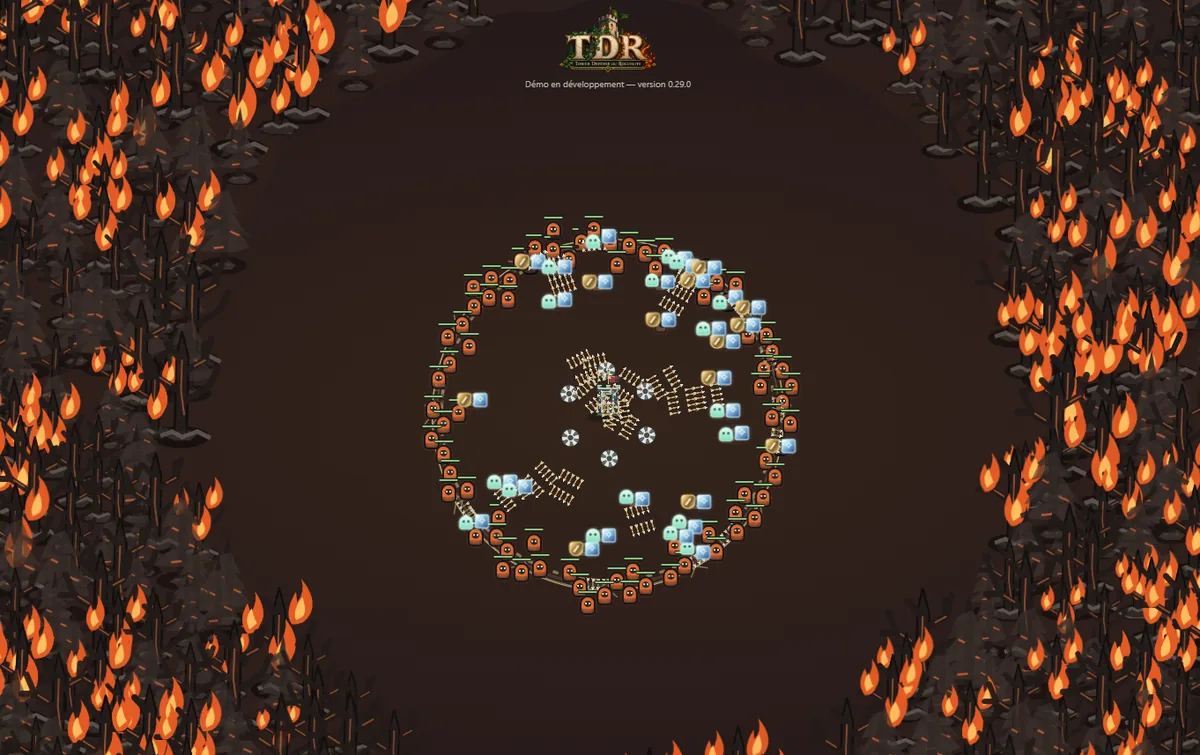
TDR is a free browser-based survival demo set around a lone tower in the woods, with enemies emerging from mist. Players aim and fire, gather loot, pick upgrades between waves, and spend permanent gains on future runs. The demo covers two acts and two bosses, and it is in development, so current balance and content can change.
What is TDR?
TDR — Tower Defense or Roguelite is a wave-based survival game built around a single tower in woodland, with enemies appearing through mist. The name signals the blend: tower-defense pressure during a run, plus roguelite persistence that carries resources into later attempts. Each run asks the player to aim, fire, and collect resources while choosing upgrades between attacks. Loot gathered during a run can improve the starting position for future tries, so failure still feeds progress.
The free browser demo includes two acts and two bosses, with the environment changing after the first major battle. Players begin with a base tower and can unlock a fire tower whose identity centers on explosions and burning attacks. Permanent gameplay upgrades stay attached to the tower that purchased them, which makes tower choice matter beyond a single run. A local profile is required before play, and the project is in development, so balance, bugs, and slowdowns can shift between sessions.
How to play
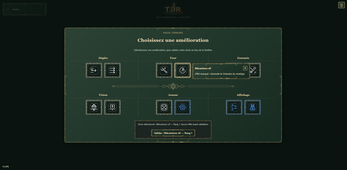
Begin with a local profile, then take control of the tower and hold out as waves arrive. The core loop is direct: aim with the mouse, left-click to fire at enemies, and left-click to pick up loot that appears on the ground. Between attacks, choose upgrades that shape the current run, such as stronger projectiles, simpler collection, reduced fog, or investments that help later attempts.
Loot still on the ground when the tower falls is lost, so clearing it before the final collapse matters. Resources already collected survive defeat, but abandoning a run gives up its earnings. Save from the menu when a break is needed, especially because progress is stored locally in the browser. The demo’s planned content ends after the second act; play can continue beyond that point, though the follow-on material is provisional. The first boss and the environment shift after the first major battle give the opening sessions a clear landmark.
Controls
The control set is compact. Move the mouse to aim, left-click to shoot at enemies, and left-click to collect loot. Esc or the menu button pauses the action and saves progress. TDR is played in a desktop browser with a mouse and keyboard. The demo supports English and French. Performance mode and Full text labels are available from the profile.
Left-click carries two jobs, firing and gathering, so the same input shifts between combat and resource collection as a run develops. Mouse aiming points the tower’s fire toward enemies in the mist, while the same click gathers resources dropped during the fight. Saving from the menu is the way to resume later, and a local profile must be created before play. No online account is needed, but the menu button performs the same pause-and-save role as Esc.
| Input | Action |
|---|---|
| Mouse | Aim |
| Left-click | Shoot or collect loot |
| Esc / menu button | Pause and save |
Tips for your first run
The first run is better treated as a scouting attempt than a victory check. The demo does not expect a win on the opening attempt, so use early waves to learn the aim-fire-collect rhythm and to bank resources. Loot left on the ground disappears when the tower falls, while resources already collected survive defeat; abandoning a run forfeits its earnings. Save from the menu before leaving, and export the local profile before changing browsers or devices.
- Clear loot between waves rather than waiting for a collapse.
- Choose upgrades that solve current pressure: projectile strength, easier pickup, fog control, or future-run investment.
- Remember permanent gameplay upgrades belong to the tower bought for them.
- Try different upgrade combinations and push toward the first boss to see the environment change.
- Do not abandon a run casually; defeat keeps collected resources, abandonment does not.
Content and replayability
The demo’s structured content runs through two acts and two bosses, with a visible change in environment after the first major battle. Two towers anchor replay: the starting base tower and an unlockable fire tower built around explosions and burning attacks. Between waves, players make run-specific choices and permanent purchases; permanent gameplay upgrades remain tied to the tower that bought them.
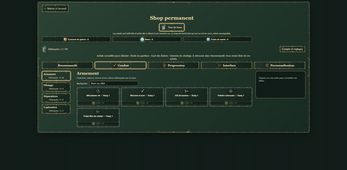
Visibility is its own progression track, letting players push back fog and decide which information appears on screen. A permanent shop, spellbook, bestiary, and loot collection give between-run goals. Cosmetics include tower skins, interface themes, range appearances, and 48 profile avatars. The second act marks the end of planned demo content; play can continue, but what follows is provisional. More bosses, towers, upgrades, and customisation are planned, while traps, elemental interactions, and buildings are under exploration with timing undecided.
Presentation and performance
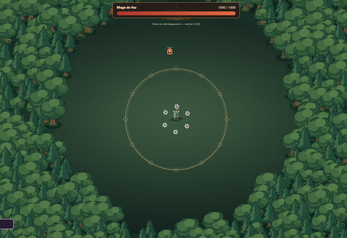
TDR uses a 2D fantasy, top-down view for its woodland tower defense. Mist and limited visibility are part of the presentation and also a progression lever, since fog can be pushed back through upgrades and on-screen information can be chosen. The demo runs in an HTML5 frame in a desktop browser with mouse and keyboard, and it offers English and French. A Performance mode and Full text labels sit in the profile, giving players ways to tune the display and readability.
Saves and profiles are stored locally in the browser; no online account is required, but a local profile must be created first. The build is in development, so balance changes, bugs, and slowdowns are possible. Developed with AI assistance for code and some content under the creator’s direction.
Who should play it
TDR suits players who enjoy wave survival with direct mouse aiming and a resource loop that continues after defeat. The mix of tower defense and roguelite structure rewards between-wave decisions, permanent purchases, and repeated attempts rather than a single clean victory. Players who like visible progression outside a run have the permanent shop, spellbook, bestiary, tower-specific upgrades, and cosmetics to pursue.
The demo is also aimed at players willing to test an in-development build, since balance is evolving and bugs or slowdowns may appear. A desktop browser, mouse, keyboard, and local profile are required. Anyone who wants a quick browser session with a clear aim-fire-collect loop and a first boss to chase has a concrete reason to click Play.
Screenshots
How we tested it
The build was loaded from games.debutplay.com in a headless Chromium session on ; the canvas started and no request was blocked. The guide was last checked on .
From the developer
ENGLISH — Public description - TDR (Tower Defense or Roguelite) One tower in the woods. Enemies in the mist. How long can you hold out? In TDR, defend a tower against waves of enemies, choose upgrades between attacks and turn collected loot into a stronger starting point for your next attempt. Aim. Fire. Collect your resources. Then choose your priorities: stronger projectiles, easier collection, less fog or an investment in future runs? Your tower may fall, but the resources you collected help you return better equipped. You are not expected to win on your first attempt.** Explore the upgrades, try different combinations and discover what lies beyond the first boss. Inside the demo - Two acts and two bosses, with a changing environment after the first major battle. - Two towers: begin with the base tower and unlock the fire tower, its explosions and burning attacks. - In-run choices and permanent purchases to prepare future attempts.…
Frequently asked questions
Is TDR free to play?
Yes. The browser demo is free to play, with no online account required, though a local profile must be created before play.
What platforms does the demo support?
The demo is played in a desktop browser with a mouse and keyboard. It is built as an HTML5 game.
How does saving work?
Profiles and saves are local to the browser. Pause and save from the menu, and export the profile before changing browsers or devices.
What happens when the tower falls?
Collected resources are kept after defeat. Loot still on the ground is lost. Abandoning a run forfeits its earnings.
How much content is in the demo?
The planned demo spans two acts and two bosses, two towers, a permanent shop, spellbook, bestiary, visibility upgrades, cosmetics, and 48 avatars.
Can progress carry into the final release?
Progress transfer to the final release is planned, but the demo ends its planned content after the second act and later play is provisional.
What games are similar to TDR — Tower Defense or Roguelite?
The closest matches on DebutPlay are WINTERING, DREADWAKE, Magnetic Chaos: Keep the Sphere. They share the same genre, so the controls and the pace carry over.
Something wrong or missing? Tell us. How we test games.