Puzzle · New game
Ciche Zakątki — Free Demo
A free browser demo that drops players into an enchanted greenhouse to hunt 56 hidden objects and bring an illustration back to color, with no timers.
#56 this weekAI-assisted: Code, Graphics, Sound, Text
The game runs in this tab. No install, no account.
The short answer
Ciche Zakątki — Free Demo is a single-player hidden object and coloring puzzle set in an enchanted greenhouse with a winding staircase, flowers, books and quiet corners. One complete scene holds 56 hidden objects, split across Find & Color and Free Coloring, and there are no timers. It is free in a desktop browser, with English and Polish interface options.
What is Ciche Zakątki — Free Demo?
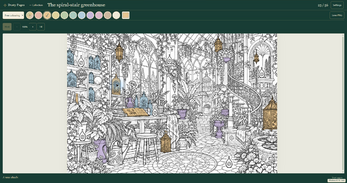
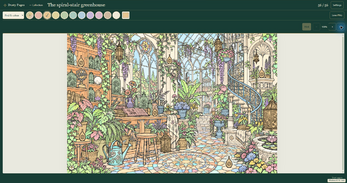
Ciche Zakątki — Free Demo is a single-player browser puzzle game from Dusty Pages Digital, and the setting carries it: an enchanted greenhouse with a winding staircase, flowers, stacked books and quiet corners worth lingering in. The project is still in development, and the free slice is one complete illustrated scene rather than a fragment cut from a larger one.
That scene holds 56 hidden objects to track down. Two coloring modes sit alongside the search — Find & Color ties the hunt to coloring, while Free Coloring lets the palette become the whole activity. No timers and no pressure mean the pace belongs entirely to the player. The interface runs in English and Polish, there is no music, and a mouse with a desktop browser is the recommended setup.
How to play
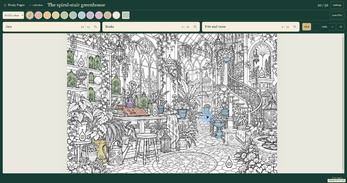
Open the game in a desktop browser, click the run prompt, and switch to fullscreen if the greenhouse feels cramped. From there the loop is straightforward: scan the illustration for the 56 hidden objects, then bring color to whatever has been found. Find & Color pairs discovery with coloring; Free Coloring drops the search framing and hands over the palette.
Colors are chosen rather than assigned, and custom shades can be mixed, so recoloring discoveries is part of the play instead of a fixed reveal. Delicate golden sparkles mark things gently, hints are there when a search stalls, and Clara offers optional English encouragement — optional being the operative word. Finishing the scene lets the rest of the illustration bloom into color.
Progress is kept in the browser between visits. Artwork can be exported as a PNG, which produces an image of the finished piece rather than a save file. License, credits and privacy details sit in the game menu.
Controls
A mouse and a desktop browser are the recommended setup, and point-and-click is the whole vocabulary. Everything the demo asks for is a click: starting the run, expanding the view, choosing colors, mixing custom shades, recoloring discoveries and marking the hidden objects found among the flowers, books and corners.
The fullscreen button enlarges the play area, which matters in a scene built around small treasures tucked into quiet spots. Mode selection between Find & Color and Free Coloring, plus the switch between the English and Polish interface, are menu-level clicks rather than inputs to memorize.
Nothing about keyboard shortcuts, gestures or touch input appears alongside the mouse recommendation, so a desktop pointer remains the safest way to approach the greenhouse.
| Input | Action |
|---|---|
| Mouse | Point, click and select — find hidden objects, choose colors, mix shades and recolor discoveries |
| Fullscreen button | Expands the play area for more room in the greenhouse |
| Run game prompt | Starts the demo in the browser |
Tips for your first run
The demo is unhurried by design, with no timers and no pressure, so there is no reason to rush the greenhouse. A few habits make the first session smoother:
- Play in fullscreen. The scene hides small objects among flowers, books and quiet corners, and extra room is easier on the eyes.
- Lean on the golden sparkles and the gentle hints early. Searching is the point, not proving anything by refusing help.
- Try both modes. Find & Color links hunting with coloring, while Free Coloring lets the palette lead; they suit different moods.
- Mix custom shades rather than settling for defaults, since recoloring discoveries is central to the coloring half.
- Export a PNG once the scene is finished, but treat it as artwork rather than a save backup.
- Avoid clearing site data or private browsing if progress matters, because the demo's saves live in browser storage.
Content and replayability
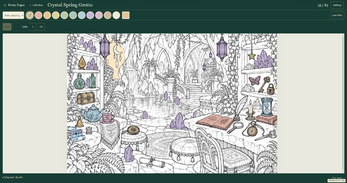
Everything in this free release sits inside one greenhouse scene with its 56 hidden objects, split across Find & Color and Free Coloring. That is the whole of the demo — a single complete escape rather than a sampler of several places. Crystal Spring Grotto appears as a preview of a location from the larger edition and cannot be played here.
The scope grows well beyond it. A Windows edition is in development with 12 illustrated locations and 877 hidden objects, both coloring modes and offline play, planned at a minimum price of $6.99 USD with sales not yet open. The demo covers only the greenhouse; the other 11 scenes are not included. Saves are separate between the browser demo and the Windows edition, and progress does not transfer automatically.
Replay value inside the demo comes from the coloring side rather than fresh locations: the object list stays the same, but color choices, custom shades and recoloring decisions belong to the player.
Presentation and performance
The look is 2D illustration with a delicate, cozy touch — golden sparkles, gentle hints, and a finish that lets the remaining artwork bloom into color. There is no music, and the one voice element mentioned is optional encouragement from Clara in English. The interface can be switched between English and Polish in the menu.
Running as an HTML5 game in a browser means nothing to install for the demo, and a mouse with a desktop browser is the recommended way in. The larger Windows build arrives as a ZIP containing CicheZakatki.exe, needs no installer or separate server, has been tested on Windows 11 x64 and is currently unsigned, which may prompt a system warning.
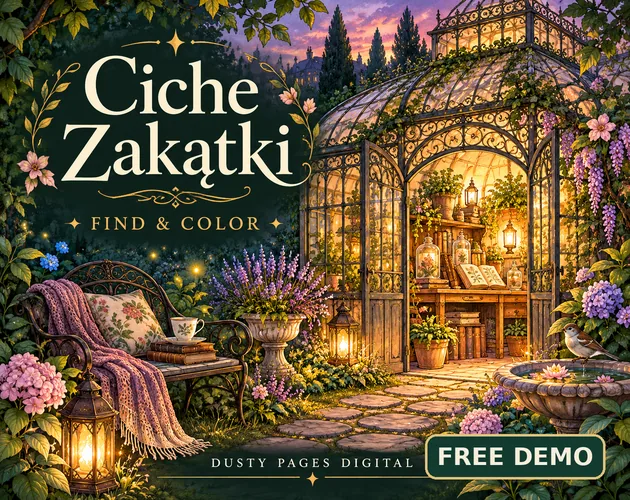
Data practice is modest: no analytics, no advertising and no progress sent to the creator, with saves staying in the browser. Some visual assets, programming and text were produced with generative AI assistance, some voice effects came from ElevenLabs, and the scenes were curated and assembled. The cover and banner are promotional illustrations rather than gameplay screenshots.
Who should play it
Players who enjoy hidden object hunts but dislike countdown clocks are the obvious audience: 56 objects, no timers and hints when a search stalls. Coloring fans get equal footing through Free Coloring and custom shade mixing, and the recolor-as-you-find loop in Find & Color bridges both interests in one mode.
Cozy, casual and relaxing are the operative words, so anyone after a quiet desktop-browser session with a mouse will recognize the shape. Polish and English speakers are both served by the menu language switch, and the optional encouragement from Clara can be left alone.
It is a poor fit for anyone wanting action, score pressure or a large amount of content on day one — the demo is one greenhouse, and the 11 additional scenes belong to a Windows edition still in development and not yet on sale. Players who care about keeping their work should also plan around the separate saves.
Screenshots
How we tested it
The build was loaded from games.debutplay.com in a headless Chromium session on ; the canvas started and no request was blocked. The guide was last checked on .
From the developer
Ciche Zakątki — Free Demo Find a little wonder. Bring a little color back. Step into an enchanted greenhouse, follow its winding staircase, and discover tiny treasures among flowers, books and quiet corners. No timers. No pressure. Just you, a little curiosity, and the gentle joy of bringing an illustration to life. One complete little escape Explore one complete illustrated scene with 56 hidden objects.Play Find & Color or relax in Free Coloring mode.Choose your colors, mix custom shades and recolor discoveries.Enjoy delicate golden sparkles, gentle hints and optional English encouragement from Clara.Finish the scene to see the remaining illustration bloom into color.Return to your saved progress and export your artwork as PNG. Play for free in your browser. Click Run game to begin. Use the fullscreen button for more room. A mouse and a desktop browser are recommended. Interface: English and Polish. No music. The full Windows edition…
Frequently asked questions
Is Ciche Zakątki — Free Demo really free?
Yes. The demo costs nothing to play in a browser. The separate Windows edition being prepared for sale has a planned minimum price of $6.99 USD, and sales have not opened yet.
How much content is in the demo?
One complete greenhouse scene containing 56 hidden objects, playable in Find & Color and Free Coloring. Crystal Spring Grotto is shown only as a preview of a full-edition location and is not playable.
Does progress carry over to the Windows version?
No. The browser demo and the Windows edition keep separate saves, and automatic progress transfer is not offered.
Can the finished artwork be saved?
Yes, as a PNG export. A PNG is an image of the artwork and does not work as a save backup, so browser progress is not preserved by exporting one.
What languages are supported?
The interface is available in English and Polish, and the language can be changed in the menu. Clara's optional encouragement is delivered in English.
Is there a timer or any pressure?
No. The greenhouse runs without timers or pressure, and gentle hints plus golden sparkles help when an object proves hard to spot.
What games are similar to Ciche Zakątki — Free Demo?
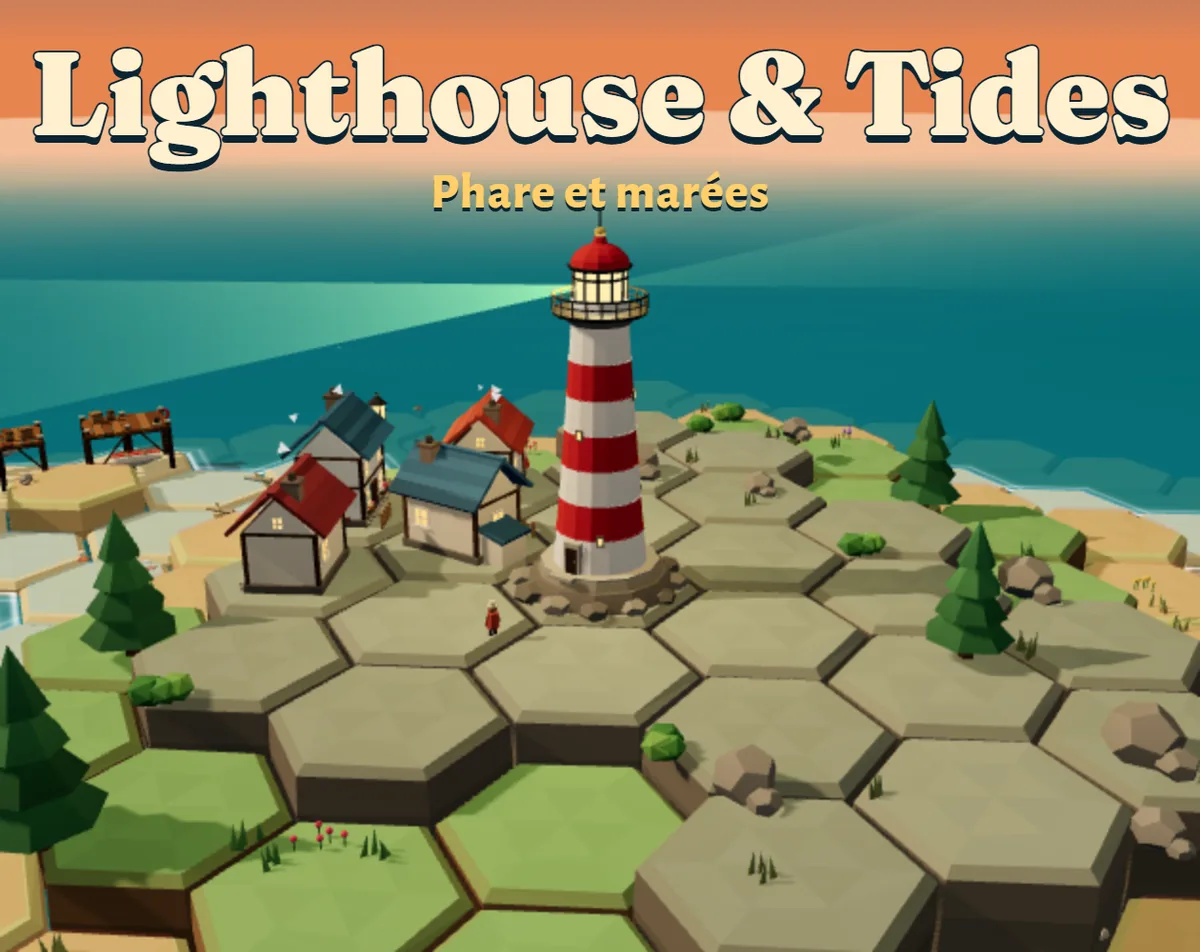
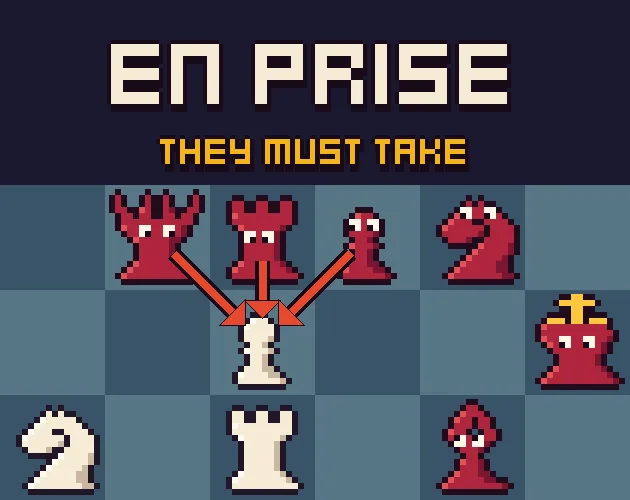
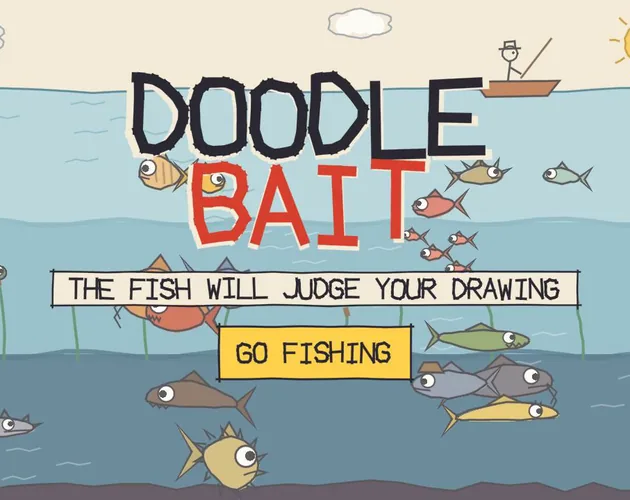
The closest matches on DebutPlay are Lighthouse & Tides (Phare et marées), En Prise: Chess, but They Must Take, Doodle Bait. They share the same genre, so the controls and the pace carry over.
Something wrong or missing? Tell us. How we test games.