Educational · New game
Make Me a Game
One press produces a playable game with stages, a story thread and its own art, ready to be rerolled, remixed, read as code or exported.
#4 this weekAI-assisted: Code, Graphics, Sound, Text
The game runs in this tab. No install, no account.
The short answer
Make Me a Game is a browser-based, free-to-play generator from Darkstorm Interactive that builds a complete small game on demand: three, five or eight stages, a story, its own art and sometimes a boss. From there the work begins, with stage editing, physics tuning, custom rules and an exported HTML or C file you keep.
What is Make Me a Game?
Make Me a Game is a browser game maker from Darkstorm Interactive, filed under educational, that turns one press into a finished small game rather than a sketch of one. A roll delivers three, five or eight stages threaded together by a story, its own art, and in five of the starters a boss waiting at the end. The result plays immediately, and just as importantly it reads: everything on screen can be opened, inspected and changed.
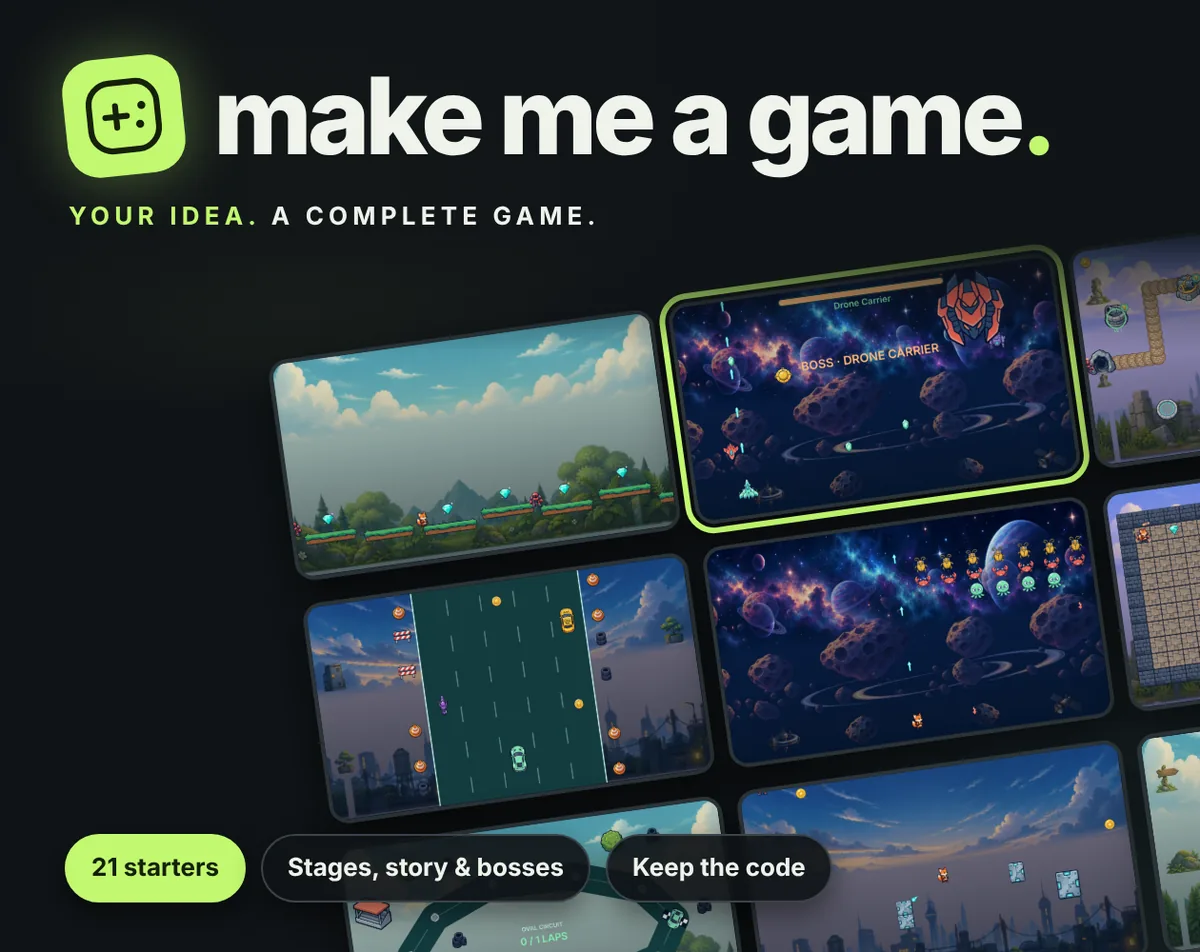
The catalogue holds 21 starters spread over 12 genres, so a session might begin with a platformer, a growing snake, a tower defence route, a memory match, a maze, a turn-based tactics skirmish or an arcade football match, alongside racers, shooters, brick breaking, arena survival and base building.
Each starter arrives with its own illustrated sprite pack, and the worlds travel from forest and desert through ice and ocean to candy and space. Arcade-flavoured starters fold in power-ups, bonus saucers and boss encounters, giving those runs a little more bite than the puzzle and building templates.
How to play
Start by pressing the make-me-a-game button. A full game drops out: stages, a story running through them, art and, in five of the starters, a boss at the finish. If the result does not suit, roll again for a different one, or lock the parts worth keeping and reroll only the rest. Undo restores the previous roll, so a good idea is never lost to a bad reroll.
Once a starter is settled, the shaping begins. Choose the world, the hero, the enemies, the difficulty and how long a run should last. Edit any stage, or paint a course, track, room or defence route from scratch. The feel is adjustable too, with jump height, gravity, speed, health and double jumps all open to tuning, which is where a template starts to feel like a personal project rather than a borrowed one.
Rules can be layered on top. A condition such as earning a shield after twenty defeated enemies, or a ten-gem target to clear a stage, turns a loose template into something with its own objectives. From there the game is played, paused and picked apart at leisure.
Controls
Input is handled through on-screen touch controls that can be resized and moved to the opposite side for left-hand play, so the layout adapts to the player rather than the other way around. Every starter uses that same adjustable scheme, which keeps switching between templates from feeling like learning a new game each time.
The inspection tools matter as much as the playing ones. The game can be paused and advanced a single frame at a time, with the player's hitbox and the active rules made visible as they fire. That turns a confusing death into something readable: the frame where the collision happened is right there to look at.
For anyone who wants to go further, a live canvas accepts a movement function written on the spot and runs it against the game in front of the player. Six short coding lessons sit alongside it, each built on the current game, with the real template code available to read line by line rather than hidden away.
| Input | Action |
|---|---|
| Touch controls | On-screen controls that can be resized and swapped for left-hand play |
Tips for your first run
The first hour is best spent rolling a few starters and resisting the urge to perfect the first one. Locking a liked world or hero before rerolling keeps the parts that worked while the rest of the template changes, and undo makes experimenting cheap. Long sessions deserve an early export, since a single HTML file is a sturdier home for a project than a browser tab.
- Lock the elements worth keeping, then reroll for the rest instead of starting from zero.
- Use undo to step back through rolls when a later one turns out weaker than an earlier favourite.
- Tune jump height, gravity and speed before adding rules, since feel changes what a rule needs to be.
- Pause and step a single frame whenever a hit feels unfair, then read the hitbox and the rule that triggered.
- Export a single HTML file early and keep an offline copy of the app so the project survives a blocked download.
- Write one small movement function in the live canvas before touching the template code, to see the loop respond.
Content and replayability
The spread is the selling point: 21 starters across 12 genres, from platformers and endless runners to flappy-style flight, invader waves, asteroid piloting, arena survival, brick breaking, paddle duels, dungeon crawling, traffic and circuit racing, minefield puzzles, tower defence, base building, turn-based tactics, tag arenas and arcade football. Each carries its own illustrated sprite pack, and the six named worlds give those packs somewhere to live.
Replay value comes from recombination rather than a campaign. Rerolling a starter produces a different game, locking parts steers the next roll, and every stage remains editable afterwards, so a template is a starting point rather than a fixed offering. Custom rules extend that further, since the same stage can be rebuilt around collecting gems, defeating a set number of enemies or any other condition the builder allows.
When a game is ready, it leaves as a single HTML file that runs in any browser with no libraries and nothing online, or as C source for raylib to build on a desktop. The exported code is readable and named, and it belongs to whoever made it, to change and share as they like.
Presentation and performance
Everything runs as HTML5 inside a playable browser frame, with no install step in the way. Each starter's sprite pack is illustrated rather than assembled from placeholder blocks, and the scenery was produced with AI image tools and then cut, cleaned and fitted by purpose-built utilities, which shows in the way the worlds hold together across forest, ice, ocean, candy and space.
The build itself was made by B.C. Anderson of Darkstorm Interactive with Claude under Bryan's direction, and the tooling reflects that: nothing is sent anywhere while the app is used, there are no accounts and no ads, and recipes are saved in the browser on the device with a Saved option that writes them out to a file. An offline copy of the whole app can be downloaded in one file.
One practical wrinkle: some browsers block downloads and copying inside an embedded game frame. When that happens, the note at the top offers an open-in-its-own-tab button, and the work travels with it, so a blocked export is an inconvenience rather than a loss.
Who should play it
This suits anyone who wants a finished thing to poke at rather than a blank editor. The one-press start means a playable game exists within seconds, which is exactly the barrier that stops most curious players from ever opening a development tool. Rolling until something clicks costs nothing but a click.
It also suits learners who prefer to read real code instead of abstract exercises. The six lessons are built on whichever game is currently loaded, the template code is available to read, and the live canvas lets a movement function be written and watched rather than imagined. Stepping frames with the hitbox visible teaches collision and rules faster than any diagram.
Finally, it works for tinkerers who want output they own: a single HTML file that runs offline in any browser, or C source for raylib on a desktop. The freedom to change and share exported games, combined with no account and nothing sent anywhere, makes it a comfortable place to experiment without leaving a trail.
Screenshots
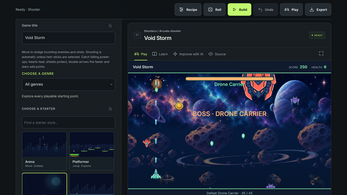
How we tested it
The build was loaded from games.debutplay.com in a headless Chromium session on ; the canvas started and no request was blocked. The guide was last checked on .
From the developer
YOUR IDEA. A COMPLETE GAME. Press "Make me a game" and you get a whole game, not a sketch: three, five or eight stages, a story that runs through them, its own art, and in five of the starters a boss waiting at the end. Don't like it? Roll again, or lock the parts you like and roll the rest. Undo brings the last one back. 21 STARTERS IN 12 GENRES Platformer, endless runner, flappy flight, arcade shooter, invader waves, asteroid pilot, arena survivor, growing snake, brick breaker, paddle duel, maze explorer, dungeon explorer, traffic racer, circuit racing, memory match, minefield puzzle, tower defence, base building, turn-based tactics, tag arena and arcade football. Every starter has its own illustrated sprite pack, and the worlds run from forest and desert to ice, ocean, candy and space. Power-ups, bonus saucers and boss fights in the arcade starters. MAKE IT YOURS • Pick the world, your hero, the enemies, the difficulty and how long…
Frequently asked questions
Does Make Me a Game cost anything?
No. It is free to play in the browser, with no account, no ads and nothing sent anywhere while the app is in use.
Do players need coding experience?
No. One press produces a complete playable game, and the six short lessons, readable template code and live canvas are there for those who want to go deeper, not as a prerequisite.
Can the finished games be shared?
Yes. A game exports as a single HTML file that runs in any browser without libraries or an internet connection, or as C source for raylib, and the exported code is the maker's to change and share.
Are the controls usable one-handed?
The on-screen touch controls can be resized and moved to the other side for left-hand play, so the layout is adjustable rather than fixed.
Where are projects stored?
Recipes are saved in the browser on the device, with a Saved option that backs them up to a file, and the whole app can be downloaded for offline use.
What happens if a download is blocked?
Some browsers block downloads and copying inside an embedded frame. A note at the top offers an open-in-its-own-tab button, and the work comes along with it.
What games are similar to Make Me a Game?
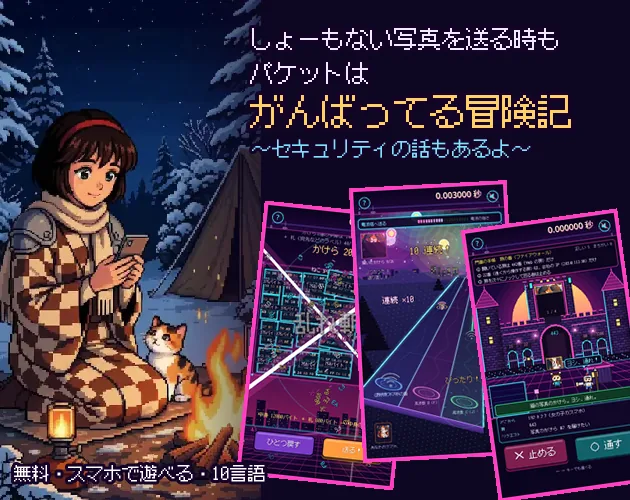
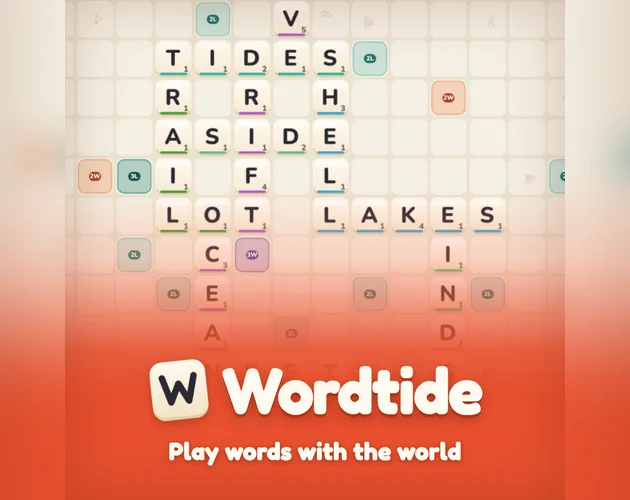
The closest matches on DebutPlay are Packet Adventure: Even a Silly Photo Gets the Full Effort, Wordtide, Mate in One — Shogi Puzzles. They share the same genre, so the controls and the pace carry over.
Something wrong or missing? Tell us. How we test games.