Shooter · New game
Chalk Galaxy
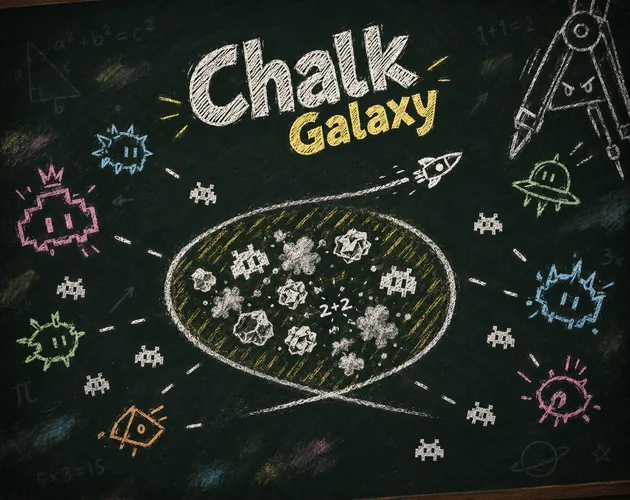
A one-button shoot 'em up sketched in chalk on a blackboard, where surviving five three-minute classes means turning your own flight path into a weapon.
#28 this weekAI-assisted: Code, Graphics, Sound
The game runs in this tab. No install, no account.
The short answer
Chalk Galaxy is a free browser shoot 'em up drawn in chalk on a school blackboard, played with a single hold-and-release button. Fly straight, then curve back across your own trail to erase enemies caught inside the loop. Five three-minute classes, five bosses, and a level-up system built like a graded test question.
What is Chalk Galaxy?
Chalk Galaxy is a one-button shoot 'em up staged on a school blackboard and drawn entirely in chalk. The ship fires automatically, so the only real decision is when to hold the button and when to let go. A session is arranged like a school day: five classes of three minutes each, covering Math, Physics, Chemistry, Geography and Art, with the recess bell at 15:00 marking the finish.
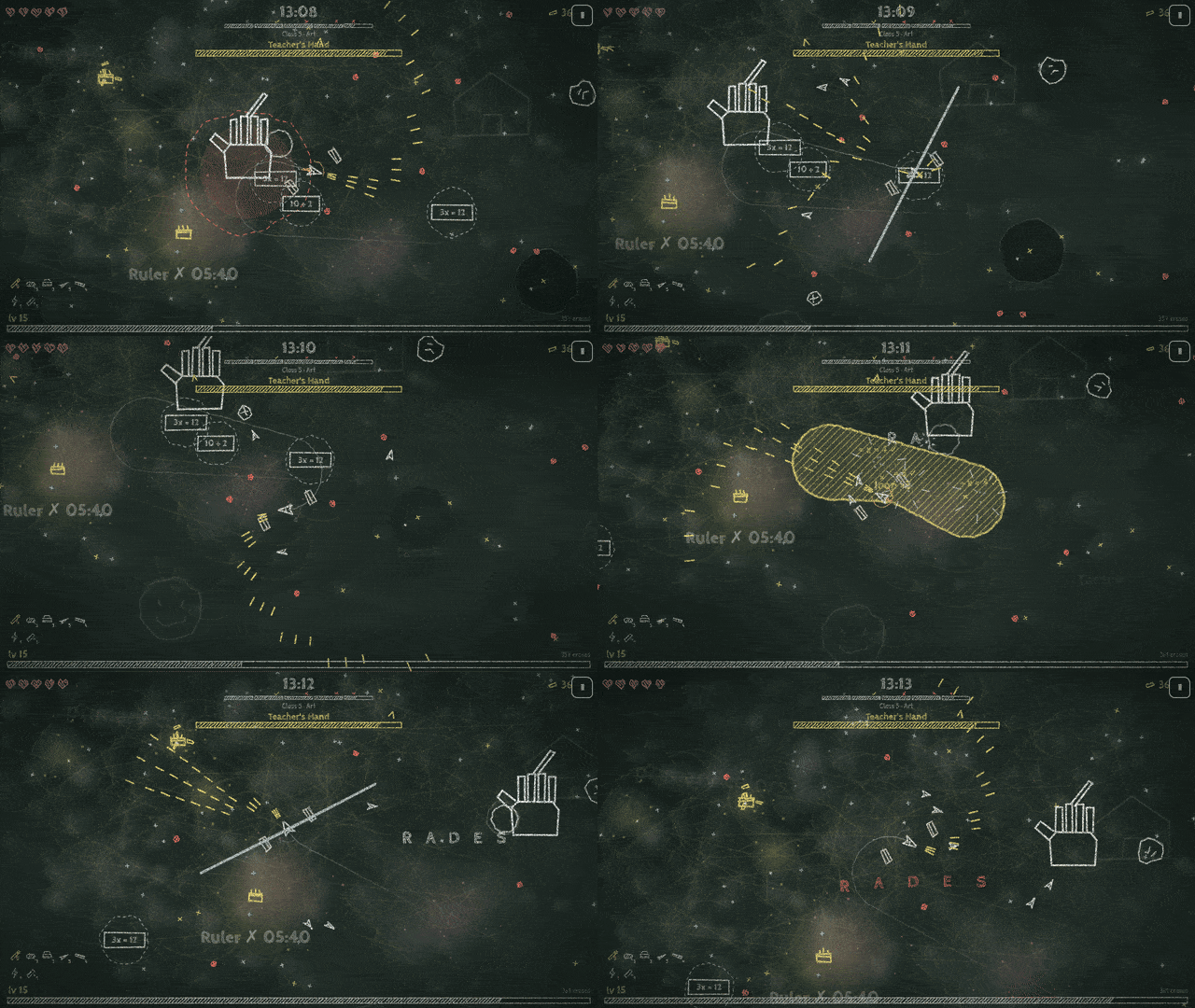
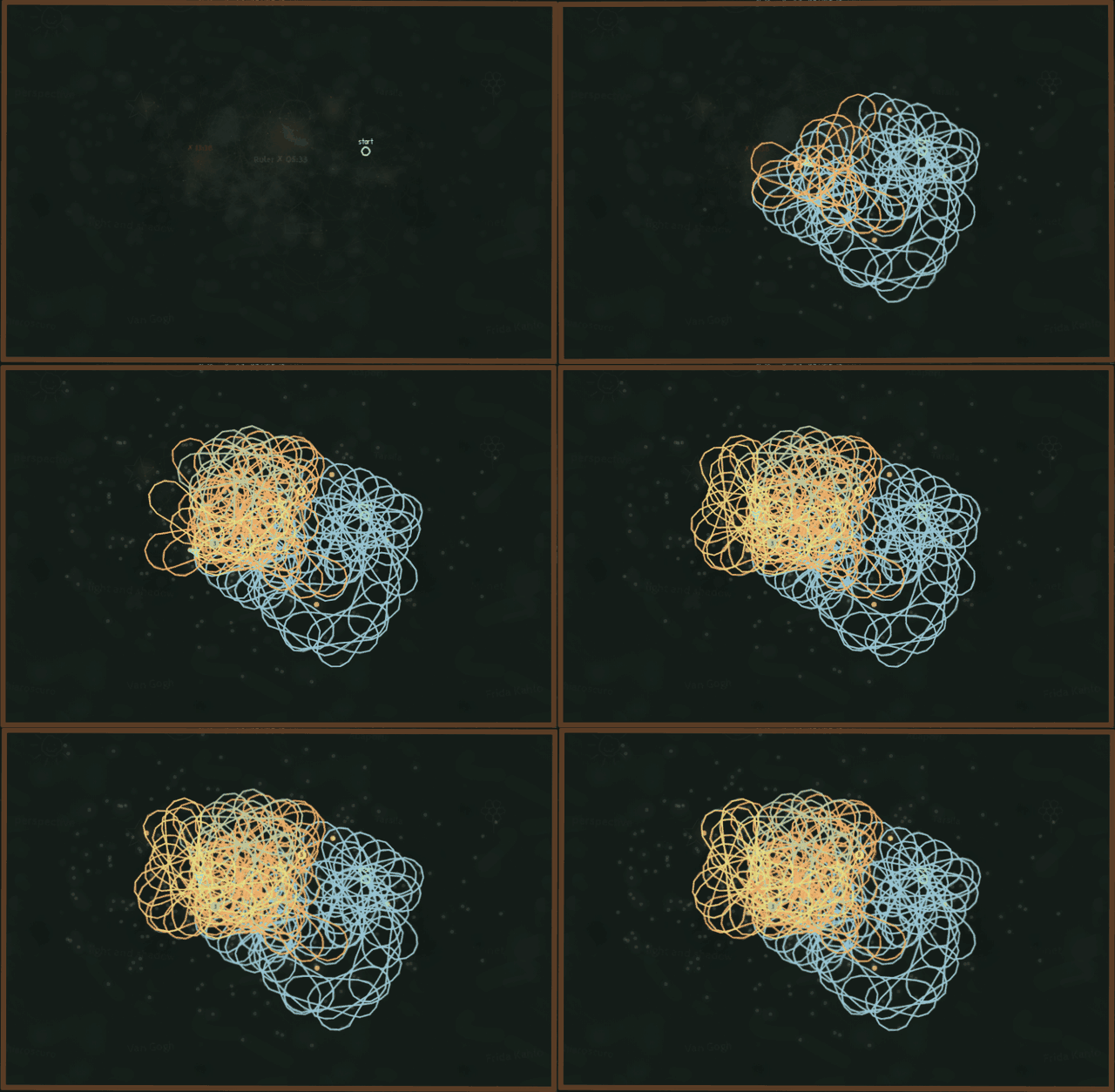
Every class closes with a boss. The Compass draws circles of damage that mirror the player's own movement, and the Teacher's Hand writes words whose letters turn into bullets. The Ruler, the Bubbling Flask and the Giant Eraser round out the staff. Between those fights, eight enemy types populate the board, among them Equations that only die inside a loop and Erasers that chew through the chalk trail.
It is a prototype, free to play in the browser as an HTML5 build, and feedback is actively invited, including the blunt question of whether the loop idea lands within the first thirty seconds of play.
How to play
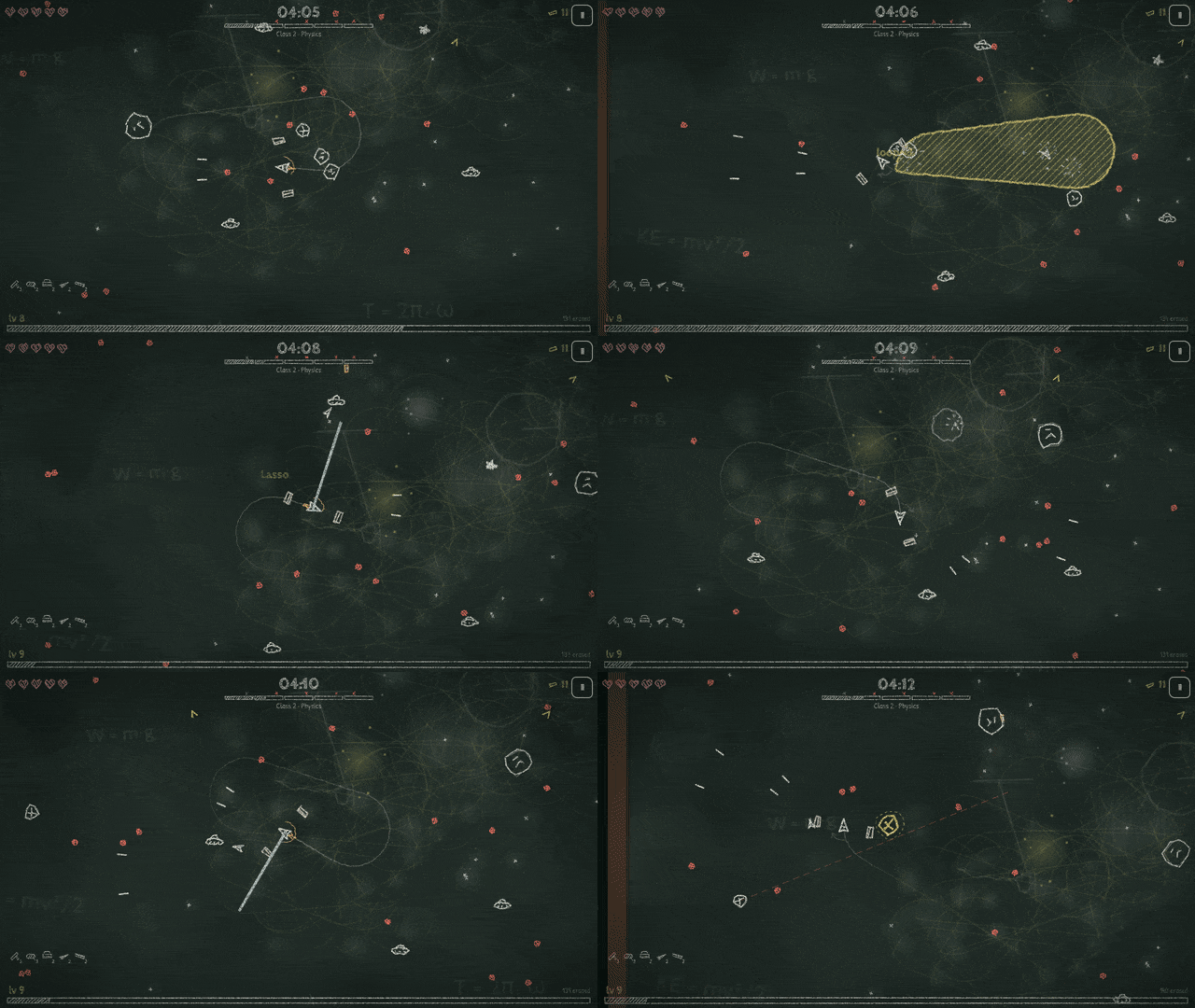
The whole game hangs on one idea. Holding the button flies the ship in a straight line; releasing lets it spin on its own. Shots fire continuously either way. To attack, fly out, turn, and come back across the chalk trail already drawn, closing a loop around whatever sits inside it.
Size decides everything. A loop has to be wider than the ship's natural turn to count at all, so small circles do nothing. When a loop closes, every scribble caught inside it is erased, and the wider the loop, the heavier the damage it deals. That tension between flying safe and flying wide is the entire skill curve.
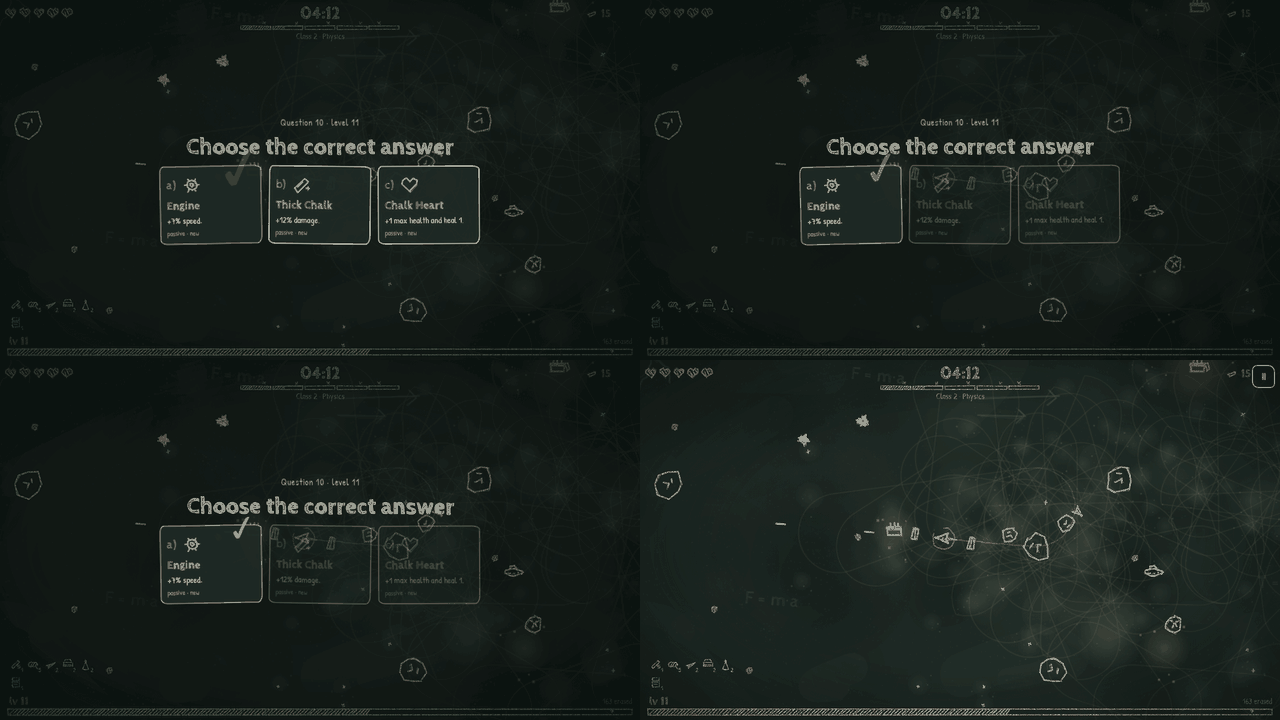
Progress arrives as a test question: a prompt asks the player to pick the correct answer and the choice is ticked off in red pen. Weapons, passives and evolutions follow the pattern familiar from Vampire Survivors. Max out a weapon, hold the right passive, and open a chalk box to push it into an evolved form. Seven weapons, eight passives and seven evolutions feed that system across a run.
Controls
One input does almost everything. Hold to fly straight, release to let the ship spin. Holding for longer than a second engages turbo, and a double tap reverses the direction of the spin.
That single control accepts several devices: the mouse, a touchscreen, the space bar on a keyboard, or the A button on a gamepad. Because shooting is automatic and there is no aim input to manage, the hands never have to leave that one control in the middle of a fight.
One extra key changes the look rather than the rules. The board animates at 12 to 15 frames per second, styled like a chalk cartoon, and pressing F switches that to a smooth 60 fps. Touch input follows the same rhythm as every other device, so the hold-and-release timing carries over intact.
| Input | Action |
|---|---|
| Hold (any device) | Fly straight in a line |
| Release | Let the ship spin on its own |
| Hold longer than one second | Engage turbo |
| Double tap | Reverse the direction of the spin |
| Mouse | Hold and release the button to steer and loop |
| Touch | Hold and release on a touchscreen |
| Keyboard Space | Hold and release with the space bar |
| Gamepad A | Hold and release with the A button |
| F | Switch from the 12 to 15 fps chalk animation to a smooth 60 fps |
Tips for your first run
The opening half minute decides whether the game clicks. The habit worth breaking early is circling tightly near danger, because cramped turns are worthless here. Fly out on a committed straight line and then bring the ship back so the return path slices across the outbound one.
Once the loop feels natural, start choosing where to close it rather than simply surviving the turn. A weapon taken to its maximum and paired with the matching passive is the route to an evolution, so favour depth in one weapon over scattering picks.
- Commit to the straight line before turning back, since a timid turn makes a loop too small to erase anything.
- Aim the loop over clusters of enemies; everything caught inside a finished loop is wiped away.
- Treat Equations as loop-only targets, because ordinary automatic fire will not remove them.
- Watch for Erasers and Smudge puddles, which destroy the trail, and plan the next loop somewhere else.
- Read the Paper Ball's dashed warning line and dodge it by flying straight rather than spinning away.
- Expect the Compass to answer with damage circles that copy your movement, so keep patterns narrow while it is active.
- Spend colored chalk on permanent upgrades and try the Paper Plane for wide turns or the Saucer for near-stationary spin.
Content and replayability
Five classes, five bosses and eight enemy types make up the spine of a run, while the level-up pool holds seven weapons, eight passives and seven evolutions. The board also records the session: every kill leaves a permanent smudge, so the blackboard slowly becomes a rough history of the fight.
At the end comes a graded test scored from 0 to 10, alongside a map showing the path taken, the loops drawn, the fights and the bosses. Colored chalk collected along the way buys permanent upgrades, and the same currency unlocks two more ships, the Paper Plane with its wide turning circle and the Saucer that spins almost in place.
Because a run is broken into three-minute classes and the loop is a skill rather than a lucky drop, there is clear room to replay for a cleaner grade and a tidier map. This is a prototype, so the current roster is a starting point rather than a finished catalogue.
Presentation and performance
The visual idea is a blackboard. Ships, enemies and effects are chalk strokes animated at 12 to 15 frames per second for a hand-drawn cartoon feel, and pressing F lifts the presentation to a smooth 60 fps for anyone who prefers clarity over the chalky stagger.
Audio is generative: marimba, music box and pizzicato played live in the browser, with a different key for each class. Art, sound and music are all drawn and synthesized in code at runtime, with no image or audio files shipped alongside. The two typefaces, Cabin Sketch and Patrick Hand, are used under the SIL Open Font License.
Text is available in English, Spanish and Portuguese. The build is HTML5 and runs in a browser, with mouse, touch, keyboard or gamepad input available throughout.
Who should play it
Players who enjoy bullet-heaven and roguelite progression but want a smaller, sharper ask will get the most from this. There is no aim stick and no fire button; everything comes down to reading a straight line and deciding where to close it.
It also suits anyone who plays in short sittings, since each class lasts three minutes and ends with its own boss. The school framing, from the graded test and red pen ticks to the recess bell and the chalk dust left by every kill, gives the arcade structure a theme that holds together.
Finally, it rewards people who like watching a prototype grow. Feedback is being collected, including whether the loop clicks within the first half minute, so early impressions carry real weight. Anyone who needs a long campaign, saved progression or a finished content roster should treat this as an early stop rather than a destination.
Screenshots
How we tested it
The build was loaded from games.debutplay.com in a headless Chromium session on ; the canvas started and no request was blocked. The guide was last checked on .
From the developer
Hold the button and fly straight. Let go and you spin, like a merry-go-round. Your shots are automatic. Chalk Galaxy is a one-button shoot 'em up drawn in chalk on a school blackboard. Survive five 3-minute classes (Math, Physics, Chemistry, Geography and Art) until the recess bell rings at 15:00. The trick is the loop. Fly straight, turn and come back across your own chalk trail. A loop bigger than your natural turn erases every scribble inside it, and the bigger the loop, the more damage it does. Release: the ship spins on its own. Shooting is automatic. Hold: fly straight. Hold for more than 1 second for turbo. Double tap: reverse your spin. Loop: go straight and come back. Bigger than your turn, more damage. Mouse, touch, keyboard (Space) or gamepad (A). That's all you need. 5 classes, 5 bosses: the Compass, the Ruler, the Bubbling Flask, the Giant Eraser and the Teacher's Hand, who writes words whose letters become bullets. 8…
Frequently asked questions
Is Chalk Galaxy free to play?
Yes. It costs nothing, runs as an HTML5 build in the browser, and is currently a prototype rather than a finished release.
What do you actually press during a run?
One control. Hold to fly straight, release to spin, hold past a second for turbo, and double tap to flip the spin direction. Mouse, touch, space bar and gamepad A all work.
How long does a run last?
The run is divided into five classes of three minutes each, and the recess bell at 15:00 signals the end. Each class finishes with its own boss.
How does the loop deal damage?
Flying straight and then curving back across the chalk trail closes a loop. Everything scribbled inside it is erased, and wider loops hit harder. Loops smaller than the natural turn do nothing.
Can the presentation be changed?
The board animates at 12 to 15 fps by default for a chalk cartoon look. Pressing F swaps that for a smooth 60 fps.
Which languages are supported?
English, Spanish and Portuguese are available in the build.
Something wrong or missing? Tell us. How we test games.