Music · New game
Doing Letters
A one-dollar typing toy where a chunky keyboard plays notes, letters melt off a Notepad window, and 57 hidden words plus eight nursery tunes are waiting to be found.
#7 this weekAI-assisted: Code, Text
The game runs in this tab. No install, no account.
The short answer
Doing Letters is a small, relaxing typing toy: a chunky eighties-style keyboard where each key sounds a note and anything typed melts off the Notepad window above, faster the faster you type. Behind it, an endless landscape rolls past and a bossa nova plays. It costs one dollar, and there is no score, no timer and nothing locked.
What is Doing Letters?
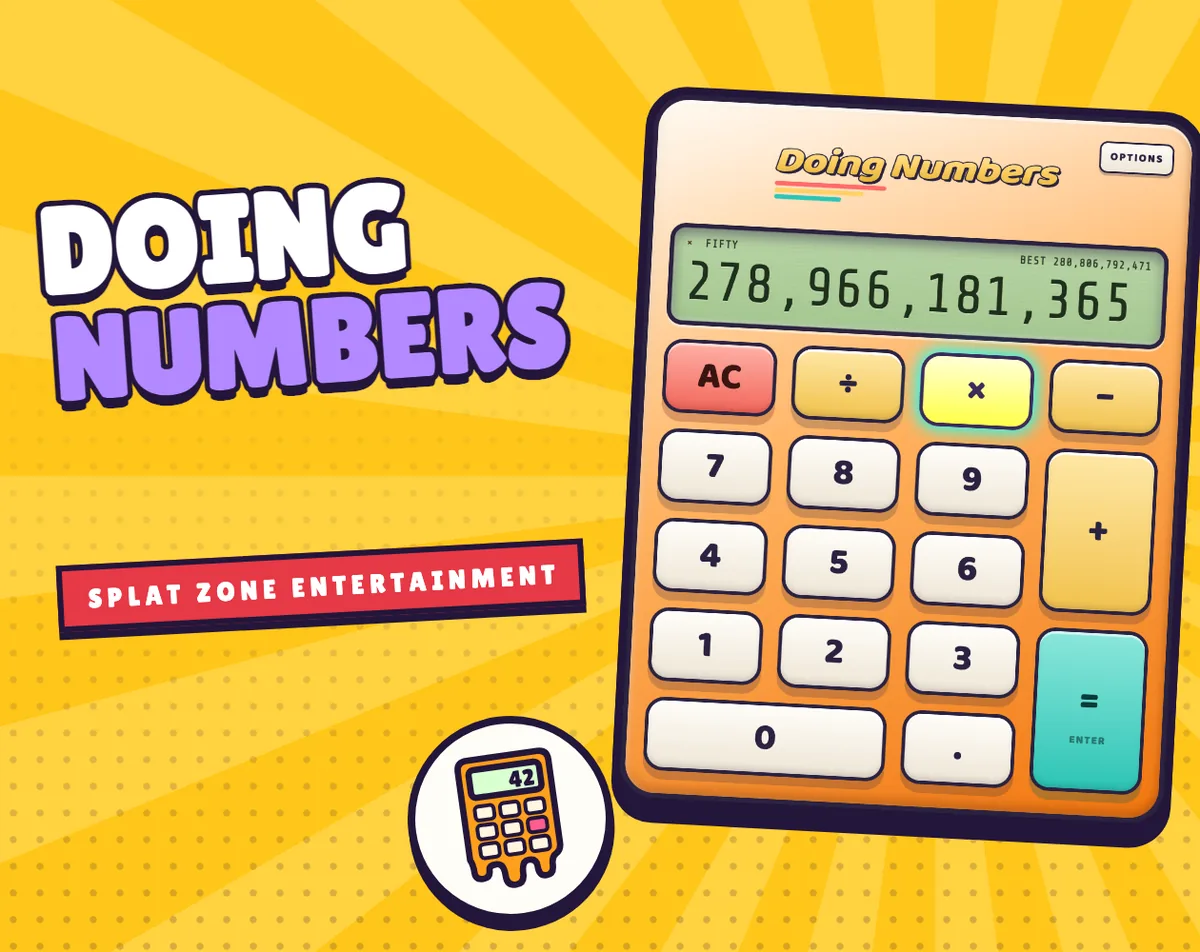
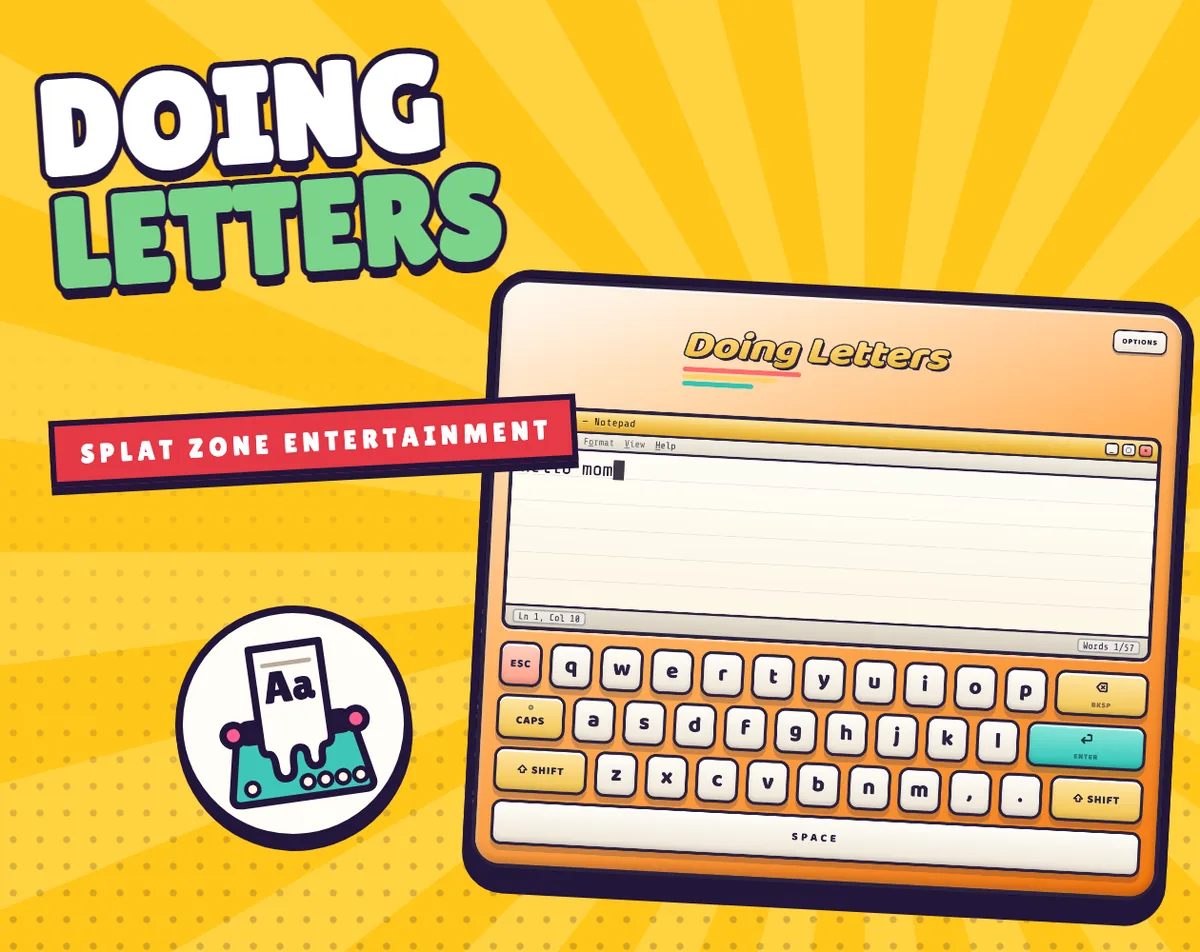
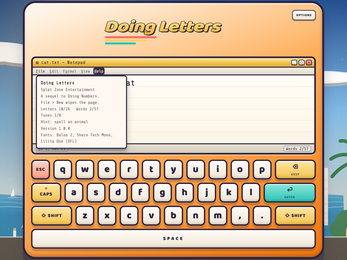
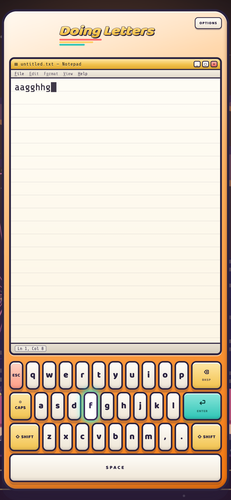
Doing Letters is a typing toy built around a chunky, eighties-style keyboard with a little Notepad window sitting on top. Every key plays a note, and whatever gets typed begins to melt off the page. It is the follow-up to Doing Numbers, and it keeps that game's endless rolling landscape drifting past behind the machine, this time through ten different places. A bossa nova plays underneath the whole thing.
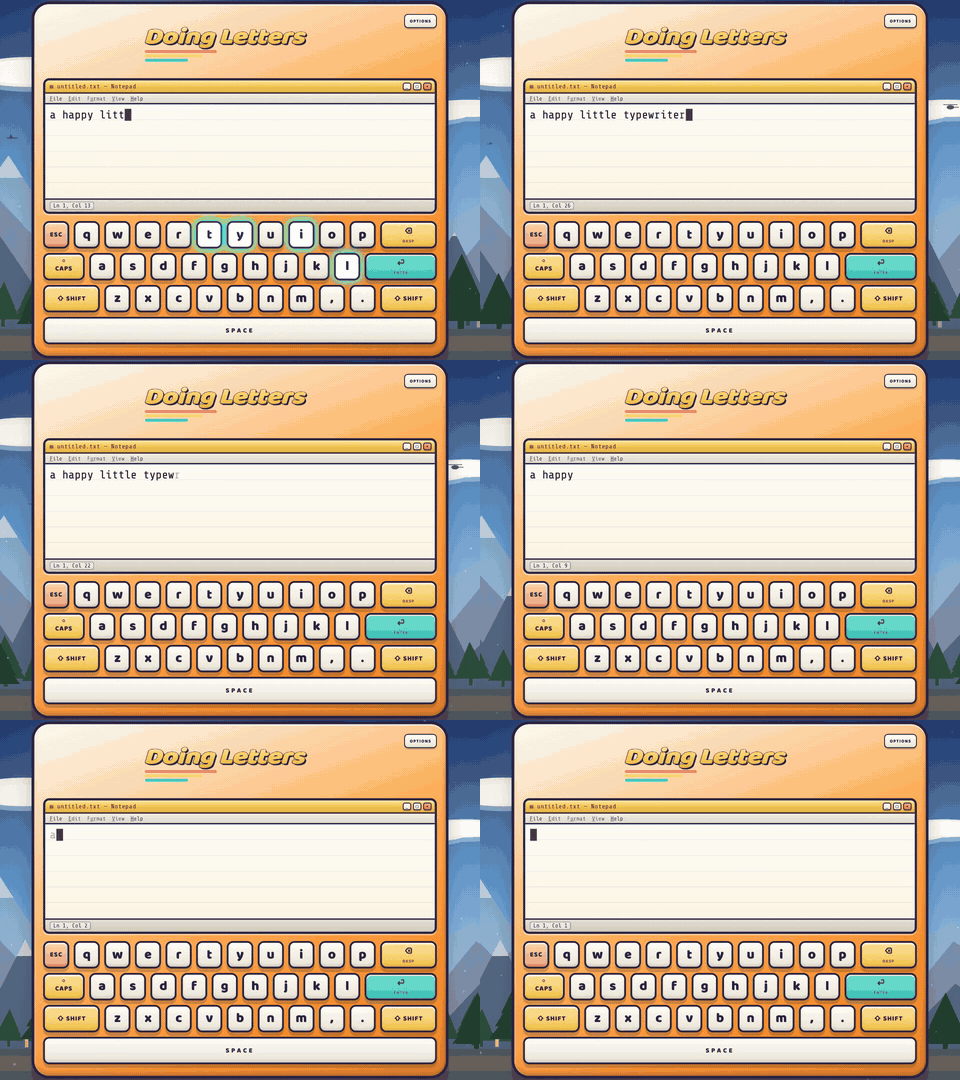
The melt is the entire idea. Letters never stack up into a document; they slide away, and the page can never actually be filled. There is no score, no timer, and nothing locked away behind progress, so the only reason to type is the sound and the mess of it.
It is priced at one dollar and runs in a browser as well as on Windows, macOS and Linux. Everything found and every setting is kept in the browser, and nothing typed is ever stored. That combination makes it a toy rather than a test: sit down, hit keys, watch the words go.
How to play
There is no objective beyond pressing keys. Typing slowly keeps words on the page for a couple of seconds, long enough to read back what was written. Typing fast pushes the melt to keep pace, so the words vanish almost as they arrive. Stop entirely and the page clears itself down to nothing.
Two inputs do more than type. Dragging a finger across the keys plays a run of notes, and holding Option or Alt while pressing letters opens a secret arpeggiator. If a nursery tune is hiding in the keys and the next note will not come, Options holds a Show me a song switch that lights up the next key to press.
Options also switches the key sounds between Random, Key Clicks, C Major and A Minor, so the same board can sound like a clicking machine or a small instrument depending on the mood of the session.
Controls
Mouse and touch players press the keys directly, or drag a finger across them to sweep through a run of notes. The board is the whole interface, so a press is the entire input.
On a keyboard, typing works the way typing always does, Esc wipes the page, and the arrow keys move around the keys drawn on screen. Holding Option or Alt while pressing letters brings out the hidden arpeggiator.
With a controller, the D-pad moves around the keys, A types, B is backspace, X is space, Y is enter, and Start wipes the page.
Because the same on-screen board can be reached by pointer, arrow keys or a D-pad, no input method is a second-class citizen. The Options menu sits alongside it and holds both the key-sound switching and the song hint, which means help is never more than a menu away.
| Input | Action |
|---|---|
| Mouse | Press the on-screen keys |
| Touch | Press the keys or drag a finger across them to play a run of notes |
| Keyboard | Type as normal, Esc wipes the page, arrow keys move around the on-screen keys |
| Keyboard (Option or Alt plus letters) | Triggers the hidden arpeggiator |
| Controller D-pad | Moves around the keys |
| Controller A | Types |
| Controller B | Backspace |
| Controller X | Space |
| Controller Y | Enter |
| Controller Start | Wipes the page |
Tips for your first run
The first minute is best spent pressing rather than spelling. Slow typing keeps a word visible for a couple of seconds, so a deliberate pace lets the letters be read before they go. Nothing here can be failed, which makes experimenting cost nothing but time.
- Press all twenty-six keys at least once; each key lights up the first time it is used, and that total only ever grows.
- Aim for short words early. Simple ones such as cat, dog, mom, sun and kite sit among the fifty-seven hidden words, and spelling one holds the page still, renames the file to cat.txt and sings the word back with a little tune.
- Try a nursery melody on one row before hunting further afield, since a tune is recognised from any row and any starting key.
- Switch on Show me a song in Options when a melody stalls, and the next key will light up to guide the next press.
- Hold Option or Alt and tap letters to hear the arpeggiator, which turns a few presses into a quick run of notes.
- Press Esc when the screen feels busy; it wipes the page and gives a clean surface to type onto.
Content and replayability
There are three kinds of things to find, and they only ever add up. The first is the alphabet: all twenty-six letters, each lighting up the first time its key is pressed.
The second is a set of fifty-seven hidden words. Spell one and the page holds on to it instead of letting it melt, the file is renamed to cat.txt, the keys light in order, and a short tune sings the word back. Common three- and four-letter words are the obvious place to start, which is why cat, dog, mom, sun and kite are named as examples.
The third is music. Eight nursery tunes are hiding in the keys, among them Twinkle Twinkle Little Star, Jingle Bells and Old MacDonald. Any row can carry a melody and any key can start one, and the typewriter recognises the tune either way.
None of this can be lost or used up. Nothing is locked, no progress decays, and the endless landscape keeps rolling through ten different places while the search continues, so a session can be two minutes or an hour without changing what is available.
Presentation and performance
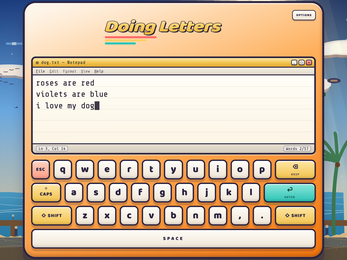
The look is deliberately homely: an old-fashioned chunky keyboard, a small Notepad window above it, and a bossa nova looping quietly underneath. Behind the machine, the same endless landscape from Doing Numbers drifts by, cycling through ten different places rather than a single fixed backdrop.
All the art and sound is generated by the game itself while it is being played, which is why the melting feels continuous rather than animated on a loop. Typefaces are Baloo 2, Share Tech Mono and Lilita One, used under the SIL Open Font License 1.1.
It works offline, with no ads, no accounts and no tracking. Found items and settings save in the browser, and nothing typed is ever saved. Reduced motion and screen reader support are built in, and on a phone the game plays upright. The builds cover HTML5 in a browser plus Windows, macOS and Linux.
Who should play it
This is a family-friendly fidget toy first. Anyone who likes the sound of keys, who taps a desk while thinking, or who wants something calm to poke at for a few minutes will get the point immediately, and the absence of a score means nobody can be bad at it.
Completionists get a longer tail: twenty-six letters to light, fifty-seven words to catch and eight nursery tunes to identify, all of it permanent and none of it missable. People who enjoyed Doing Numbers will recognise the rolling landscape and the same unhurried tone.
It also suits players who need the screen to behave. Reduced motion support, screen reader support, touch dragging, keyboard arrows and a full controller mapping all reach the same board, and the offline, no-account setup keeps a session private. Parents looking for a quiet first typing toy have an easy recommendation at one dollar.
Screenshots
How we tested it
The build was loaded from games.debutplay.com in a headless Chromium session on ; the canvas started and no request was blocked. The guide was last checked on .
From the developer
Ever just bang away on a keyboard to see what happens? This is the follow-up to Doing Numbers, and this time it's a typewriter where every key plays a note and whatever you type is always melting off the page - the faster you type, the faster it melts. It looks like a chunky old 80s keyboard with a little Notepad window on top, and there's a bossa nova playing underneath. Type slowly and your words hang around for a couple of seconds so you can read them. Type fast and the melt speeds up to keep up with you. You can never actually fill the page, and when you stop, it melts itself away to nothing. There's no score and no timer, and nothing is locked. It has the same endless landscape as Doing Numbers rolling by behind it, through ten different places. There are three kinds of things to find, and they only ever add up: All 26 letters, and each key lights up the first time you press it57 hidden words like cat, dog, mom, sun and kite.…
Frequently asked questions
How much does Doing Letters cost?
It is priced at one dollar. It runs in a browser as an HTML5 game and also has builds for Windows, macOS and Linux.
Can you lose, fail or run out of time?
No. There is no score and no timer, the page can never actually be filled, and nothing is locked, so a session has no failure state.
Does the game record what you type?
Nothing typed is ever saved. Only what has been found and the chosen settings are stored, and those live in the browser.
Does it work offline?
Yes. It works offline, with no ads, no accounts and no tracking attached to play.
How much is there to find?
Three kinds of things, all permanent: twenty-six letters that light on first press, fifty-seven hidden words, and eight nursery tunes hidden in the keys.
Can it be played on a phone or with a controller?
Touch input works by pressing or dragging across the keys, and the game plays upright on a phone. A controller maps the D-pad to movement, A to typing, B to backspace, X to space, Y to enter and Start to wiping the page.
Something wrong or missing? Tell us. How we test games.